EN – 16
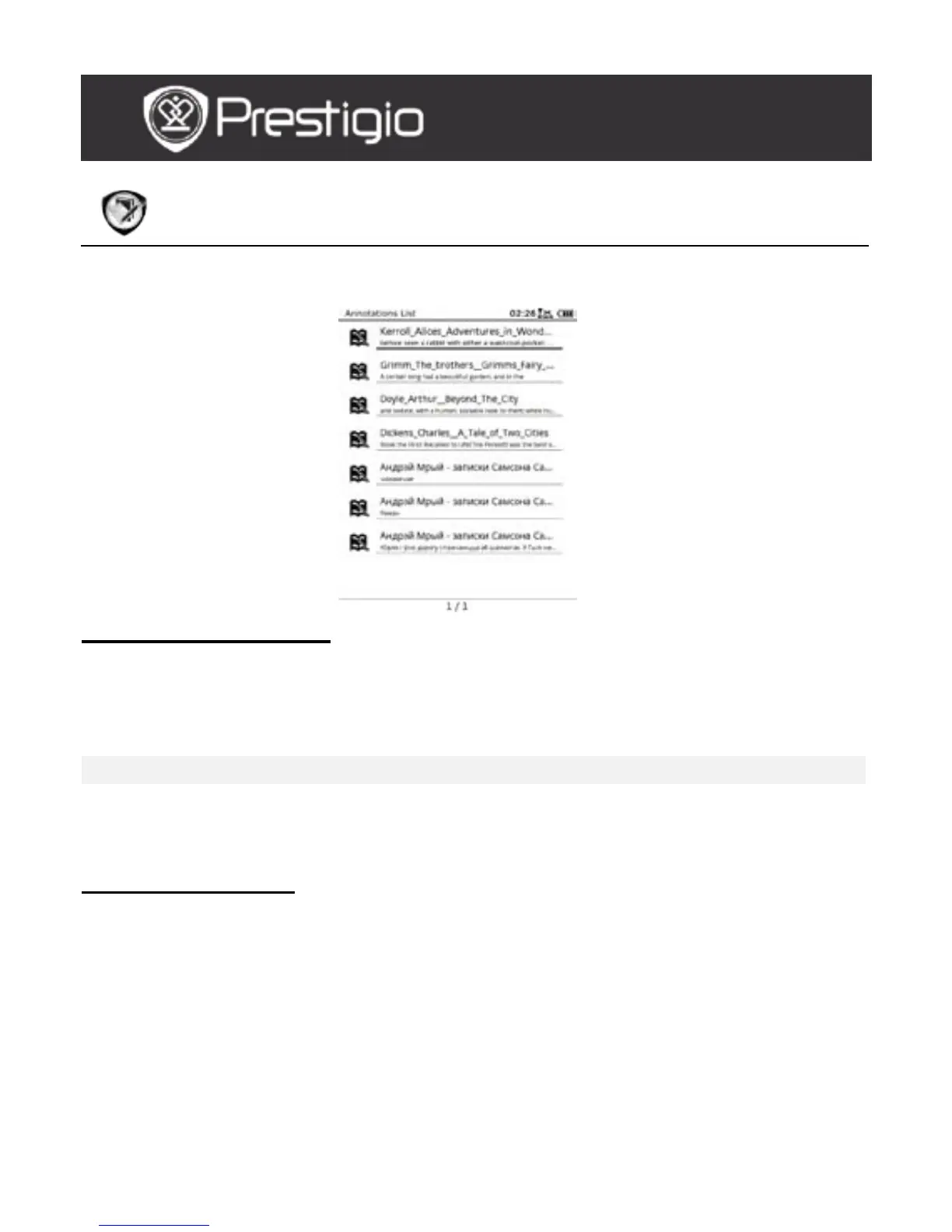
Annotation
Annotations allow to highlight passages in a book and add notes to them. All
annotations are displayed on the screen if available.
Annotations Menu
At the Annotation interface, press the Menu Button to enter the
Annotations Menu. Press the Navigation Button to select the option
and to confirm. Press the BACK Button to exit.
Back Return to Home page (Desktop).
Sort by time/title Sort the files by modification time/title.
Delete
Delete the item from the list.
Press the Navigation Button to highlight
YES and to confirm.
Add Annotation
When reading a book, press the Menu Button to pop up the Book
Submenu. Select the Annotation and press the Navigation Button to
enter the Annotation function. Press the Navigation Button to select
a character, and then press the Navigation Button again to confirm the
option. Highlight OK and press the Navigation Button to save the
current annotation.
NOTE:
It’s unavailable with files in EPUB, PDF, DJVU, DJV, DOC, XLS, and PPT
formats.
USER MANUAL
Prestigio Libretto
PER5162BEN



 To Next Page