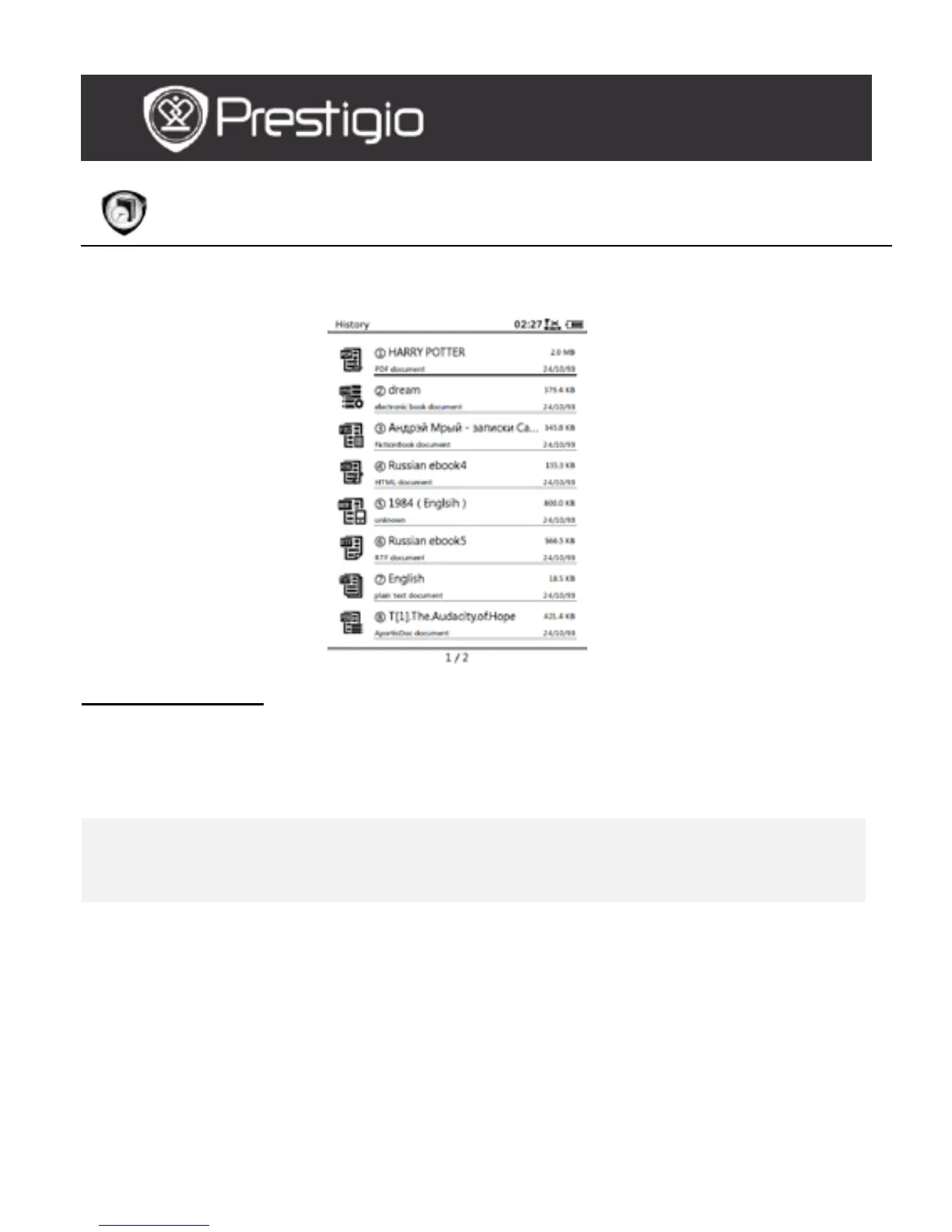
History
16 most recent files will be displayed on the screen.
History Menu
In the files list, press the MENU Button to enter History menu. Press
the Navigation Button to select the option and to confirm. Press the
BACK Button to exit.
Back to Desktop Return to Home page (Desktop).
Remove
Delete the file from the list.
Press the Navigation Button to highlight
YES and to confirm.
Properties View the file properties.
USER MANUAL
Prestigio Libretto
PER5162BEN



 To Next Page