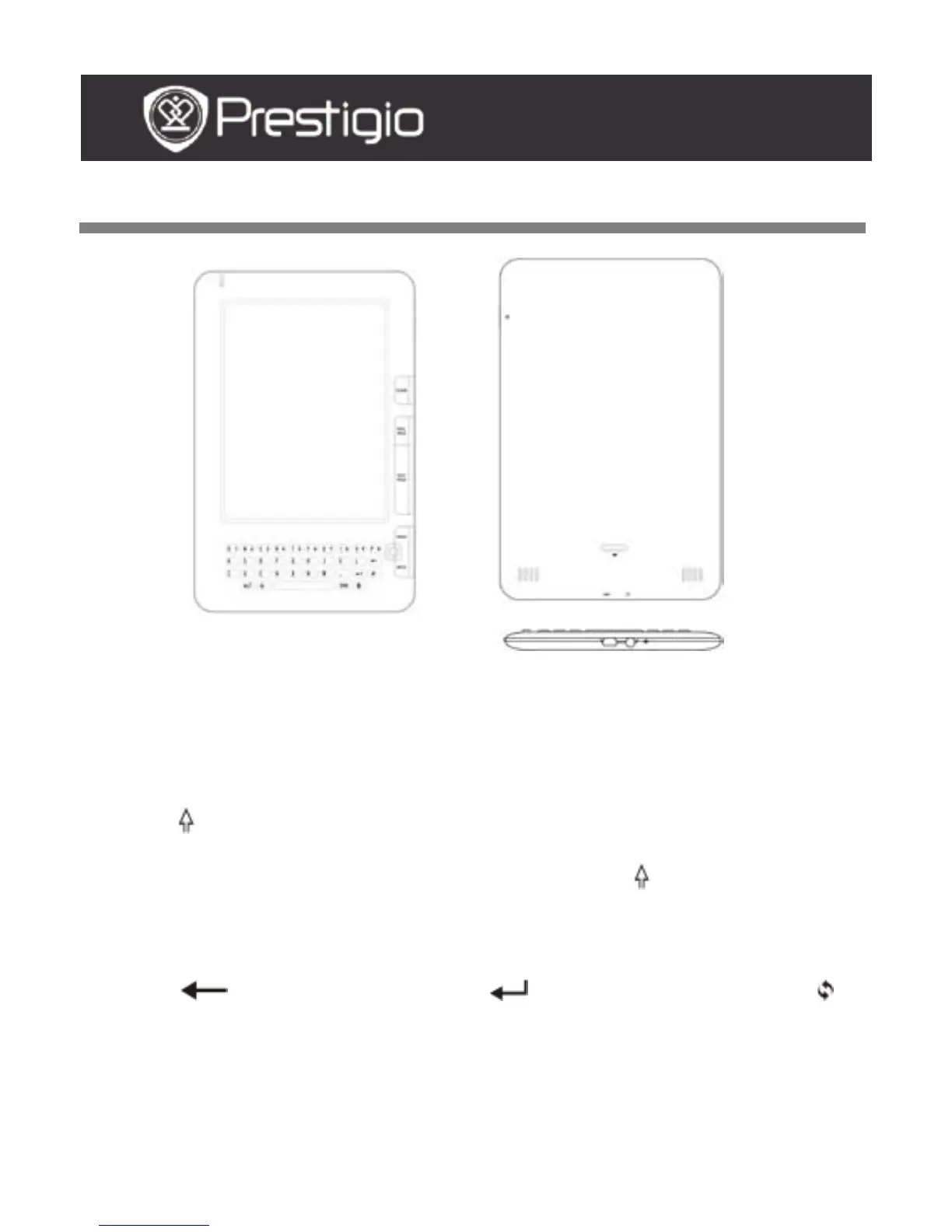
Lowercase letter input method is set as default.
Press the ALT Button to toggle between letter and number input
methods, and then press the number buttons to input numbers. The
icon 12 is displayed in the top right corner. Press the ALT Button
again to turn to letter input method.
Press to toggle between uppercase/lowercase letter input methods,
and then press the letter buttons to input uppercase letters. The icon
EN/en is displayed in the top right corner. Press again to turn to
lowercase letter input method.
Press the Symbol Button to pop up the on-screen keypad of special
symbols. Press the Symbol Button again to exit.
Press to delete a letter. Press to begin a new line. Press
to refresh the screen display.
Shortcut Button:
Press the number button to confirm the corresponding option directly.
USER MANUAL
Prestigio Libretto
PER5162BEN



 To Next Page