I
*
page
1
1
Homt'Bake.nj
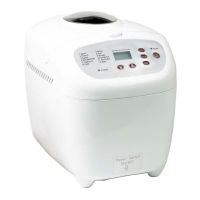
CONTROLS
15
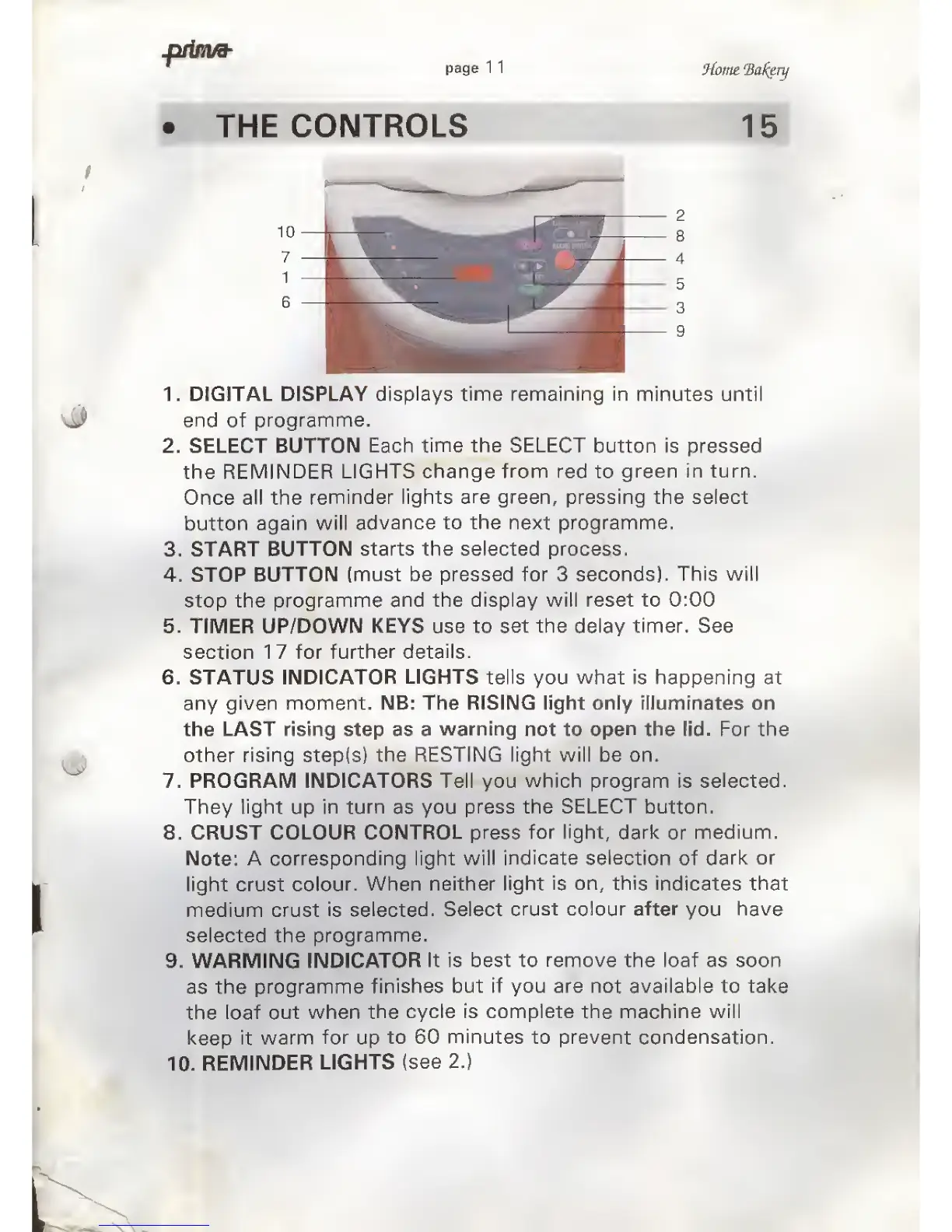
1. DIGITAL DISPLAY
displays time remaining
in
minutes until
end
of
programme.
2. SELECT BUTTON
Each
time the SELECT
button is
pressed
the
REMINDER LIGHTS
change from red
to
green in turn.
Once all the
reminder
lights are
green, pressing the select
button
again will
advance to the
next
programme.
3. START
BUTTON starts the selected process.
4. STOP
BUTTON
(must be pressed for 3 seconds).
This
will
stop the
programme and
the display will reset to 0:00
5. TIMER
UP/DOWN
KEYS
use to
set the
delay
timer. See
section 17 for
further details.
6. STATUS
INDICATOR
LIGHTS
tells
you what is happening at
any
given moment. NB: The RISING light only illuminates on
the LAST rising step as a
warning
not to
open
the lid. For the
other
rising
step(s)
the
RESTING light will be on.
7. PROGRAM INDICATORS Tell you which
program
is
selected.
They
light
up
in turn
as you
press
the SELECT button.
8. CRUST COLOUR CONTROL press
for light,
dark
or
medium.
Note:
A
corresponding
light will
indicate
selection
of
dark
or
light crust
colour. When
neither
light is on, this
indicates
that
medium crust
is selected.
Select
crust colour
after
you
have
selected the
programme.
9. WARMING
INDICATOR
It is best to
remove
the loaf as soon
as
the
programme
finishes but if you are
not
available to take
the
loaf
out when the
cycle is complete
the
machine will
keep it
warm
for
up
to 60 minutes to prevent condensation.
10.
REMINDER
LIGHTS
(see 2.)



 To Next Page