Next, insert the kneading blades. As you place them over the kneading
shaft, rotate them until they lock into place.
•
••
•
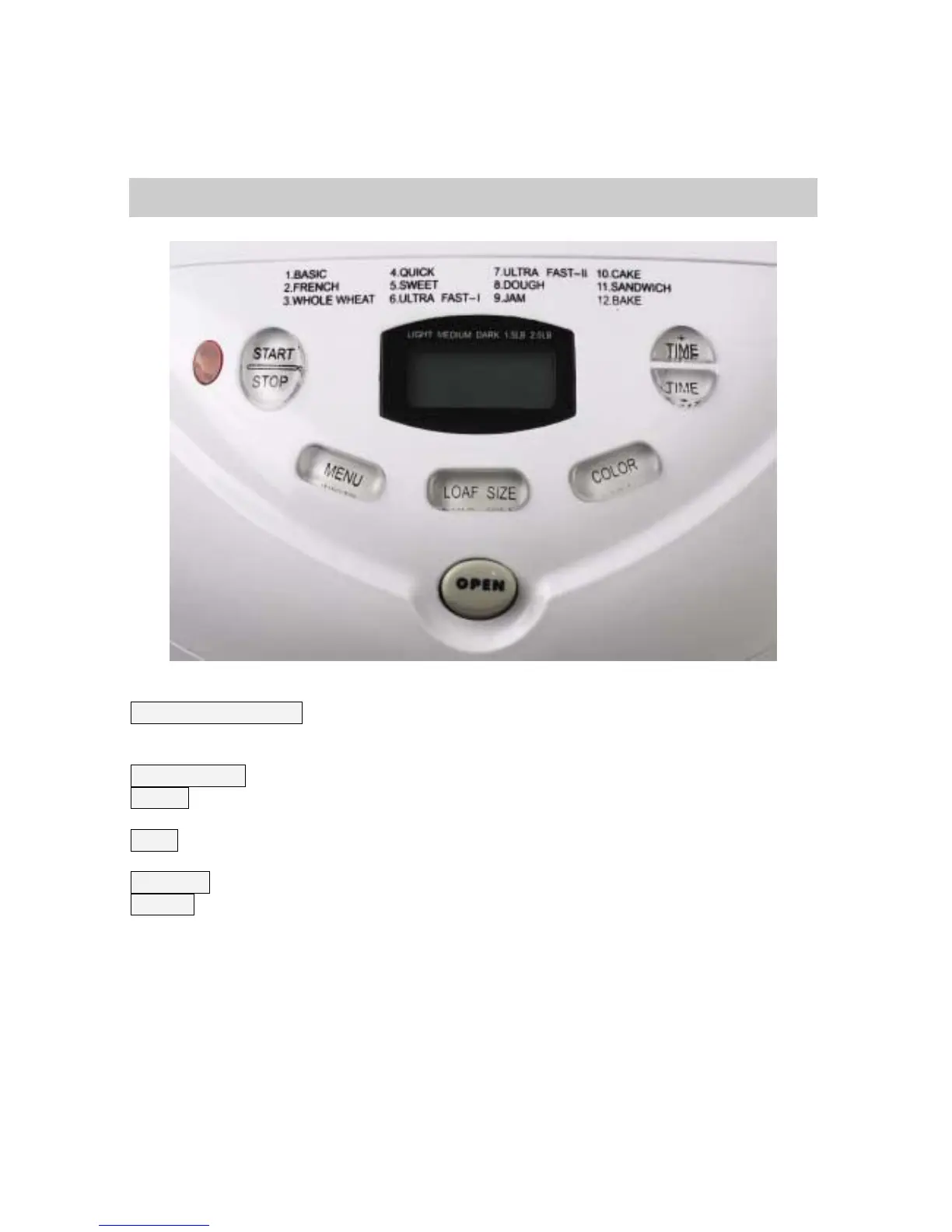
THE CONTROLS 17
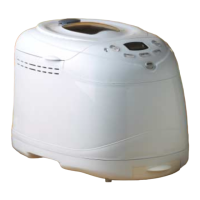
START/STOP button. Starts the programme. To stop the programme part way through
you need to press and hold this button for 3 seconds. After which, the machine will
reset to programme 1 (BASIC).
Time selector. For use when setting the delay timer (see section on timer operation)
Colour. Select the crust colour by using the LCD screen, between light, medium &
dark. Note: Colour control is not available in all modes.
Menu. Main Menu control. Press to cycle through each programme. The programme
number is shown on the display.
Loaf Size. Select which loaf size you require, 1.5LB or 2LB.
Display. Shows time remaining. The dots flash when the programme is running.
NOTE: if display reads H:HH it means the machine is too hot to make another
loaf. You’ll need to wait for it to cool down.


 To Next Page