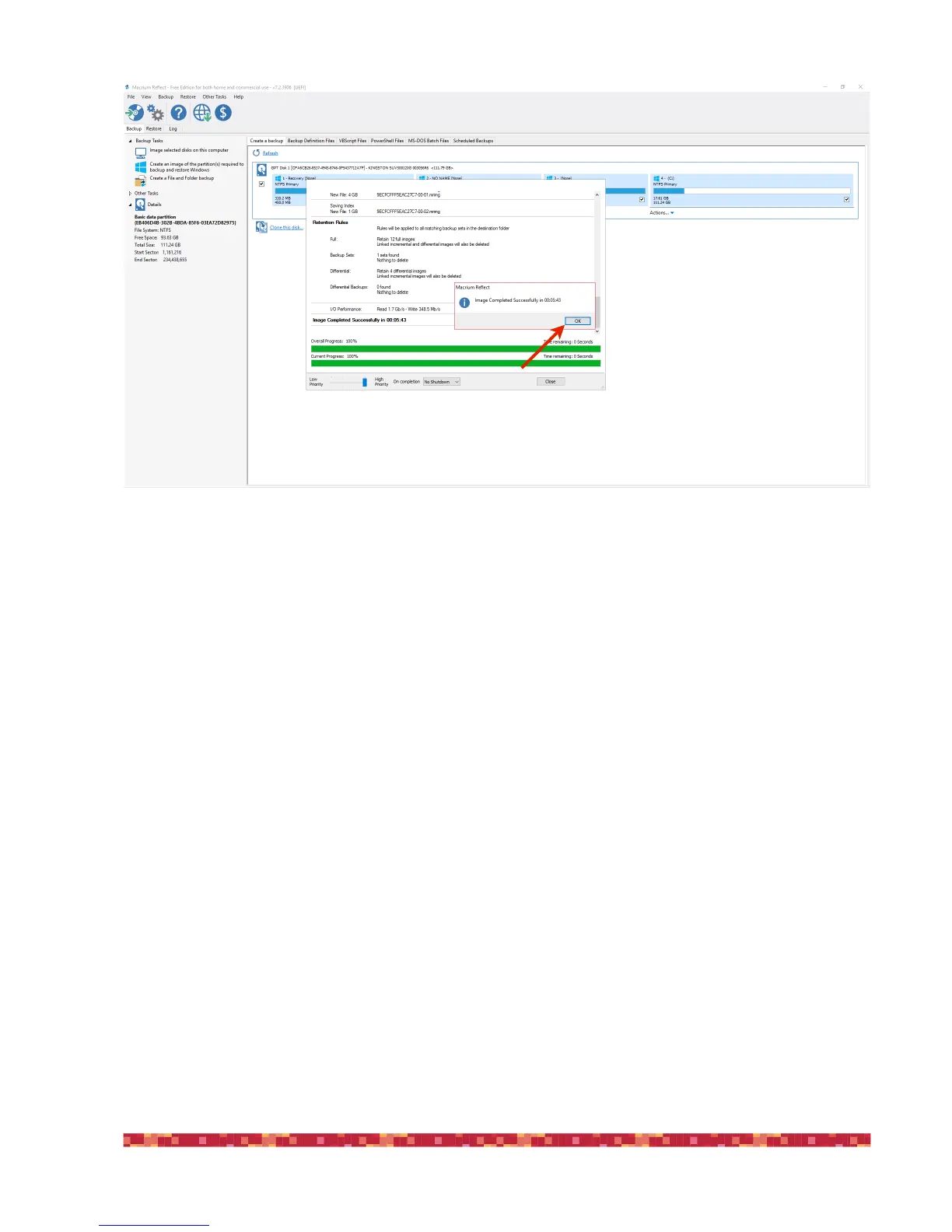
At the end of the procedure, you will get a confirmation message. You can press OK and exit from Macrium Reflect and
disconnect your drive from the EAGLE. Now you have a full backup copy of your SSD drive that you can use if you will have
troubles with Windows in the future. In order to use this backup, just reconnect the external drive in the EAGLE, start Ma-
crium Reflect and select the “Restore” option on the left of the window.


 To Next Page