First use: switch on and activation of wireless network
The control unit EAGLE is designed to be controlled from an external device (not included in the package). You can use any
mobile device (tablet or smartphone) with any operating system (iOS, Android or Windows Mobile) or from any computer
(Windows or Mac). For remote control, you need to download the App "Microsoft Remote Desktop" to the device you will
use to control EAGLE (smartphone, tablet computer or external). Depending on the store of your system the App can also
be found under the name "RD Client Microsoft ". The app is free and compatible with all operating systems iOS, Android,
Windows Mobile, Windows and Mac OSx.
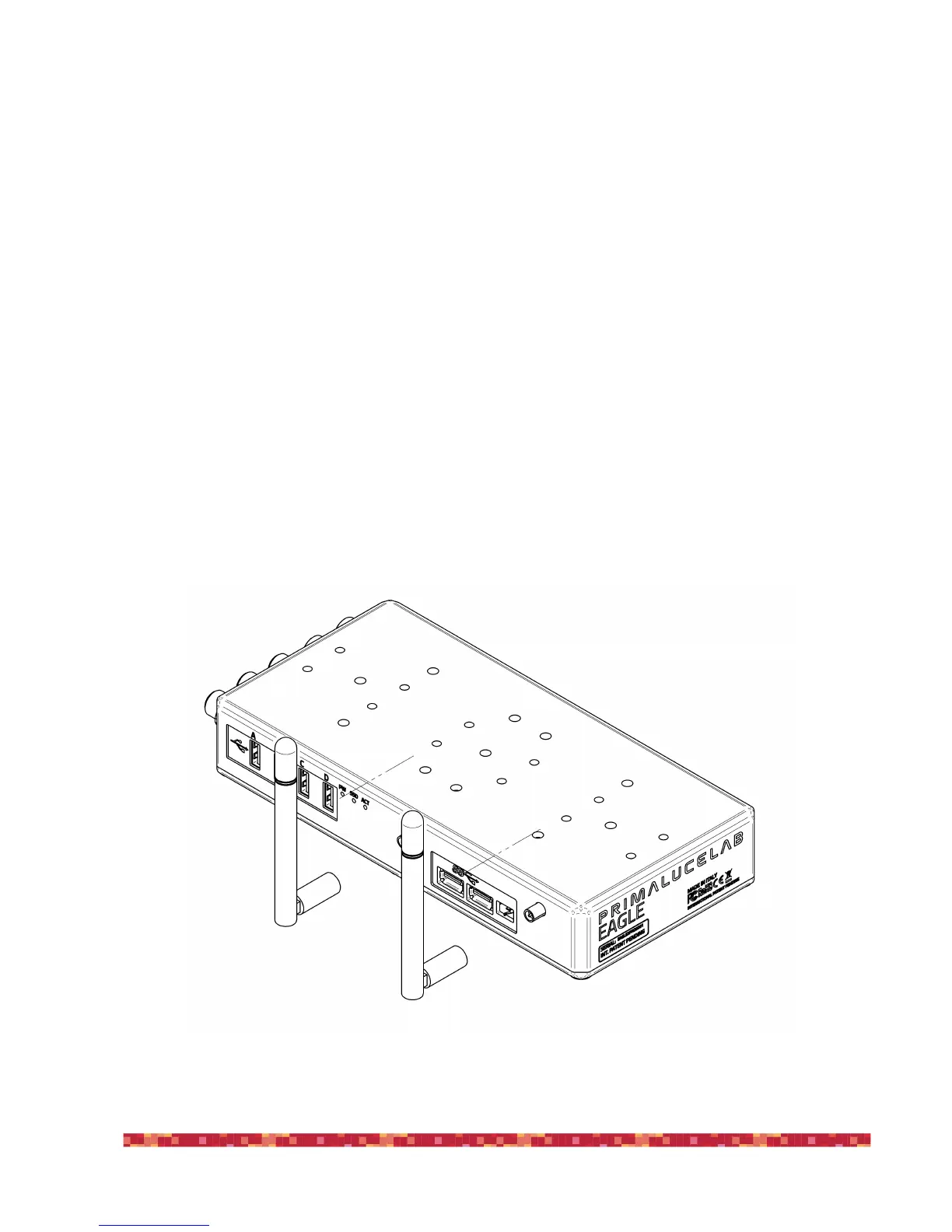
Take the 2 WiFi antenna (9) included in the package of EAGLE and screw in the proper ports as in the picture (image 1).


 To Next Page