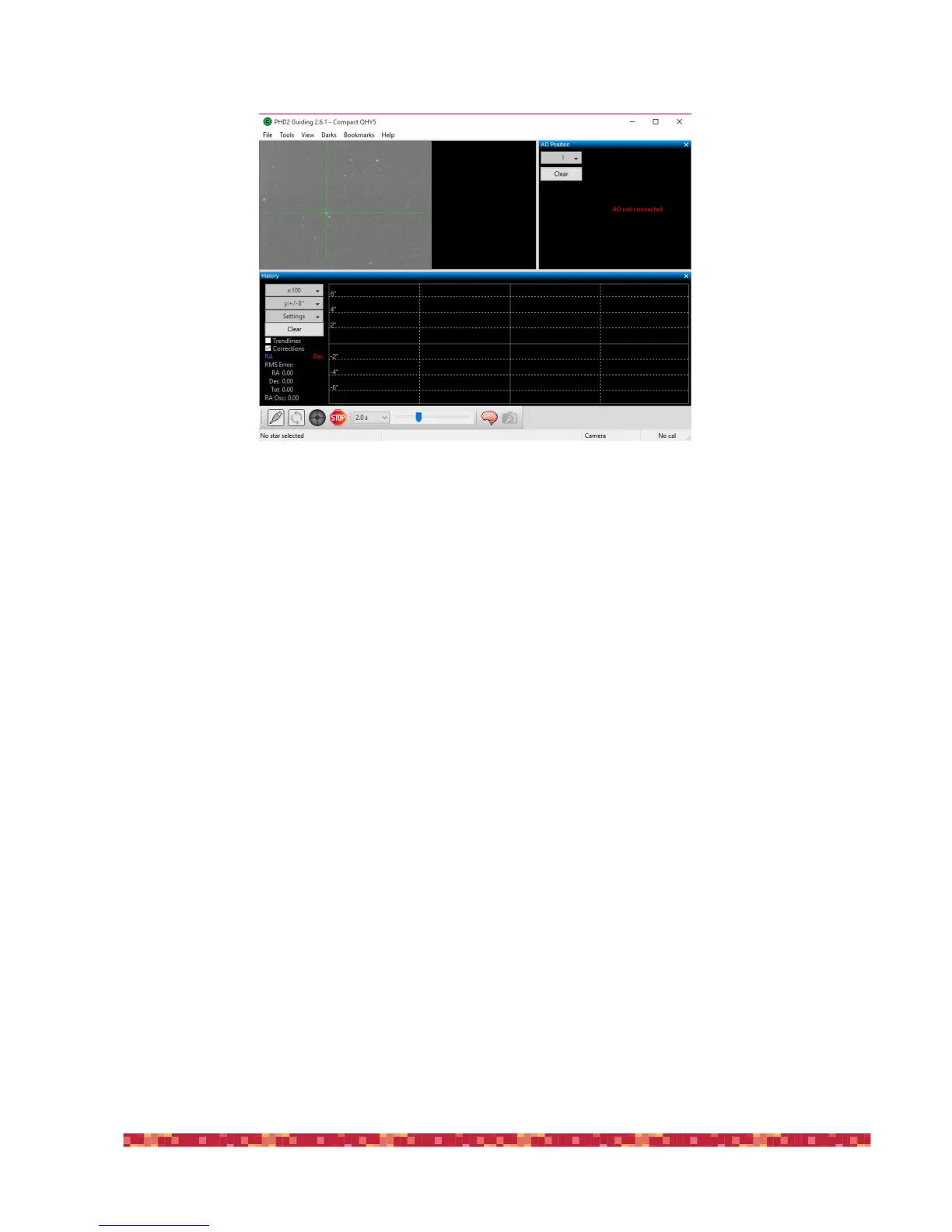
8) After the calibration, PHD2 Guiding will indicate the starting position of the guide star with two green lines (one horizontal and one
vertical) and it will begin automatically guiding.
9) To check for guide quality, you can see the graph in the lower part of the PHD2 Guiding window.
This guide allows you to easily start guiding but PHD2 Guiding also has many advanced options to adjust and further improve the guide.
So if you need it, since you still can't get perfectly pinpoint stars guiding your mount, I invite you to read the PHD Guiding user manual.!


 To Next Page