EasyManua.ls Logo

PrimaLuceLab EAGLE3 - First use: Setting the wireless control device

PrimaLuceLab EAGLE3
62 pages
Print Icon
To Next Page IconTo Next Page
To Previous Page IconTo Previous Page
Loading...
PrimaLuceLab iSrl EAGLE3 User Manual
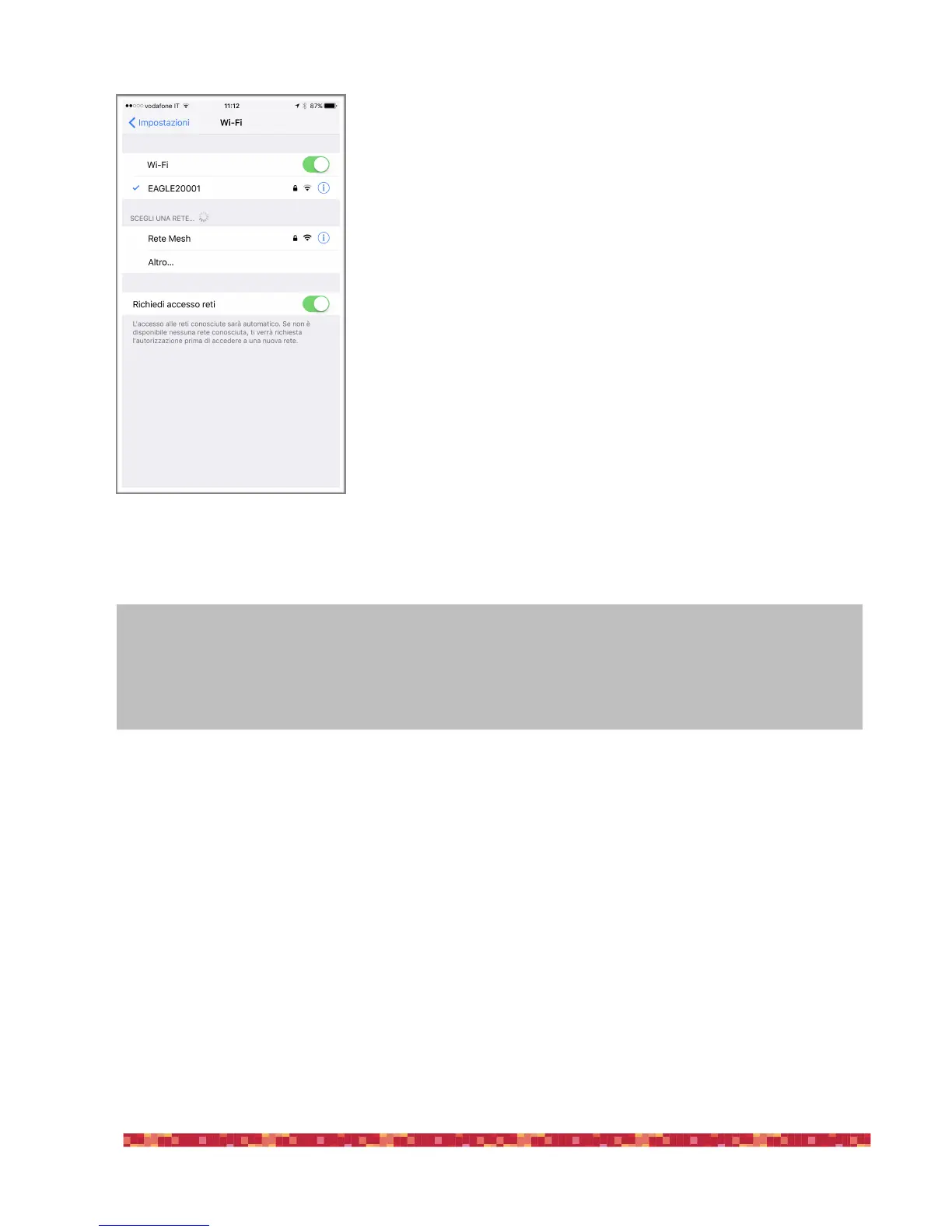
Then EAGLE WiFi network connection is confirmed (image 6). The network setting
is finished and the next time you want to access the EAGLE you will no longer need
to enter your password: your device will connect automatically when you select
the network created by EAGLE.
"
"
page !8
Image 6: connection to WiFi network
confirmed.
NOTE
Using the EAGLE, sometimes you can have a WiFi connection drop out and then connection restarts. This is
normal, then the EAGLE will automatically reconnects to the WiFi and you will normally be able to continue re-
mote control.