>
7
Connecting the I30 Integrated Amplifier
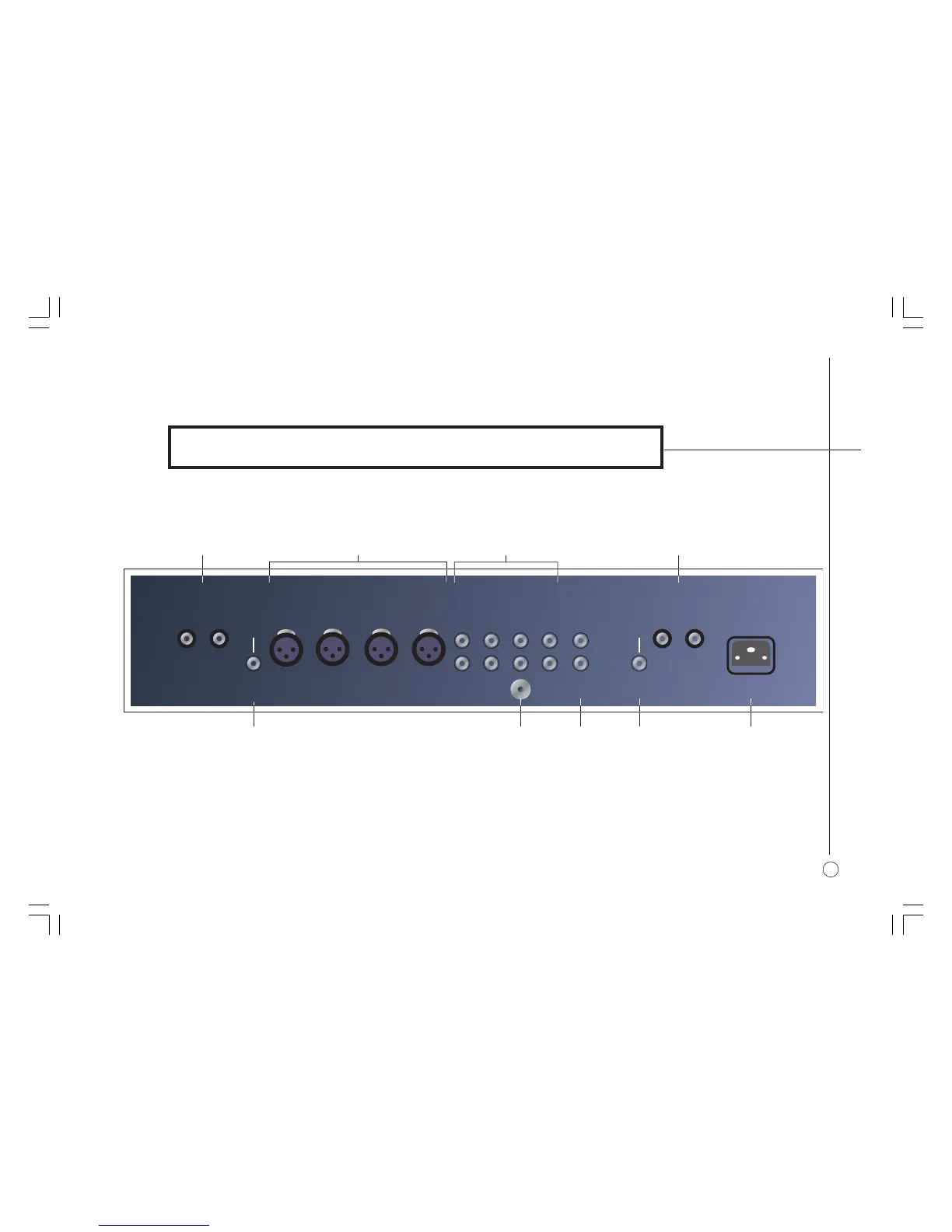
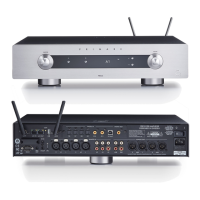
This chapter explains how to connect the I30 to the other components in your
system, using the connections on the back panel.
]D Left loudspeaker outputs.
]E Right preamplifier output.
]F Ground terminal.
]A Right loudspeaker outputs.
]B Balanced XLR Inputs.
]C Line RCA inputs.
BACK PANEL CONNECTIONS
]G Tape1 outputs.
]H Left preamplifier output.
]I Mains power input and fuse.
RIGHT SPEAKER PRE-OUT
RIGHT
– +
LEFT SPEAKER
+ –
L
L
R
R
BALANCED INPUT 1
LR
BALANCED INPUT 2
TAPE1
OUT
CD TUNER AUX TAPE1
GROUND
PRE-OUT
LEFT
]G]F ]H ]I]E
]D]C]A ]B
§3 Connecting.pm7 31/10/05, 10:00 am7



 To Next Page