52
Section 4: Printing
Any program can be used to print to Eddie. In the following sections, we provide information
on how to print using BarTender. Please note the print behavior below for any print from any
program.
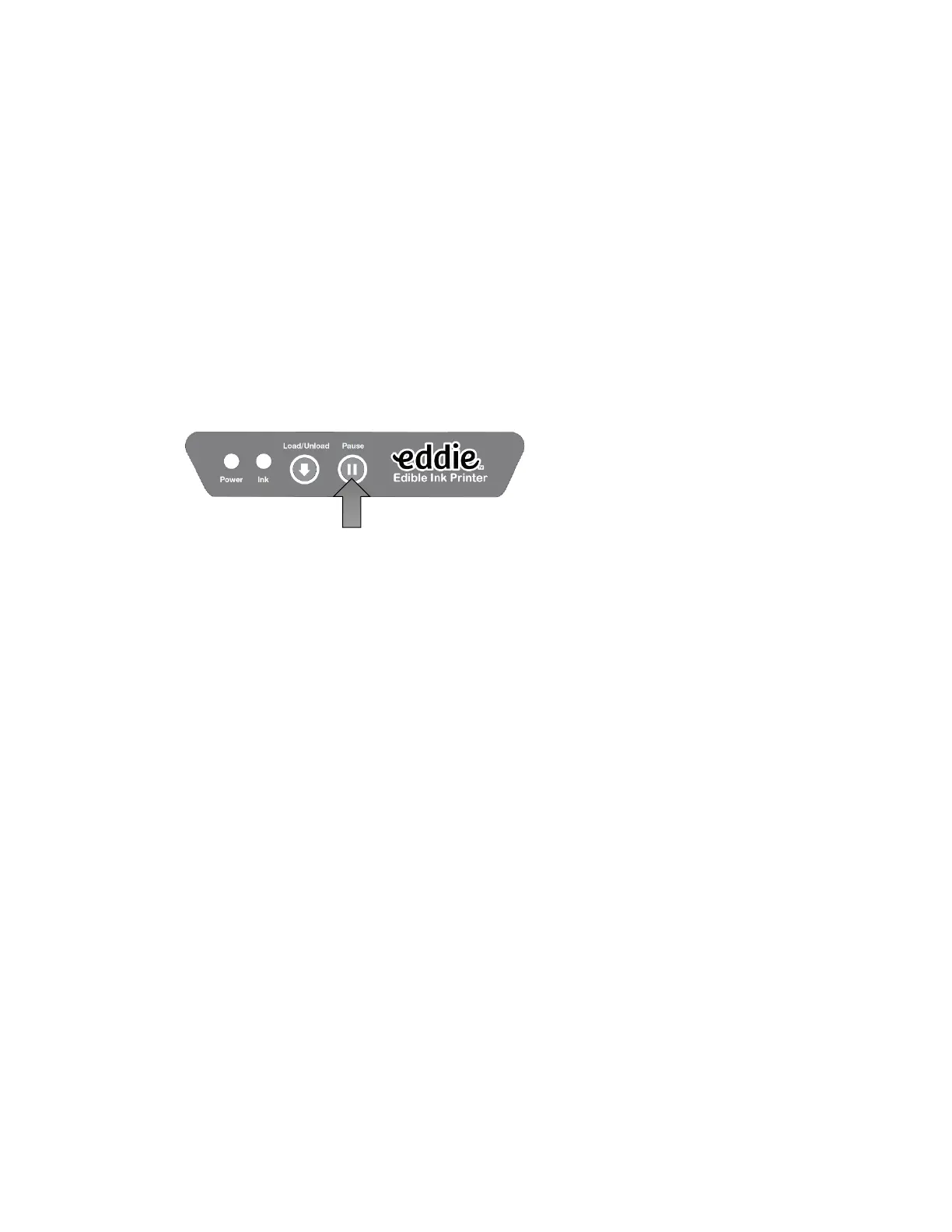
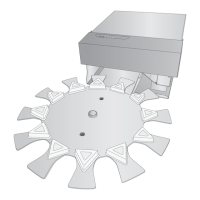
• By default, the Printer will pause printing after 12 items or one complete revolution.
This is meant to allow time to remove the printed items and replace them with blank
items. This prevents already printed items from being printed on again. To continue
printing, press the pause button to continue printing for another 12 items. See section
3E to disable or adjust this setting. We recommend that this feature is only disabled if
an operator is watching the machine and reloading blank items as they are removing
printed items.
• The Printer will retract the print item and scan the height to determine the optimal print
nozzle distance from the print item. The closer the nozzles are to the print item, the
sharper the image will print.
• By default, the Printer will scan the front and back edges of the print item to determine
the size of the print item. Once this is determined, the image sent to the Printer is
automatically centered over the item to be printed. It will not reduce the size. For
example: if the image is 3.5” round, but the print item is 3.0” round, it will center the
image over this causing a .25” over print. Over time this can cause ink build-up, but it is
not a large concern considering this build-up should be cleaned up during regular daily
cleaning.


 To Next Page