72
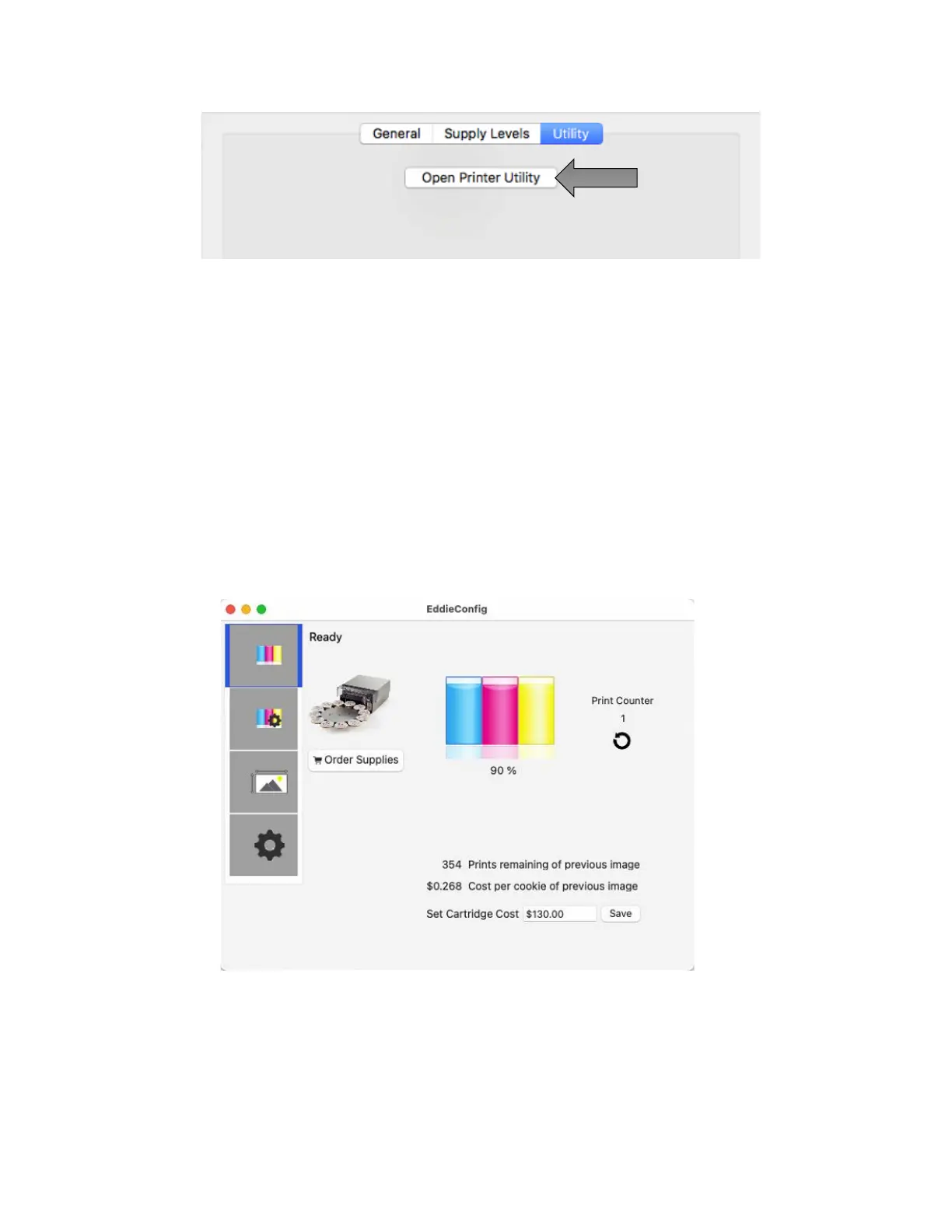
3. The Eddie Config Utility has four tabs that are arranged on the top of the
window. Each tab opens a screen that has various similar functions.
- Status Tab (First Tab). Displays ink levels, print counter, cost per cookie and any
error messages.
- Cartridge Tab (Second Tab). Use for aligning the cartridge, cleaning the
cartridge, and changing the cartridge.
- Alignment Tab (Third Tab). Adjusts vertical and horizontal print alignment.
Changes the Stock Sensor Mode and toggles the Output/Cut Mode, and set
other advanced settings.
- Settings Tab (Fourth Tab). Displays printer information including firmware
version, driver version, and software version. Check for updates.



 To Next Page