TX300 S3 Operating Manual 63
Starting Up and Operation Controls and Displays
Indicators on the control panel
Indicators on the drives
CD-ROM/DVD-ROM indicator
Lights up green when the storage medium is being accessed.
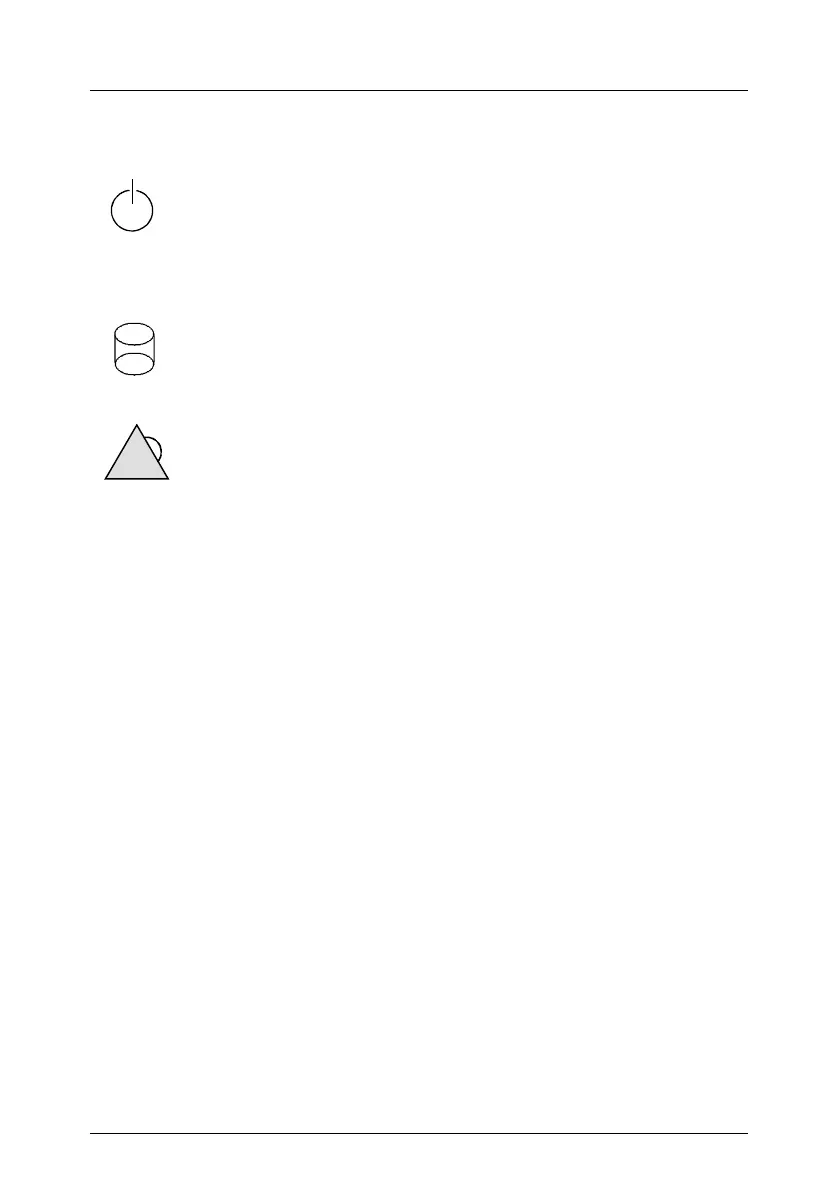
Power-on indicator (dual color)
Lights green when the server is switched ON.
Lights orange when the server is switched OFF, but mains voltage
is present (standby mode).
Drive access display (green)
An internal drive (HDD or backup drive) is being accessed.
Global error indicator (orange)
Does not light when the system is ok. No service incident or
critical event has occurred.
Flashes orange when a critical event has occurred. Users can
check BIOS Setup, system- and eventlog or via ServerView for event
details.
Lights up orange when a prefailure event has been detected.
Users can check system- and eventlog or via ServerView for event
details.
If the event is still acute after a power failure, the indicator is
activated after the restart.
ID ID indicator (blue)
Lights up blue when the system has been selected by pressing
the ID button. To deactivate, press the button again.
The ID indicator can also be activated via ServerView and its status
reported to ServerView.
?



 To Next Page