Choose the Spool Gun / MIG Gun switch to Spool Gun, when machine is
under MIG mode, long press advanced feature selector for 3 seconds to
enter into menu mode, press advanced feature selector to choose
Process function, rotate volts knob to choose ALUM. The
Multifunctional Data Display Screen show SPOOL GUN, rotate volts
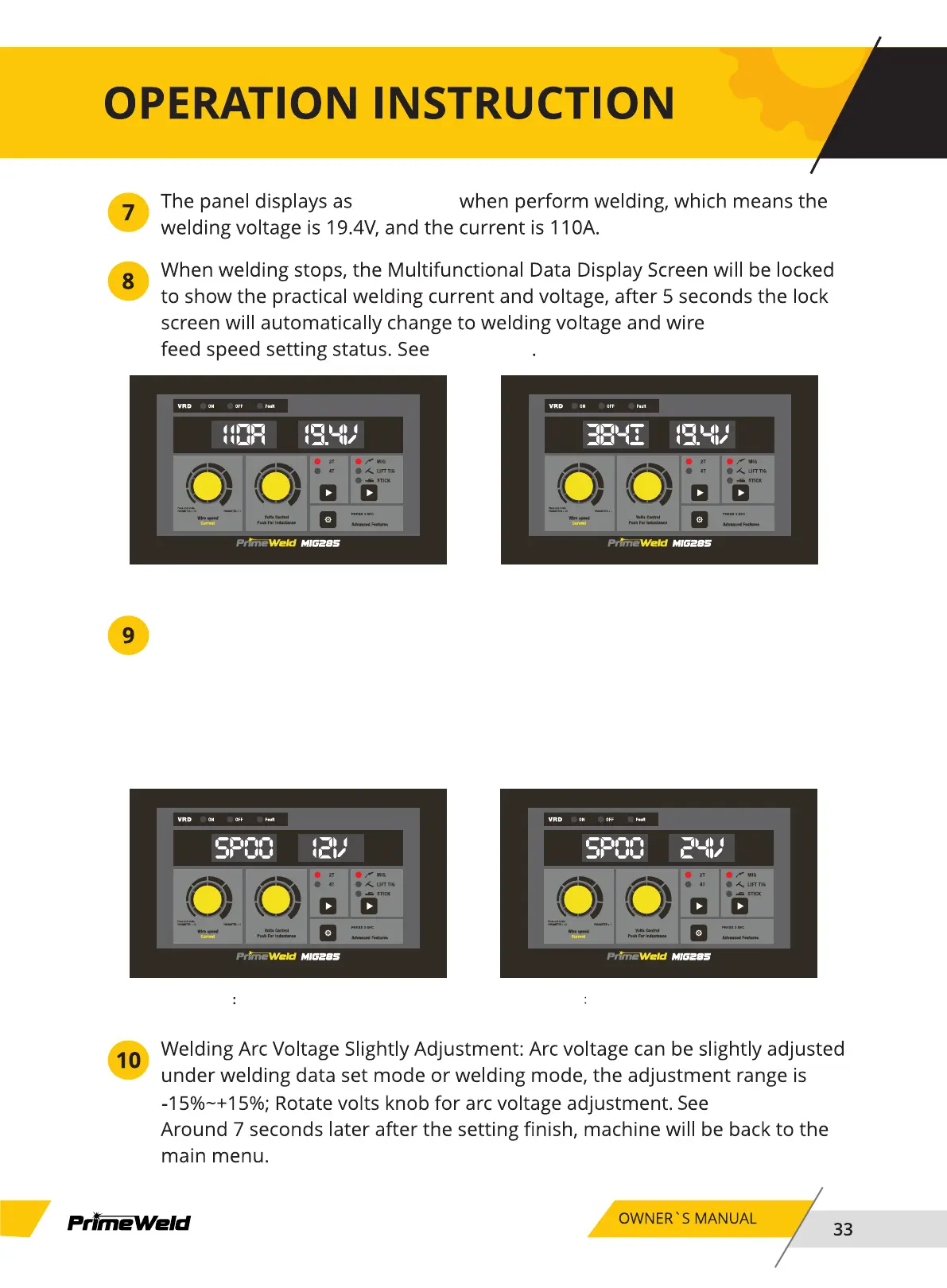
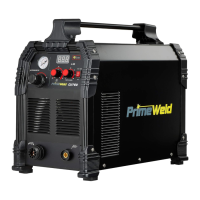
knob can choose 12V or 24V. See Chart 17 and Chart 18.
Chart 16_1
Chart 16_1
Chart 16_2
Chart 16_2
Chart 17 Chart 18
chart 19.
Under SPOOL GUN 12V mode Under SPOOL GUN 24V mode


 To Next Page