Advanced Features Details
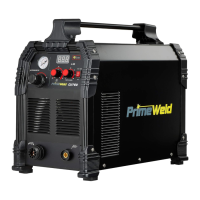
Then long press the Advanced Features button for 3S to
enter or exit from the Advanced Features programming
function of the welder, then press and release the
Advanced Features button to move forward through the
list.
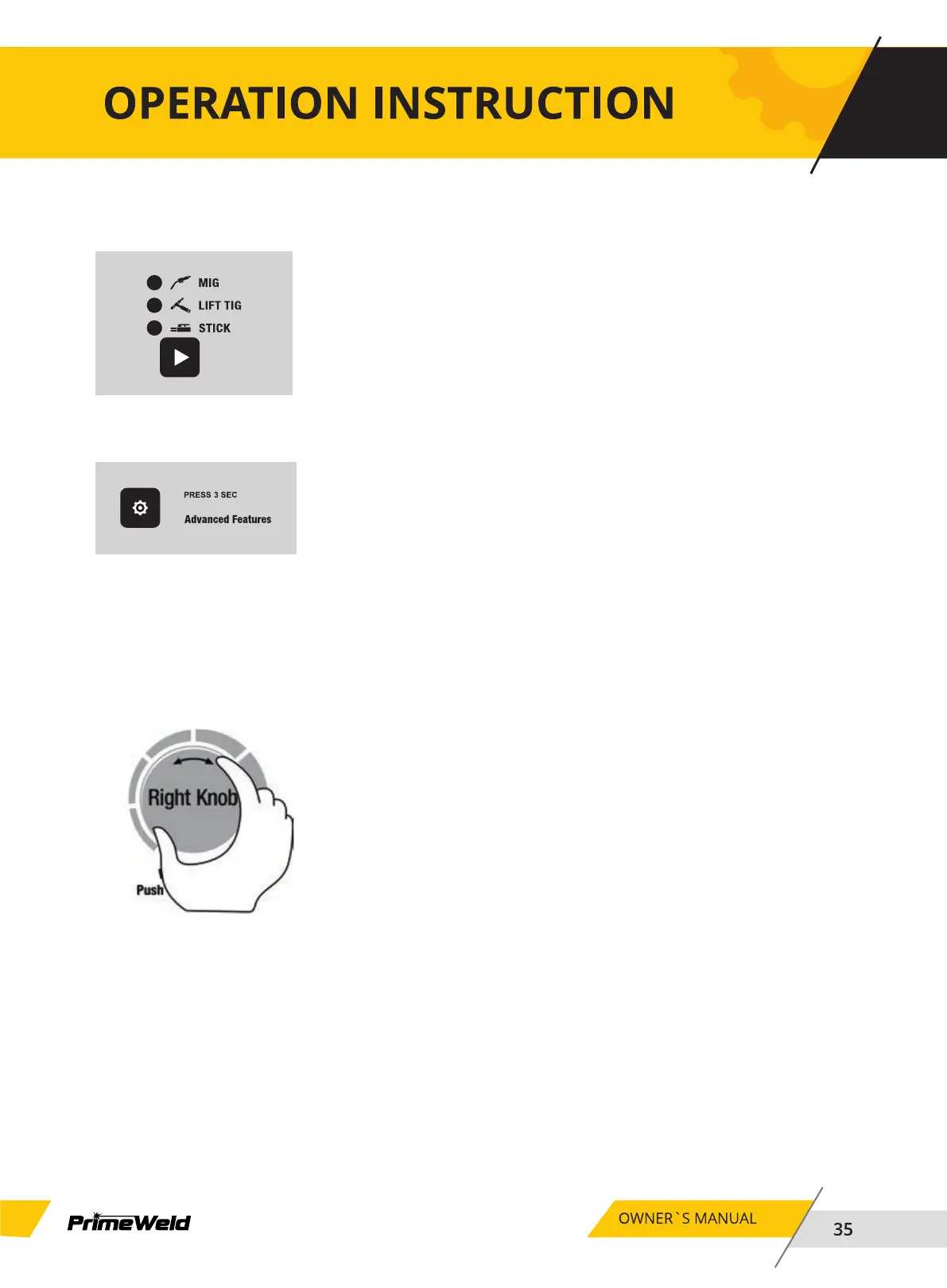
Select the weld process you wish to view Advanced
Features for.
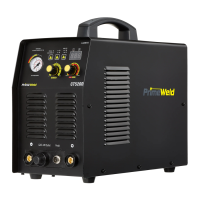
To change the value of that parameter, simply turn the
right knob to change it. If the setting has been changed
from its previous value the welder will save the new value
when the advanced features selector is pressed to view the
next parameter, or if the user activates a control to cause
the welder to exit Advanced Features mode as described
earlier.



 To Next Page