200 PI-MAX/PI-MAX2 System Manual Version 5.F
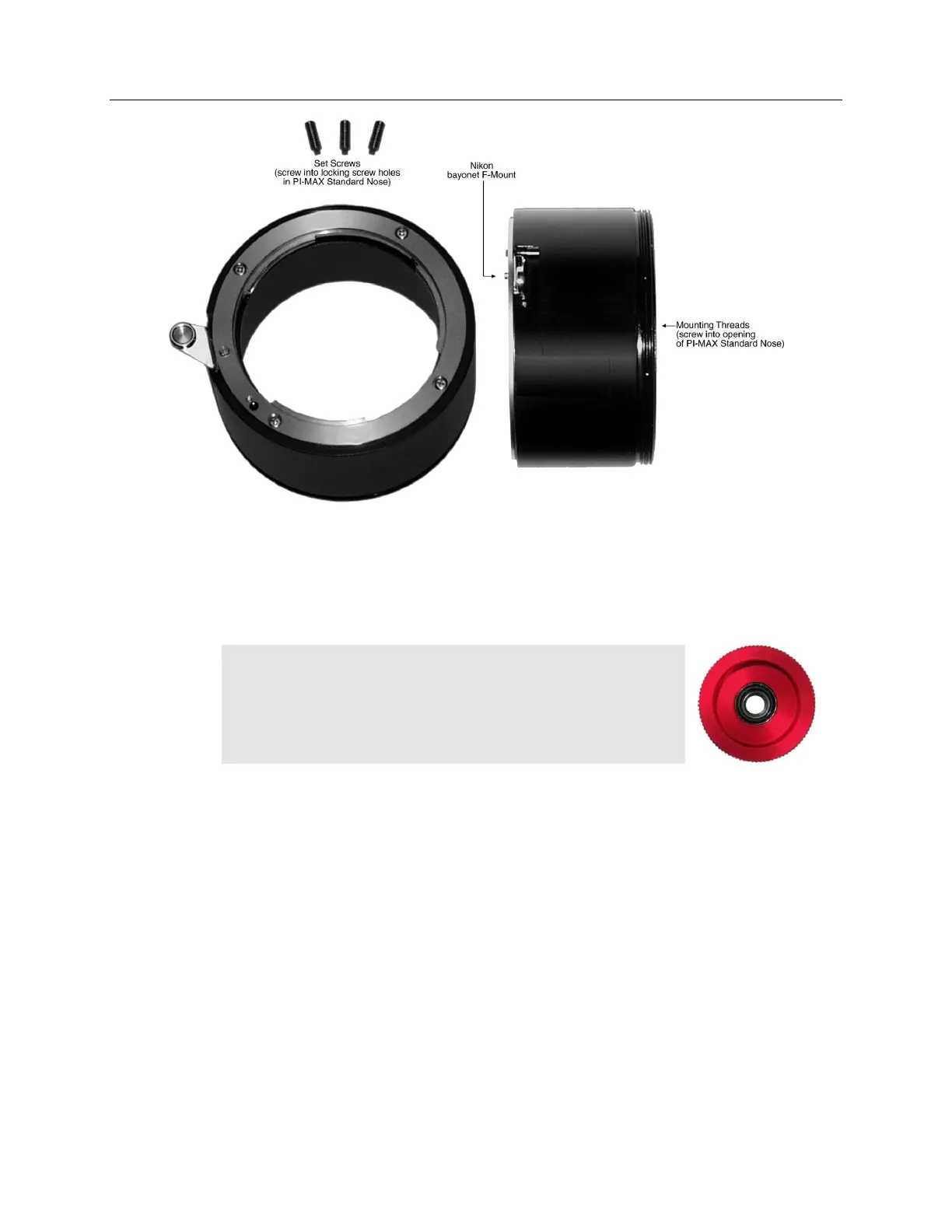
Figure 121. F-Mount Adapter
Mounting the Lens
C-mount lenses simply screw clockwise into the threaded lens mount at the front of the
camera. In mounting a C-mount lens, tighten it securely by hand (no tools).
Note: C-mount cameras are shipped with a dust cover lens
(Figure 122) installed. Although this lens is capable of providing
surprisingly good images, its throughput is low and the image
quality is not as good as can be obtained with a high-quality
camera lens. Users should replace the dust-cover lens with their
own high-quality laboratory lens before making measurements.
To mount an F-mount lens on the camera (Figure 123),
locate the large indicator dot on the side of the lens. There is
a corresponding dot on the front side of the camera lens
mount. Line up the dots and slide the lens into the mount. Then turn the lens
counterclockwise until a click is heard. The click means that the lens is now locked in
place.
Figure 122. Dust Cover Lens



 To Next Page