EasyManua.ls Logo

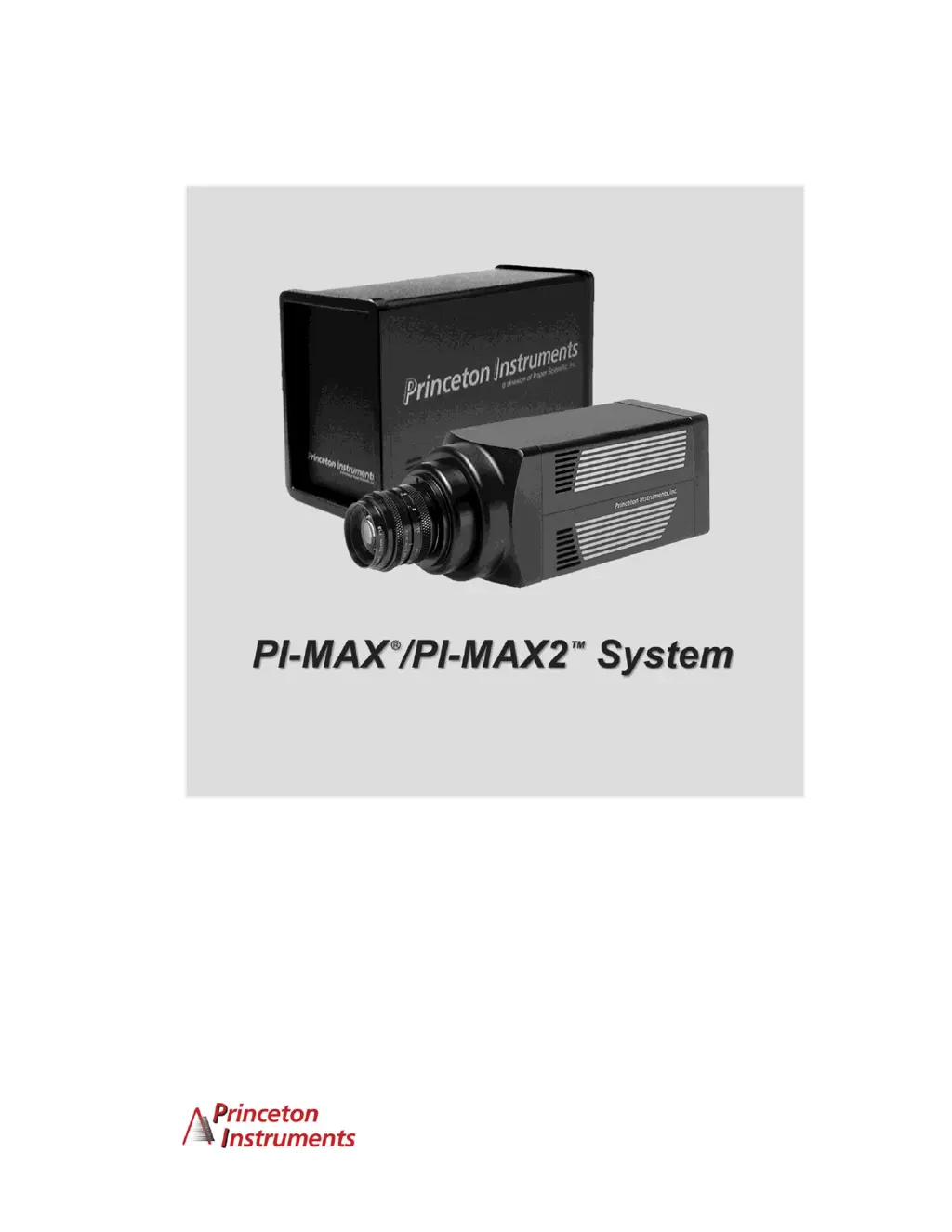
Princeton Instruments PI-MAX2 System - User Manual

Default Icon
238 pages
Print Icon
To Next Page IconTo Next Page
Loading...
4411-0069
Version 5.F
September 9, 2009
*4411-0 069*

Table of Contents

Questions and Answers

Summary

Attention!

Safety Warnings

Critical safety information for intensified CCD detectors, including light exposure and alarm procedures.

Chapter 1 Introduction

PI-MAX System Components

Overview of standard hardware, software, and optional components for PI-MAX systems.

Safety Information

Details safety symbols used in the manual and general safety guidelines.

Chapter 2 Installation Overview

Installation Steps

Step-by-step guide for installing the PI-MAX system components.

Chapter 3 System Setup

Dangers and Warnings

Highlights critical safety information and potential hazards.

Mounting the PI-MAX

Guidance on mounting the camera for imaging, spectroscopy, and microscopy.

Installing the Application Software

Steps for installing the WinX application software.

Setting up the Communication Interface

Details on setting up PCI or USB 2.0 interfaces.

Entering Default Camera Parameters

Instructions for configuring software parameters for camera systems.

Chapter 4 First Light

Configuring Software for Shutter Mode

Detailed setup for Shutter Mode operation within the software.

Initial Data Acquisition

Steps for performing the first data acquisition.

Chapter 5 General Operation Factors

Temperature Control

Discusses cooling methods and performance for the CCD array.

Background Subtraction

How to subtract dark charge patterns for improved signal quality.

Experiment Setup|Main

Specifies essential parameters like exposure time and intensifier settings.

Experiment Setup|Timing

Setting various experiment timing parameters.

Chapter 6 Shutter Mode Operation

Timing Modes

Describes Free Run, External Sync, and Internal Sync timing modes.

Chapter 7 Gated Operation with a PTG

Procedure for Setting up and Performing a Single Shot Experiment

Step-by-step guide for performing a single shot experiment.

Chapter 8 Gated Operation with a DG535

Precautionary Measures

Safety warnings for intensified detectors and high light sources.

Fast Gating

Demonstrates PI-MAX's fast gating performance with a DG535.

Chapter 9 Kinetics Operation

Chapter 10 PI-MAX2 DIF Camera (Double Image Feature)

Requirements

Lists prerequisites for DIF operation.

Single Trigger Mode

Details the Single Trigger Mode for DIF operation.

Dual Trigger Mode

Details the Dual Trigger Mode for DIF operation.

Setup

Hardware and software setup for DIF operation.

Tips and Tricks

Provides advice for smoother experiment setup and troubleshooting for DIF.

Chapter 11 Tips and Tricks

Overexposure Protection

Safeguards against excessive light levels to prevent detector damage.

Signal Delay

Importance of precise timing for capturing transient signals.

Adjusting the Signal Delay

Guidance on adjusting delays for signal and gate coincidence.

Optimizing the Gate Width and Delay

Techniques for optimizing gate width and delay for signal events.

Chapter 12 Microscopy Applications

Mounting the Camera on the Microscope

Describes camera mounting designs and adapter types.

Xenon or Mercury Arc Lamp Precautions

Safety precautions when using Xenon or Hg arc lamps.

Chapter 13 TTL Control

Chapter 14 System Component Descriptions

ST-133 Controller

Description of the ST-133 controller's electronics and modular design.

Interface Card

Details PCI and USB 2.0 interface cards.

Pulser

Description of optional PTG and DG535 pulsers.

Application Software

Overview of WinView/32, WinSpec/32, and PVCAM software.

Chapter 15 Troubleshooting

Camera Stops Working

Basic checks for hardware problems when the camera stops working.

Changing the ST-133 Line Voltage and Fuses

Procedure for changing voltage settings and fuses.

Controller Is Not Responding

Troubleshooting when the controller does not respond.

Data Overrun Due to Hardware Conflict message

Troubleshooting data overrun messages related to hardware conflicts.

Data Overrun Has Occurred message

Actions to take when a data overrun message is displayed.

Error Creating Controller message

Troubleshooting 'Error Creating Controller' messages.

Conflicts

Resolving PCI and ISA card address/interrupt conflicts.

Removing;Installing a Plug-In Module

Procedure for safely removing and installing controller modules.

Appendix H Glossary

MCP Bracket Pulsing

Enhances on/off ratio by adjusting MCP switching.

Princeton Instruments PI-MAX2 System Specifications

General IconGeneral
BrandPrinceton Instruments
ModelPI-MAX2 System
CategorySecurity Camera
LanguageEnglish

Related product manuals