112 PI-MAX/PI-MAX2 System Manual Version 5.F
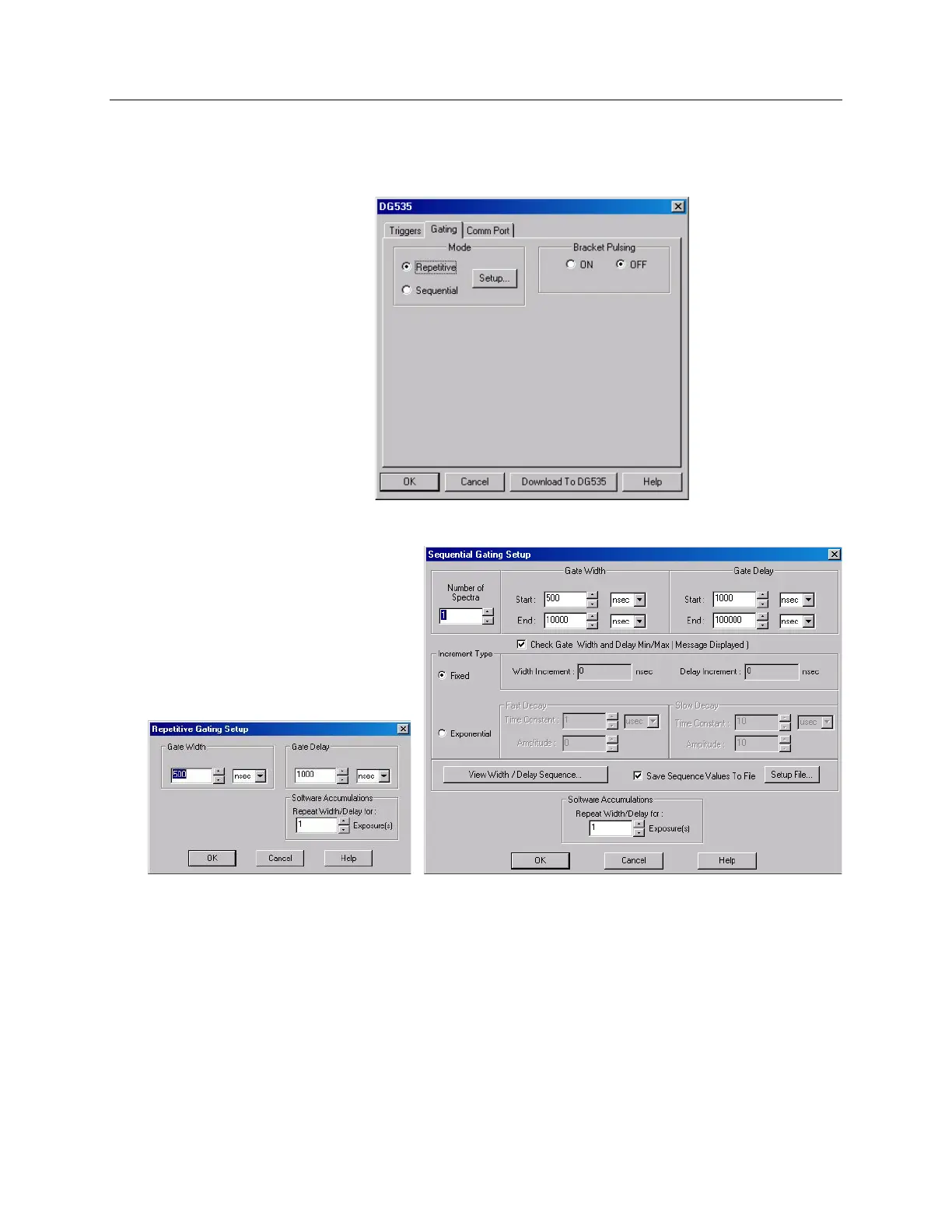
repetitive gating the gate width and gate delay are constant for the specified number of
exposures. With sequential gating either or both gate width and gate delay change as
images or spectra are acquired.
Figure 65. DG535 Gating tab
Figure 66. DG535 Repetitive Gating
Setup dialog
Figure 67. DG535 Sequential Gating Setup dialog
The DG535 parameters for communicating with the host computer are set up or changed
on the Comm Port tab card. Select GPIB for the port type and select the port address.
The Port address setting determines which GPIB address the computer will use in
communications with the DG535 Pulser. Selections include 1 through 30 plus Demo,
which allows the DG535 software routines to be exercised even though a DG535 is not
connected. The selected address must match the one selected at the DG535 and the
default value is 15. After you select the correct COM port, click on the Initialize Port
button to initialize it.



 To Next Page