36 PI-MAX/PI-MAX2 System Manual Version 5.F
storage, depending on the number and size of spectra collected. Disk level
compression programs are not recommended.
Super VGA monitor and graphics card supporting at least 256 colors with at least
1 Mbyte of memory. Memory requirement is dependent on desired display
resolution.
IEEE-488 GPIB port (required by DG535 Timing Generator, if present). May
also be required by Spectrograph.
Two-button Microsoft compatible serial mouse or Logitech three-button
serial/bus mouse.
USB 2.0 Protocol:
AT-compatible computer with Pentium 3 or better processor and runs at 1 GHz or
better.
Windows 2000 (with Service Pack 4), Windows XP (with Service Pack 1) or
later operating system.
Native USB 2.0 support on the mother board or USB Interface Card (Orange
Micro 70USB90011 USB 2.0 PCI is recommended for desktop; SIIG, Inc. USB
2.0 PC Card, Model US2246 for laptop)
Minimum of 256 Mb of RAM.
CD-ROM drive.
Hard disk with a minimum of 80 Mbytes available. A complete installation of the
program files takes about 17 Mbytes and the remainder is required for data
storage, depending on the number and size of spectra collected. Disk level
compression programs are not recommended.
Super VGA monitor and graphics card supporting at least 256 colors with at least
1 Mbyte of memory. Memory requirement is dependent on desired display
resolution.
IEEE-488 GPIB port (required by DG535 Timing Generator, if present). May
also be required by Spectrograph.
Two-button Microsoft compatible serial mouse or Logitech three-button
serial/bus mouse.
Verifying Controller Voltage Setting
The ST-133’s power requirements are discussed in Appendix A.
Note that the PI-MAX power requirements are entirely provided
by the ST-133 via the Detector-Controller cable.
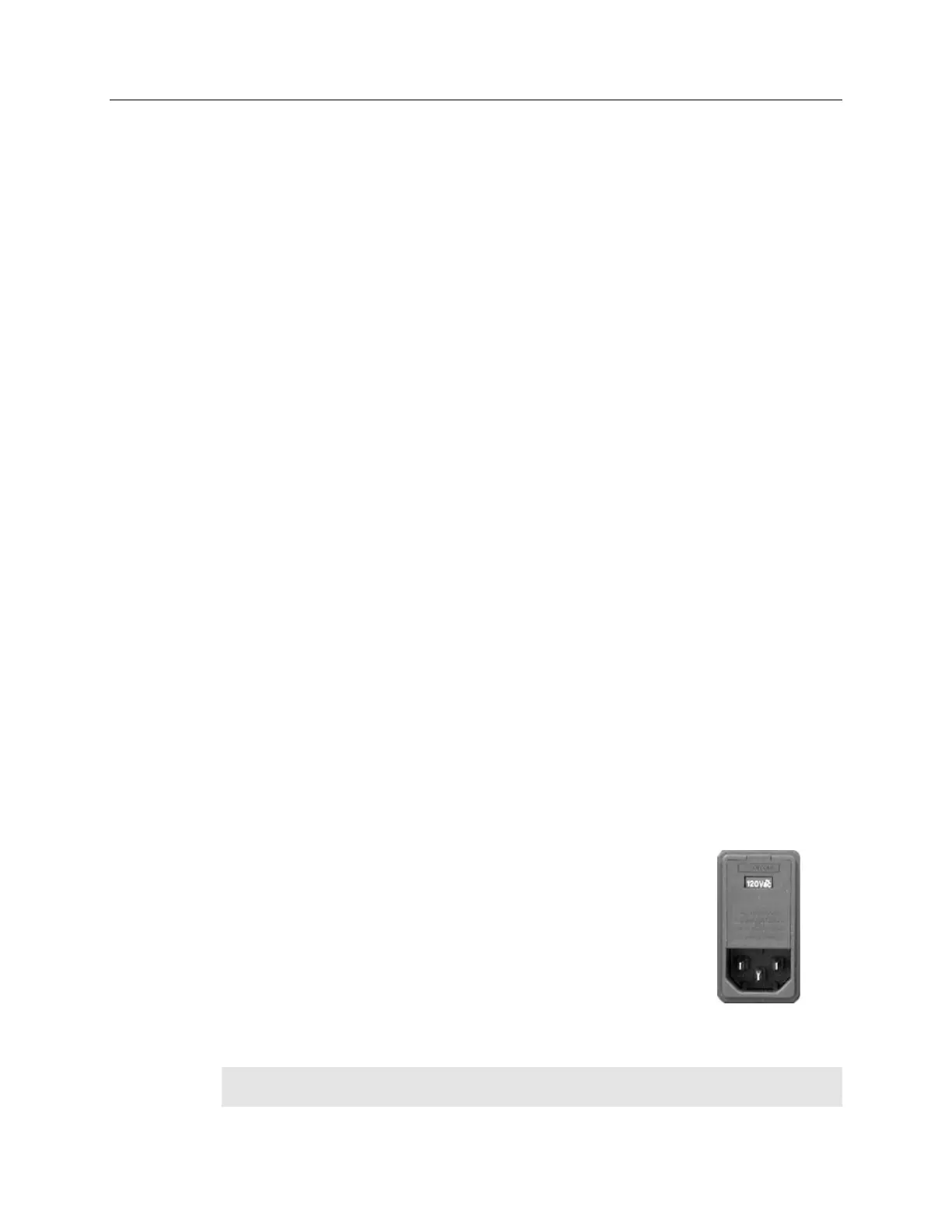
The Power Module on the rear of the Controller contains the
voltage selector drum, fuses and the powercord connector. The
appropriate voltage setting is set at the factory and can be seen on
the back of the power module. Each setting actually defines a
range and the setting that is closest to the actual line voltage
should have been selected. The correct fuses for the country
where the ST-133 is to be shipped are installed at the factory.
Note: On ST-133s, the voltage ranges and fuse ratings may be printed above or below
the power module.



 To Next Page