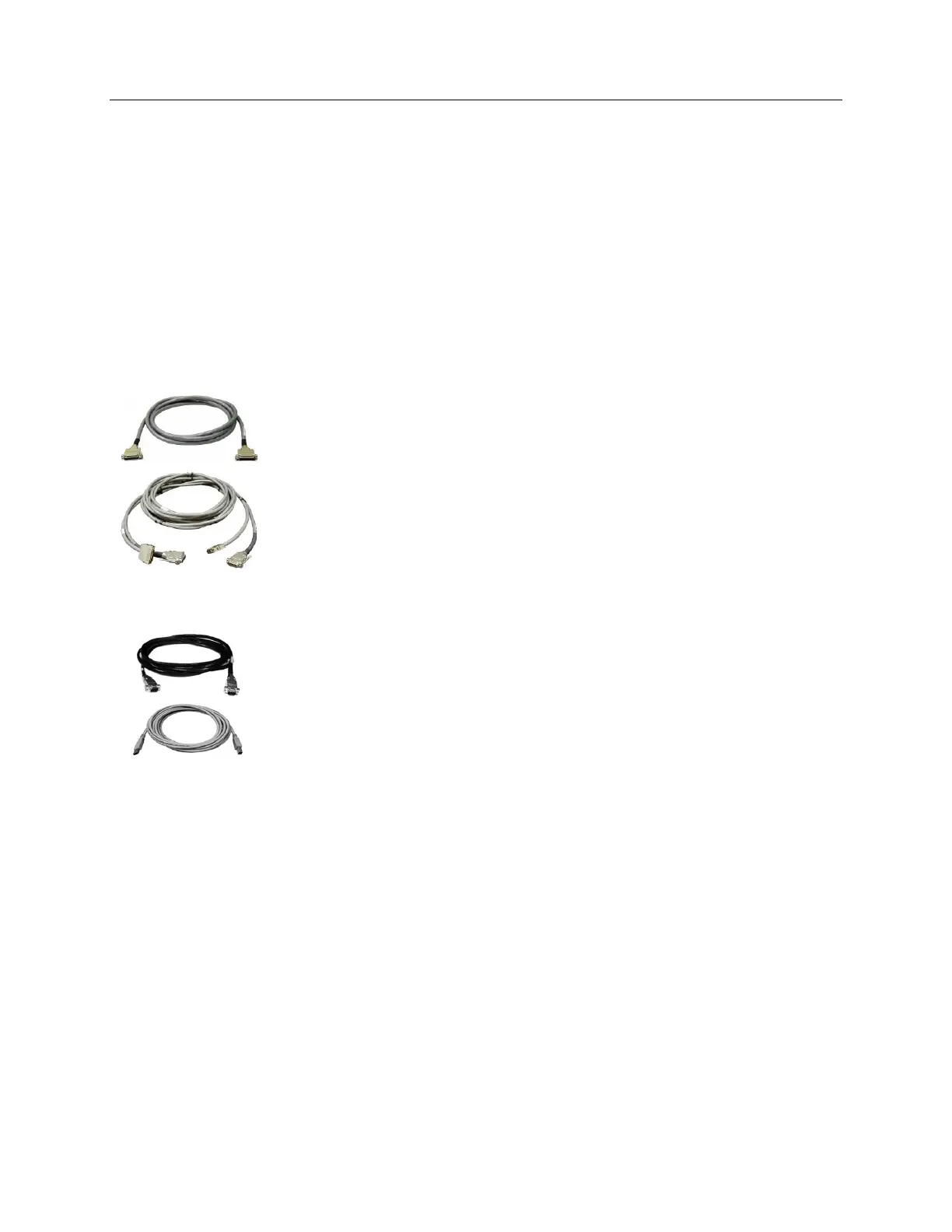
PI-MAX-Controller:
Standard PI-MAX: The standard 15' (4.6 m) cable (6050-0336) has DB-25
connector with slide-latch locking and screw-post hardware. This cable
connects the Power/Signal connector on the back of the PI-MAX to the
Detector connector on the back of the ST-133.
PI-MAX2: The standard 15' (4.6 m) cable set (6050-0499) has two cables.
One cable (6050-0492) interconnects the Signal and the Camera Signal
connectors on the PI-MAX2 and the ST-133, respectively. The other cable
(6050-0493) interconnects the Power and the Camera Pwr connectors on the
PI-MAX2 and the ST-133, respectively.
Computer Interface Cable: Depending on the system configuration, either a USB
or a TAXI cable will be shipped.
TAXI: The standard 25' (7.6 m) cable (6050-0148-CE) has DB-9 Male
connectors with screw-down locking hardware. The TAXI (Serial
communication) cable interconnects the Serial Com connector on the rear of the
ST-133 with the PCI card installed in the host computer. In addition to the
standard length, this cable is available in 10', 50', 100', and 165' lengths. Also
available are fiber optic adapters with fiber optic cables in 100, 300, and 1000
meter lengths.
USB 2.0: The standard 16.4' (5 m) cable (6050-0494) has USB connectors
that interconnect the USB 2.0 connector on the rear of the ST-133 with a
USB card installed in the host computer.



 To Next Page