46 PI-MAX/PI-MAX2 System Manual Version 5.F
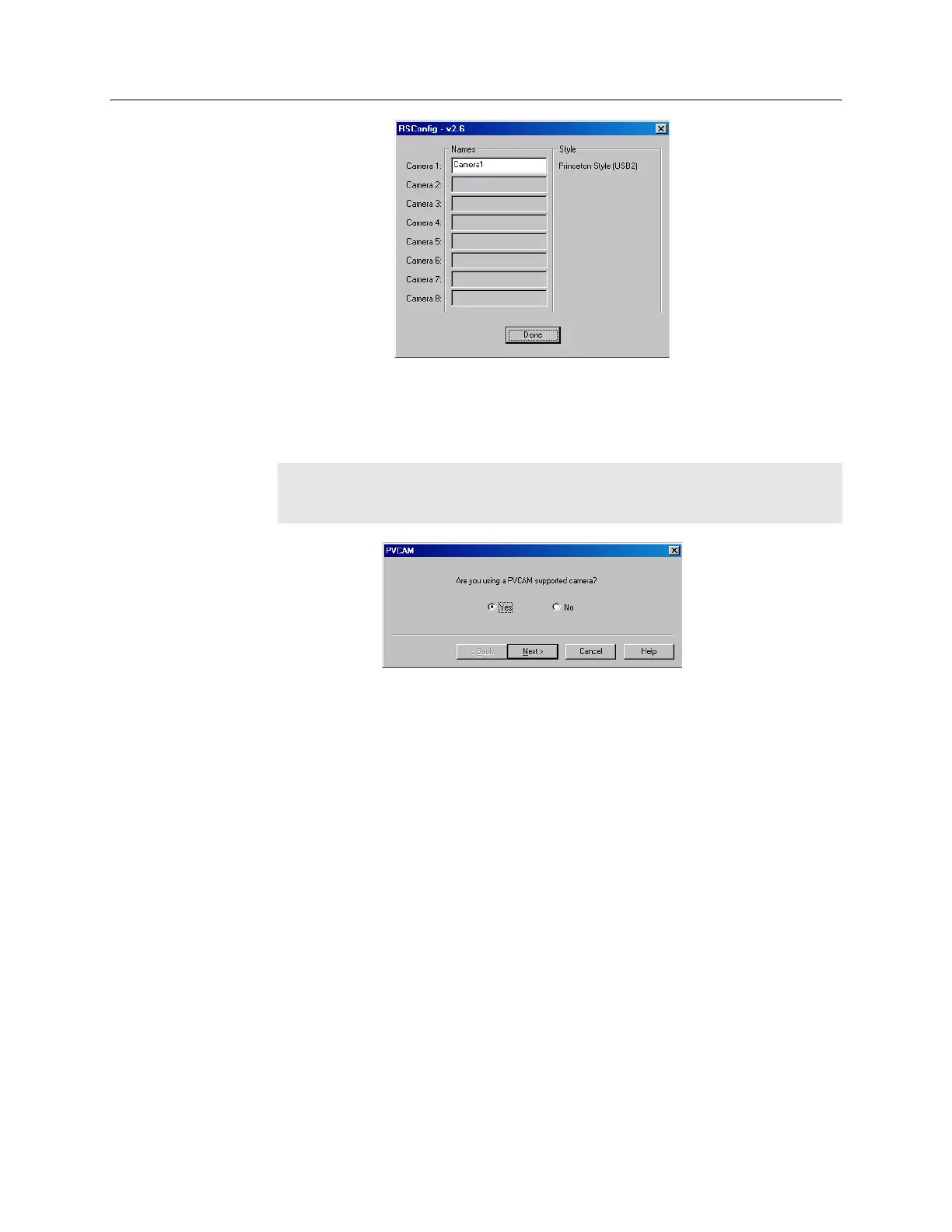
Figure 12. RSConfig dialog box
5. Open the WinX application and, from Setup|Hardware…, run the Hardware
Setup wizard and make the appropriate selections for your system. After the
wizard is finished, the Controller/Camera tab card will be displayed.
Note: If your system is using the USB 2.0 interface, click the Yes radio button
if the PVCAM dialog box (Figure 13) is displayed. Otherwise, click No and
continue through the wizard.
Figure 13. Hardware Setup wizard: PVCAM dialog box
6. You should now be able to set up experiments and acquire data. Run the software
in focus mode to verify communication between the ST-133 and the host
computer.



 To Next Page