Chapter 13 TTL Control 151
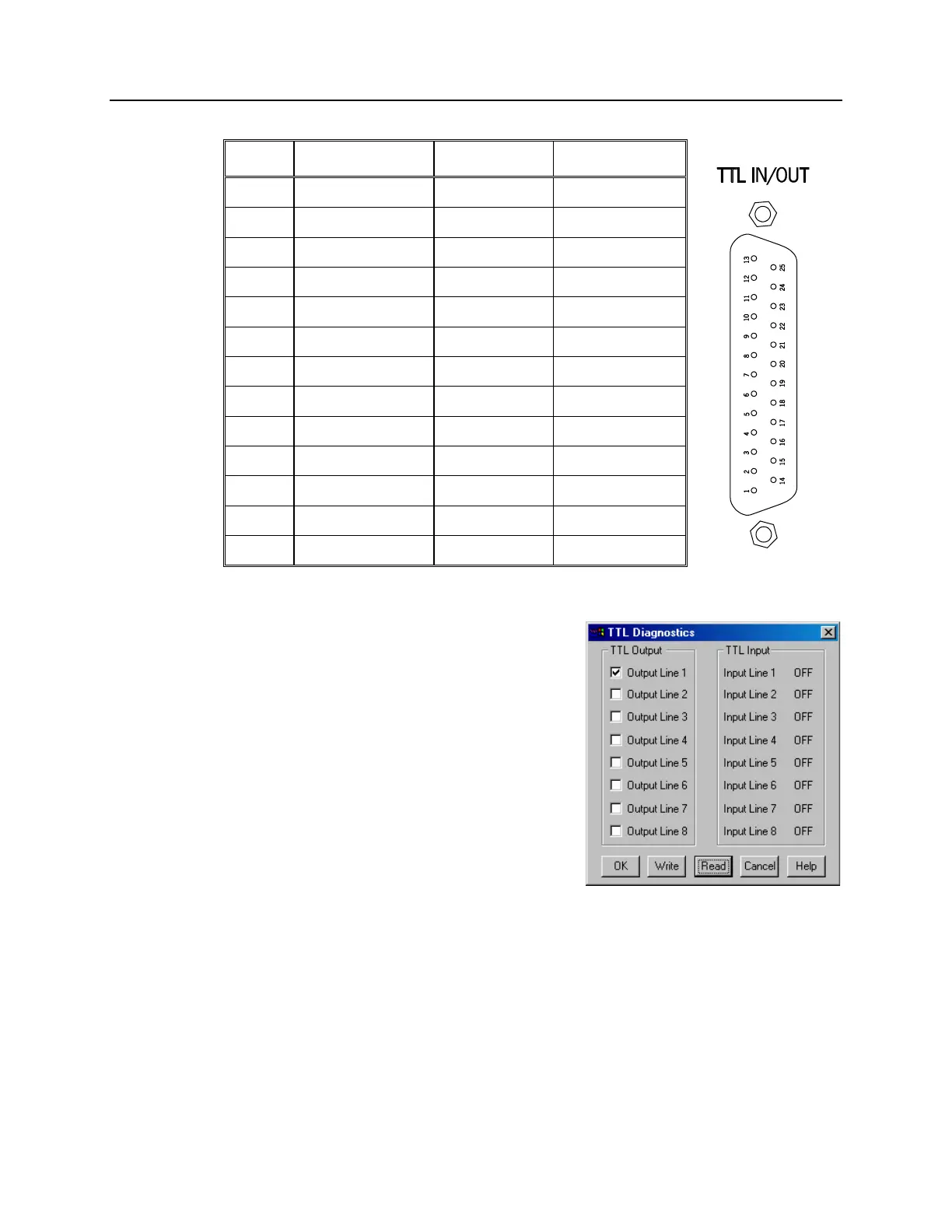
Figure 86. TTL In/Out
Connector
Table 11. TTL In/Out Connector Pinout
TTL Diagnostics Screen
Note that WinView/32 and WinSpec/32 provide a
TTL Diagnostics screen (located in under Hardware
Setup - Diagnostics) that can be used to test and
analyze the TTL In/Out lines.
Hardware Interface
A cable will be needed to connect the TTL In/Out
connector to the experiment. The design will vary
widely according to each user's needs, but a
standard 25-pin female type D-subminiature
connector will be needed to mate with the TTL
In/Out connector at the ST-133. The hardware at
the other end of the cable will depend entirely on
the user's requirements. If the individual
connections are made using coaxial cable for maximum noise immunity (recommended),
the center conductor of the coax should connect to the proper signal pin and the cable
shield should connect to the nearest available ground (grounds are conveniently provided
at pins 5, 8, 18 and 20). Connector hardware and cables of many different types are
widely available and can often be obtained locally, such as at a nearby electronics store.
A list of possibly useful items follows. Note that, although the items listed may be
appropriate in many situations, they might not meet your specific needs.
Figure 87. TTL Diagnostics dialog box



 To Next Page