Chapter 15 Troubleshooting 175
Note: The [Camera_#] must be changed so the camera supported by the USB
interface will be recognized (the USB driver is "apausb.sys"). For consistency,
you may also want to change the camera names.
6. Save the file. With the ST-133 connected and on, open the WinX application
software. The formerly grayed out functions should now be available.
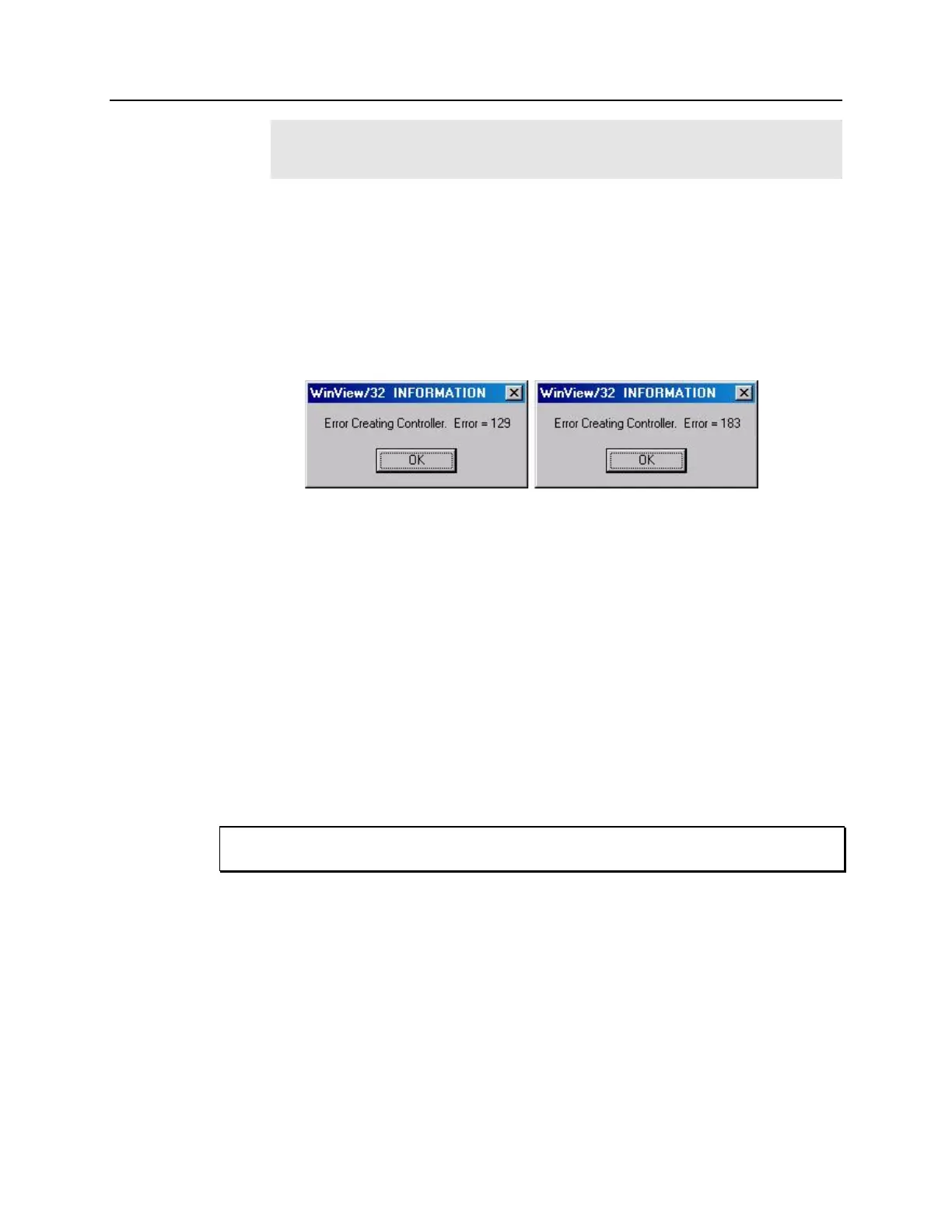
Error Creating Controller message
This message may be displayed if you are using the USB 2.0 interface and have not run
the RSConfig.exe program (see previous topic), if the PVCAM.INI file has been
corrupted, or if the ST-133 was not turned on before you started the WinX application
software (WinView/32 or WinSpec/32) and began running the Hardware Wizard.
Figure 104. Error Creating Controller dialog box
Error 129: Indicates that the problem is with the PVCAM.INI file. Close the WinX
application software (WinView/32 or WinSpec/32), run RSConfig, make sure the
ST-133 is on, reopen the WinX application software, and begin running the
Hardware Wizard.
Error 183: Indicates that the ST-133 is off. If you are running the Hardware Wizard
when this message appears, click on OK, turn on the ST-133, and, on the PVCAM
dialog box, make sure Yes is selected and then click on Next. The Hardware Wizard
should continue to the Controller Type dialog box.
Error Occurs at Computer Powerup
If an error occurs at boot up, either the Interface is not installed properly or there is an
address or interrupt conflict. Turn off the computer, try a new address or interrupt and
reinstall the card. Be sure the Interface is firmly mounted in the slot.
Since interrupts and DMA channels cannot be shared, make sure no other boards in your
computer use this interrupt or these DMA channels.
Conflicts
One of the many advantages that PCI offers over ISA is that the whole issue of address
and interrupt assignments is user transparent and under BIOS control. As a result, users
typically do not have to be concerned about jumpers or switches when installing a PCI
card. Nothing more should be required than to plug in the card, make the connections,
and operate the system. As it turns out, however, in certain situations conflicts may
nevertheless occur and user intervention will be required to resolve them.
Typical PCI motherboards have both ISA and PCI slots and will have both PCI and ISA
cards installed. In the case of the ISA cards, the I/O address and Interrupt assignments
will have been made by the user and the BIOS will not know which addresses and
interrupts have been user assigned. When a PCI card is installed, the BIOS checks for



 To Next Page