40 PI-MAX/PI-MAX2 System Manual Version 5.F
Setting up a USB 2.0 Interface
Administrator privileges are required under Windows
®
2000 and Windows
®
XP
to install software and hardware.
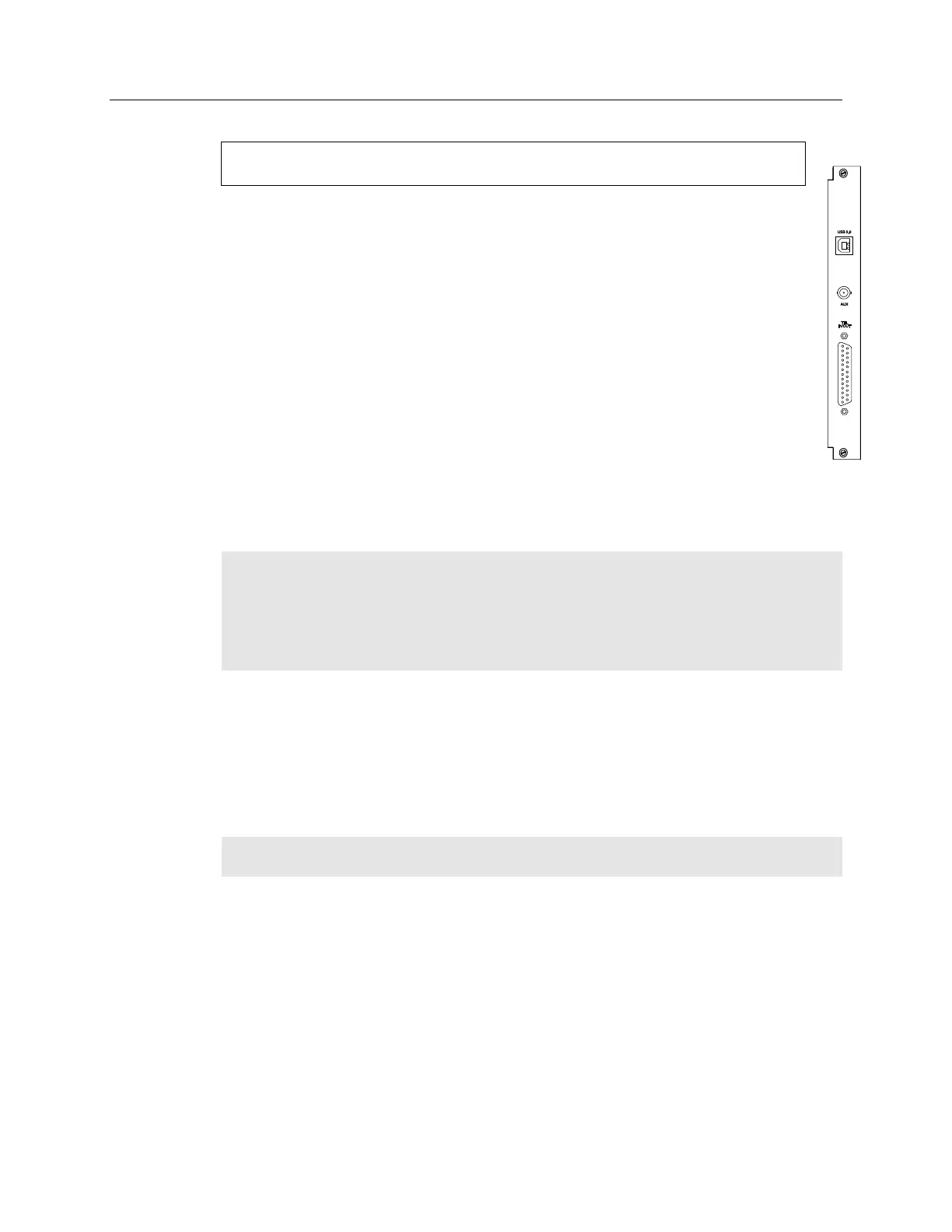
Your system has been configured to use the USB communication protocol if the
Interface Control Module installed in the ST-133 has a USB 2.0 connector as shown
in the figure at right). The advantages to the USB 2.0 interface are that it uses a much
higher data transfer rate than many common serial data formats (such as the TAXI
protocol) and it simplifies the connection to external devices. USB supports "plug and
play" -- you do not need to be heavily involved in the setup process.
USB 2.0 Limitations
Maximum cable length is 5 meters (16.4 feet)
1 MHz is currently the upper digitization rate limit for the ST-133 Controller.
Large data sets and/or long acquisition times may be subject to data overrun
because of host computer interrupts during data acquisition.
USB 2.0 is not supported by the Princeton Instruments PC Interface Library (EZ-
DLLS).
Some WinX (WinView/32 and WinSpec/32) 2.5.X features are not fully
supported with USB 2.0. Refer to Appendix G, page 217, for more information.
Note: If you are installing the USB 2.0 interface on a laptop, you will need to perform all
of the operations described in this section. In addition, if you are using the recommended
USB Interface Card (SIIG, Inc. USB 2.0 PC Card, Model US2246), you must replace the
OrangeUSB USB 2.0 Host Controller driver installed for that card with the appropriate
Microsoft driver. Instructions for making the replacement are included in "To Update the
OrangeUSB USB 2.0 Driver".
To Update the OrangeUSB USB 2.0 Driver:
This procedure is highly recommended when a laptop computer will be used to
communicate with the ST-133. As stated before, we recommend the SIIG, Inc. USB 2.0
PC Card, Model US2246 if USB 2.0 is not native to the laptop's motherboard. To reduce
the instances of data overruns and serial violations, the OrangeUSB USB 2.0 Host
Controller installed for the SIIG card, should be replaced by the appropriate Microsoft
driver (Windows 2000 or Windows XP, depending on the laptop's operating system.)
Note: This procedure may also be performed for desktop computers that use the Orange
Micro 70USB90011 USB 2.0 PCI.
1. Download and install Microsoft Service Pack 4 (for Windows 2000) or Service
Pack 1 (for Windows XP) if the service pack has not been installed.
2. From the Windows Start menu, select Settings|Control Panel.
3. Select System and then System Properties.
4. Select the Hardware tab and click on Device Manager button.
5. Expand Universal Serial Bus Controllers.
6. Right-mouse click on OrangeUSB USB 2.0 Host Controller and select
Properties.



 To Next Page