Appendix D C-Mount and F-Mount Adapters 201
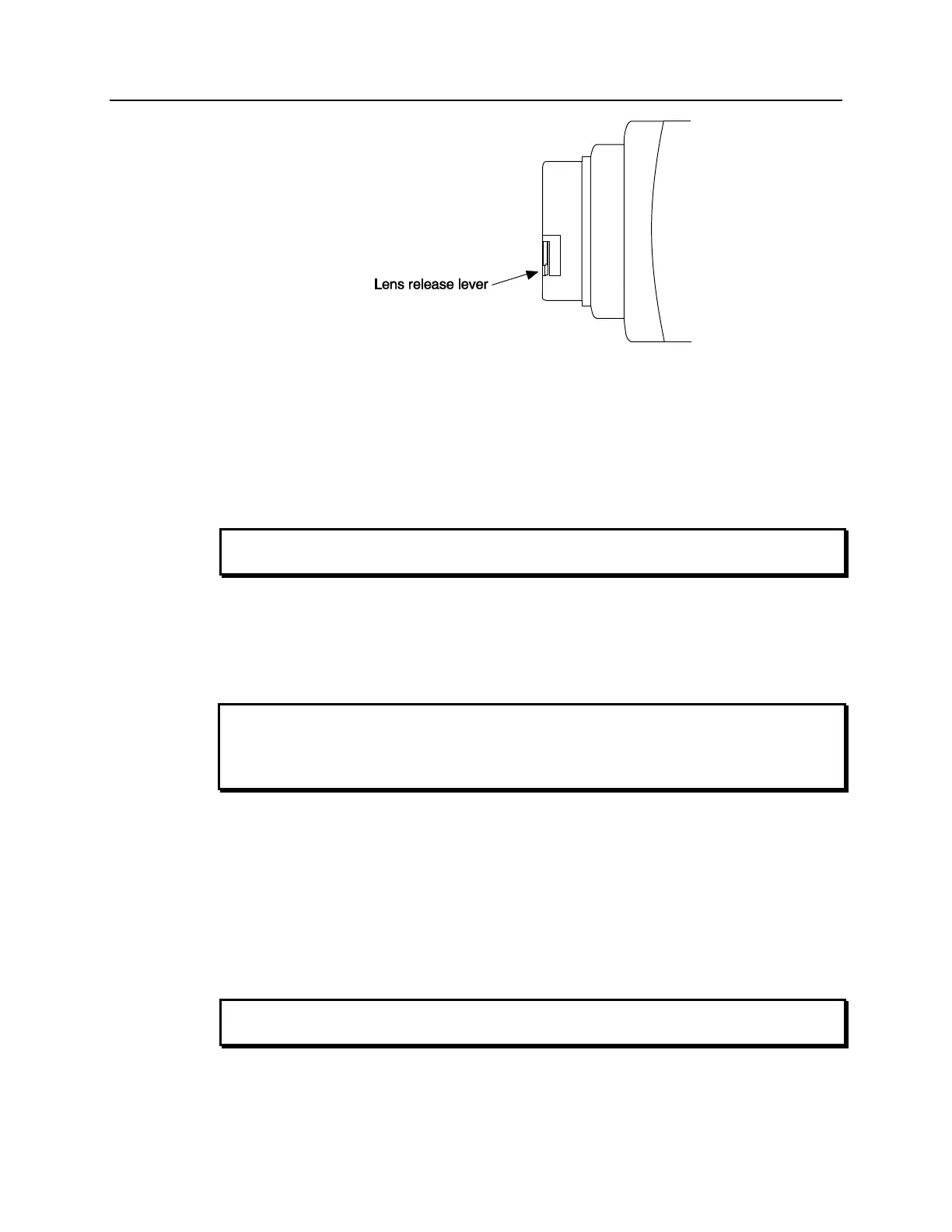
Figure 123. F-mount (Nikon) Lens Adapter
Removing either type lens is equally simple. In the case of a C-mount lens, rotate the lens
counterclockwise until it is free of the mount. In the case of an F-mount lens, press the
locking lever on the mount while rotating the lens clockwise until it comes free and can
be pulled straight out.
Both types of lenses typically have provisions for focusing and aperture adjustment, with
the details varying according the make and model of the lens.
Always begin with the lens stopped all the way down (largest f/ stop number) to
minimize the risk of overloading the intensifier.
Mounting Orientation
The PI-MAX can be mounted at any attitude or angle. The camera can rest on any secure
surface. Take care not to block the ventilation openings.
In the case of cameras equipped with F-mount, do not mount the camera in the nose-up
operation where the lens mount would be required to hold the camera’s weight. The
F-mount is not designed to sustain the weight of the camera in this orientation and the
camera could pull free. You must provide additional support for the camera.
Should the camera be mounted in the nose-up position beneath a table, take care to
protect the mounting components from lateral stresses, such as might occur should
someone accidentally bump the camera with a knee while working at the table. One
solution to this problem would be to install a barrier between the camera and operator to
prevent any accidental contact.
There are no special constraints on nose-down operation. Again, however, good operating
practice might make it advisable to take steps to prevent accidental contact from unduly
stressing the mounting components.
Always begin with the lens stopped all the way down (largest f/ stop number) to
minimize the risk of overloading the intensifier.



 To Next Page