196 PI-MAX/PI-MAX2 System Manual Version 5.F
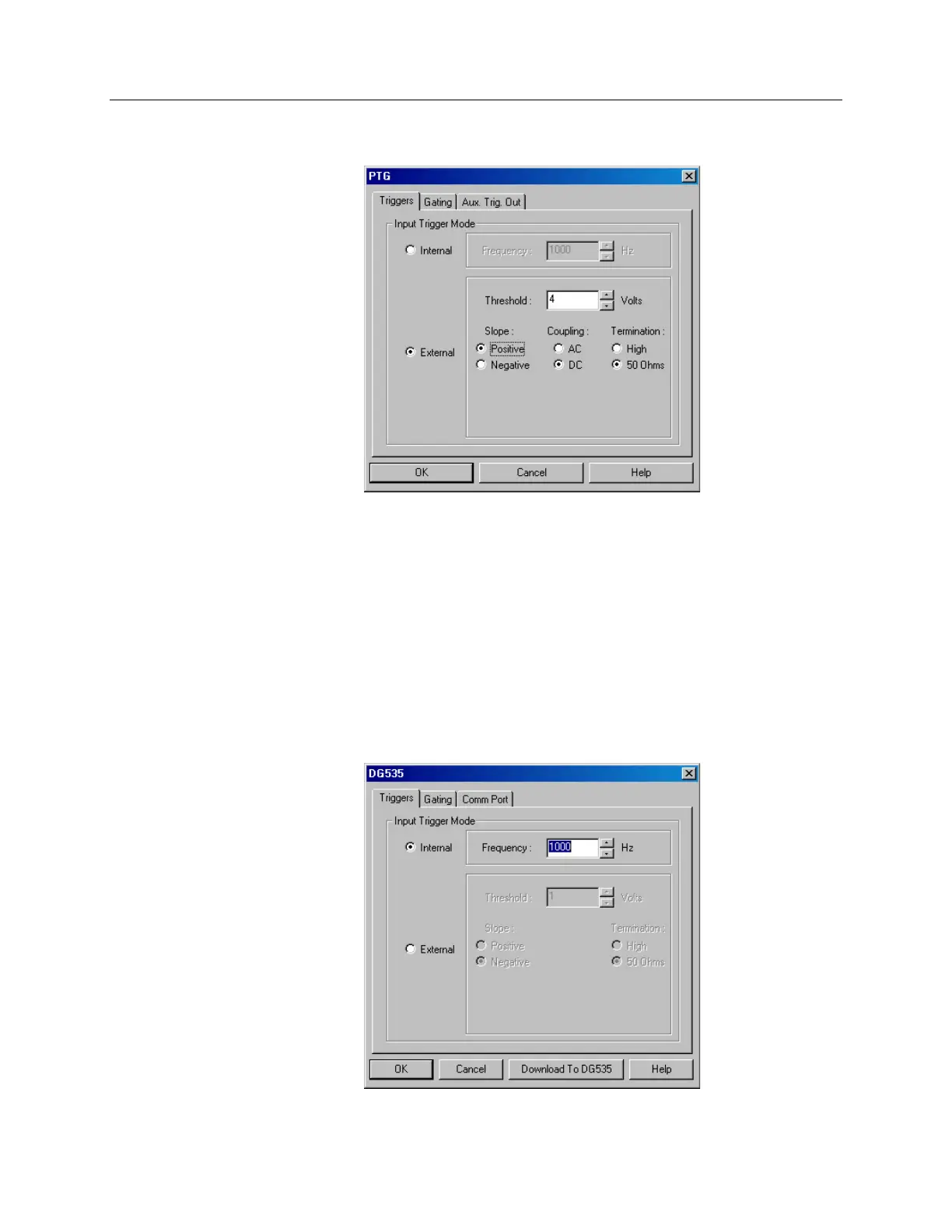
PTG dialog box
Figure 117. PTG dialog box
Operation of the PTG (ProgrammableTiming Generator) becomes available when you
select Pulsers from the Setup menu, next click on the PTG radio button and then click
on the Setup PTG button. This opens the PTG dialog box as shown above. Note that
pulser support must be selected when installing the WinX application software
(WinView/32 or WinSpec/32) for PTG control to be available, and that the intended use
of the PTG is for operation in conjunction with the PI-MAX CCD Detector.
The choices provided by the Triggers, Gating, and Aux Trig Out tab pages are
described in the WinX application software Help topics.
DG535 dialog box
Figure 118. DG535 dialog box



 To Next Page