150 PI-MAX/PI-MAX2 System Manual Version 5.F
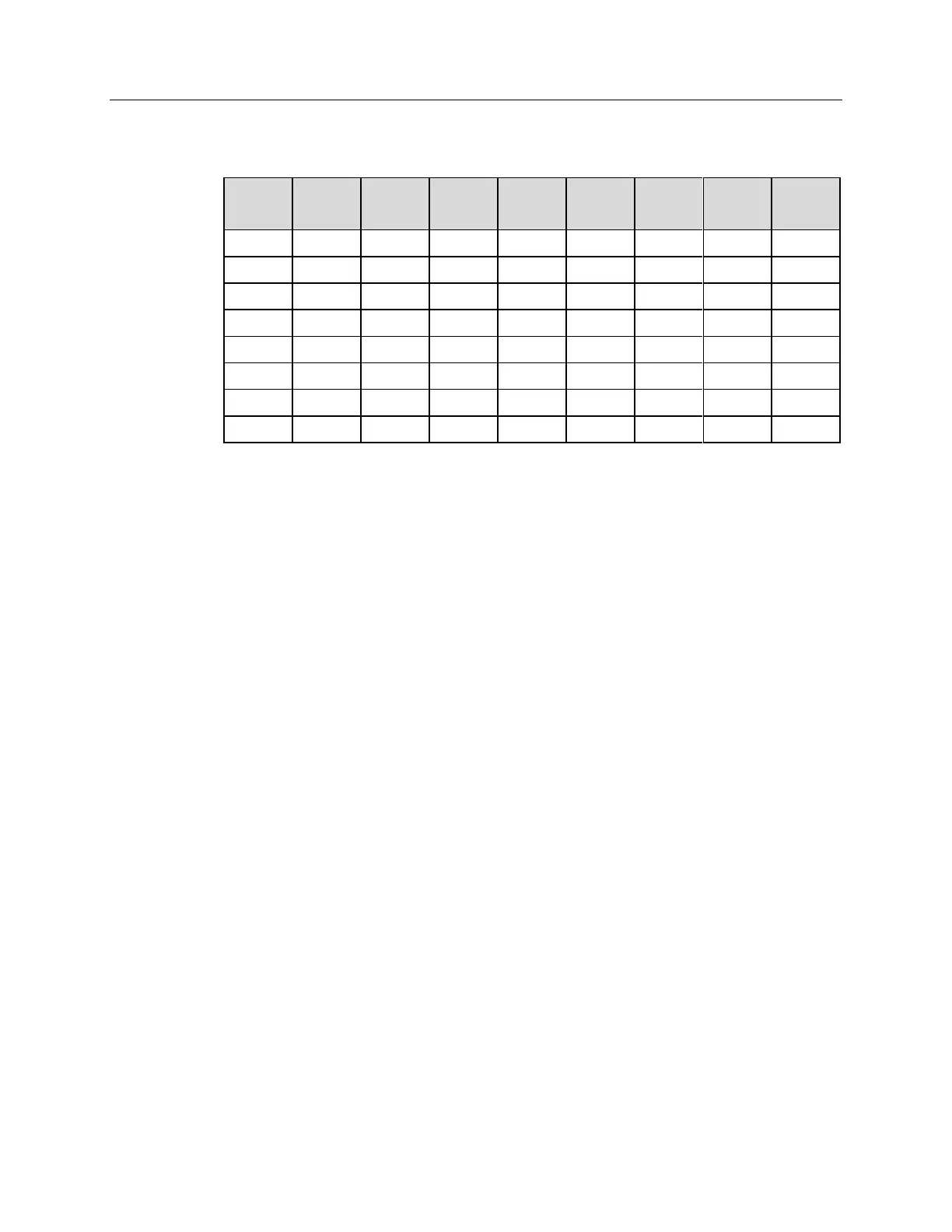
Table 10 illustrates this coding for decimal values 0 through 7. Obviously this table could
easily be extended to show the coding for values all the way to 255.
Table 10. Bit values with decimal equivalents:
1 = High,
0 = Low
Buffered vs. Latched Inputs
In controlling the TTL IN lines, users also have the choice of two input-line states,
buffered or latched. In the buffered state, the line levels must remain at the intended
levels until they are read. With reference to the preceding example, the high level at TTL
IN 1 and TTL IN 2 would have to be maintained until the lines are read. In the latched
state, the applied levels continue to be available until read, even if they should change at
the TTL In/Out connector.
This control is accomplished using the EN/CLK TTL input (pin 6). If EN/CLK is open or
high, buffered operation is established and the levels reported to the macro will be those
in effect when the READ is made. With reference to our example, if pin 6 were left
unconnected or a TTL high applied, TTL IN 1 and TTL IN 2 would have to be held high
until read. If, on the other hand, EN/CLK were made to go low while TTL IN 1 and TTL
IN 2 were high, those values would be latched for as long as EN/CLK remained low.
The levels actually present at TTL IN 1 and TTL IN 2 could then change without
changing the value that would be read by software.
TTL Out
The state of the TTL OUT lines is set from WinView/32 or WinSpec/32. Typically, a
program monitoring the experiment sets one or more of the TTL Outputs. Apparatus
external to the ST-133 interrogates the lines and, on detecting the specified logic levels,
takes the action appropriate to the detected condition. The coding is the same as for the
input lines. There are eight output lines, each of which can be set low (0) or high (1). The
combination of states defines a decimal number as previously described for the TTL IN
lines.



 To Next Page