182 PI-MAX/PI-MAX2 System Manual Version 5.F
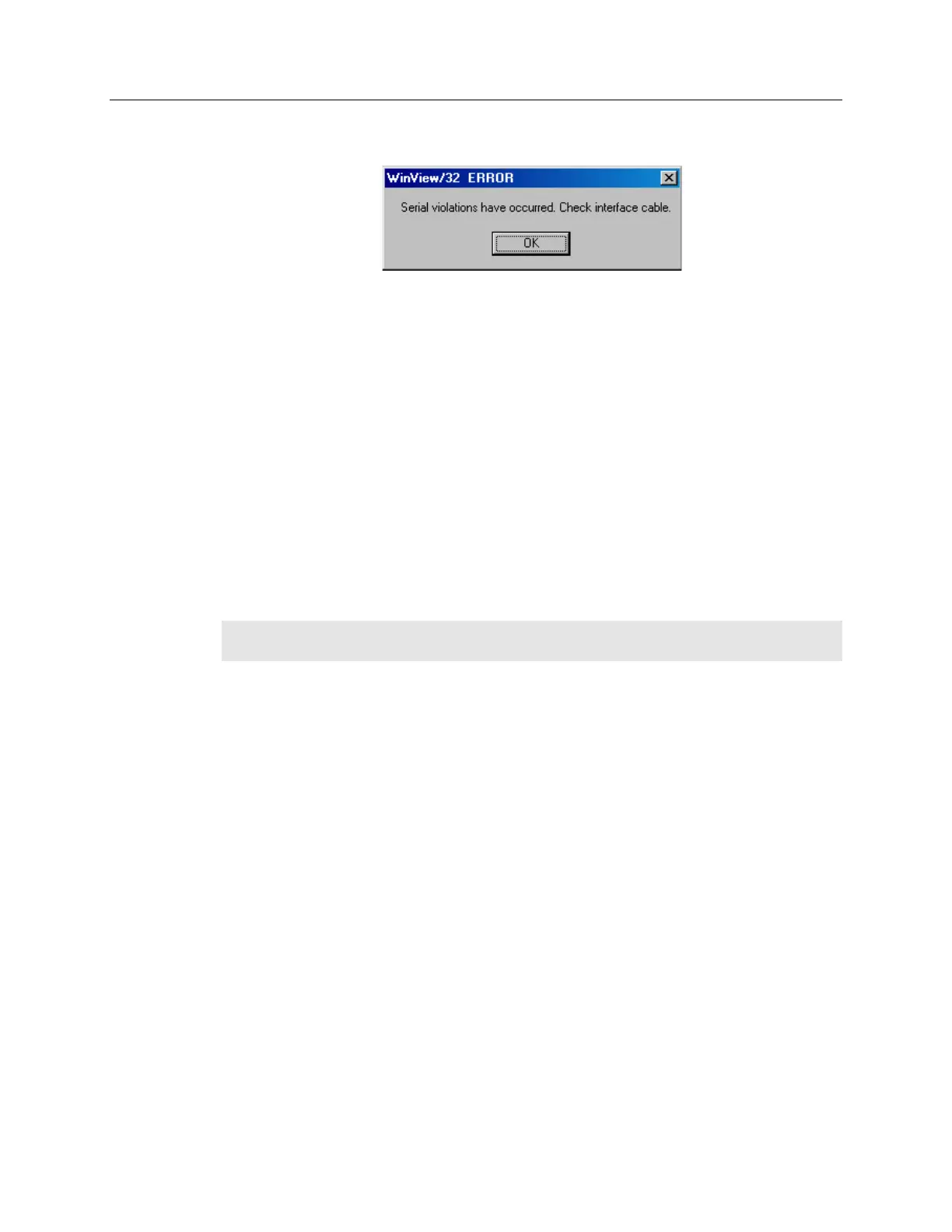
Serial violations have occurred. Check interface cable.
Figure 108. Serial Violations Have Occurred dialog box
This error message dialog will appear if you try to acquire an image or focus the camera
and either (or both) of the following conditions exists:
The camera system is not turned ON.
There is no communication between the camera and the host computer.
To correct the problem:
1. Turn OFF the camera system (if it is not already OFF).
2. Make sure the Detector-Controller cable is secured at both ends and that the
computer interface cable is secured at both ends.
3. After making sure that the cables are connected, turn the camera system power
ON.
4. Click OK on the error message dialog and retry acquiring an image or running in
focus mode.
Note: This error message will also be displayed if you turn the camera system OFF or a
cable comes loose while the application software is running in Focus mode.
Temperature Lock Cannot be Achieved or Maintained
Possible causes could include:
High ambient temperature.
Airflow through the camera is blocked.
The camera fan is not running.
Coolant flow rate is too slow.
The connectors on the Detector-Controller cable need to be secured.
The target array temperature is not appropriate for your particular camera and CCD array.
You are trying to operate at a temperature colder than the specified limit. TE-cooled
cameras have a thermal-protection switch that shuts off the cooler circuits if the internal
temperature exceeds a preset limit. Typically, camera operation is restored automatically
in about ten minutes. Although the thermo-protection switch will protect the camera, it is
advisable to power down and correct the operating conditions that caused the thermal-
overload.



 To Next Page