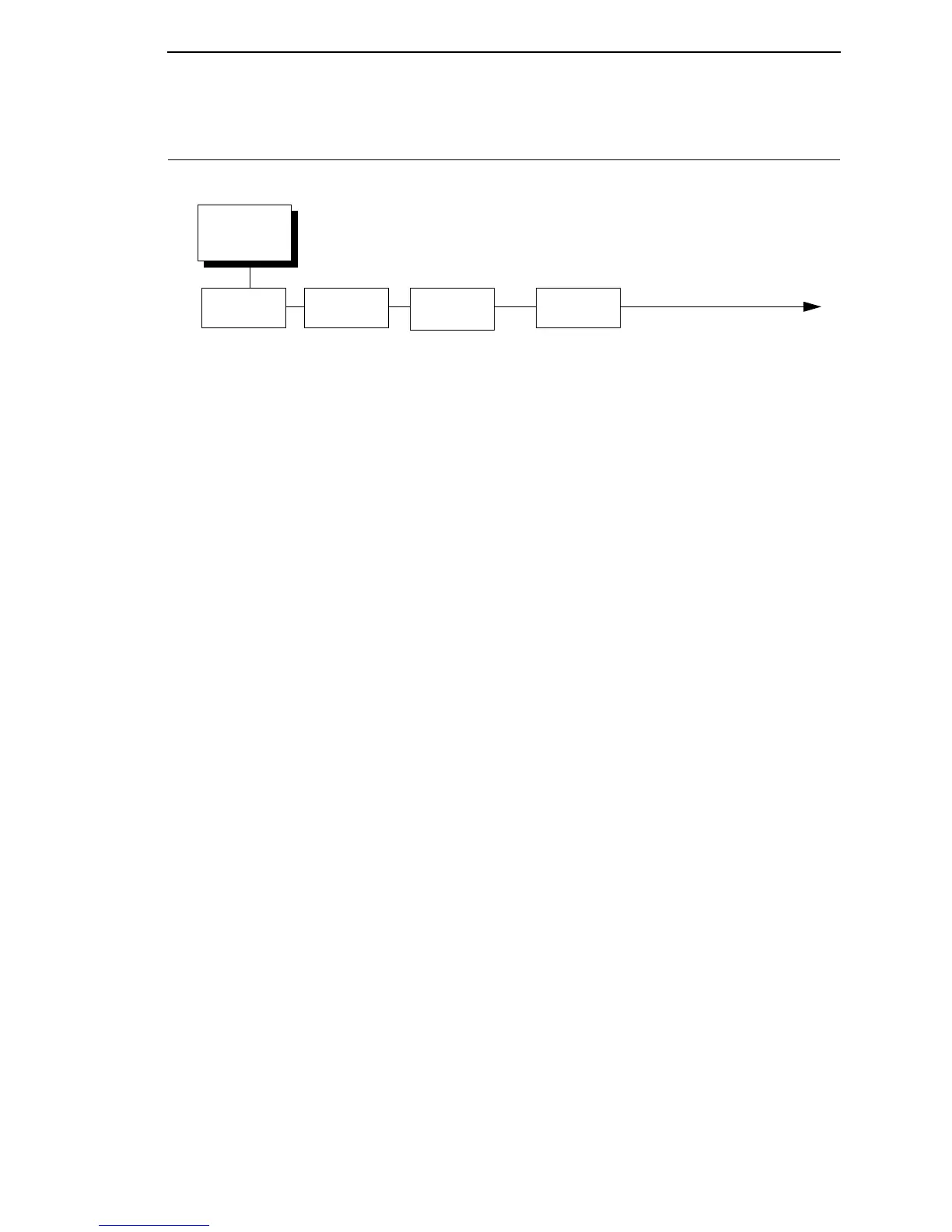
INTERFACES
(from page 67)
Host
Interface
Auto Switching*
Centronics
Serial
IEEE 1284
Ethernet
1
USB
Notes:
* = Factory Default
Italicized items are available only when Admin User is set to
Enable (in the PRINTER SETUP menu).
1
This menu appears if a NIC or Wireless NIC is installed.
2
This menu item appears only if a NIC is installed.
3
This menu appears only if a Wireless Option is installed.
4
This menu appears only if a 802.11b radio card is installed.
ETHERNET
PORT
1
Timeout*
10 sec*
1-60 sec
Switch Out On
Data Timeout*
Session Close
ETHERNET
SETTING
IP Address
2
Subnet Mask
2
Gateway Address
2
MAC Address
2
IP Assignment
2
DHCP
Disable
Enable*
BootP
Disable
Enable*
NetBIOS Protocol
Enable*
Disable
ASCII Data Port
9100*
1025 - 65535
Keep Alive Timer
3 minutes*
0-10 minutes
Ethernet Speed
2
Auto Select*
10 Half Duplex
10 Full Duplex
100 Half Duplex
100 Full Duplex
Job Control
Standard*
Enhanced
Fast Standard
Off
Offline Process
Disable*
Enable
WLAN
SETTING
3
IP Address
Subnet Mask
Gateway Address
MAC Address
IP Assignment
DHCP
Disable
Enable*
BootP
Disable
Enable*
Signal Strength
Operation Mode
4
Infrastructure*
Pseudo IBSS
Ad Hoc
SSID Name
Reset SSID Name
Min Xfer Rate
Auto-negotiate*
1 Mb/sec.
2 Mb/sec.
5.5 Mb/sec.
11 Mb/sec.
Channel
4
Default*
1-15
Antenna
Primary*
Auxiliary
Power Mgmt
0 ms
0 - 1000 ms
Transmit Power
100%
0 -100%
Preamble
4
Default*
Short
Long
Internat. Mode
Disable*
Enable
Auth Method
Open*
Shared
EAP Mode
None*
Leap
Peap
TTLS
EAP Username
Reset EAP User
EAP Password
Reset EAP Pswd
WEP Key 1
WEP Key 2
WEP Key 3
WEP Key 4
Default WEP Key
0*
0 - 4
Reset WEP Keys
WPA Mode
Disable*
Personal
Enterprise
WPA Cipher
Disable*
TKIP
AES
TKIP+AES
WPA P-Phs
Reset WPA P-Phs



 To Next Page