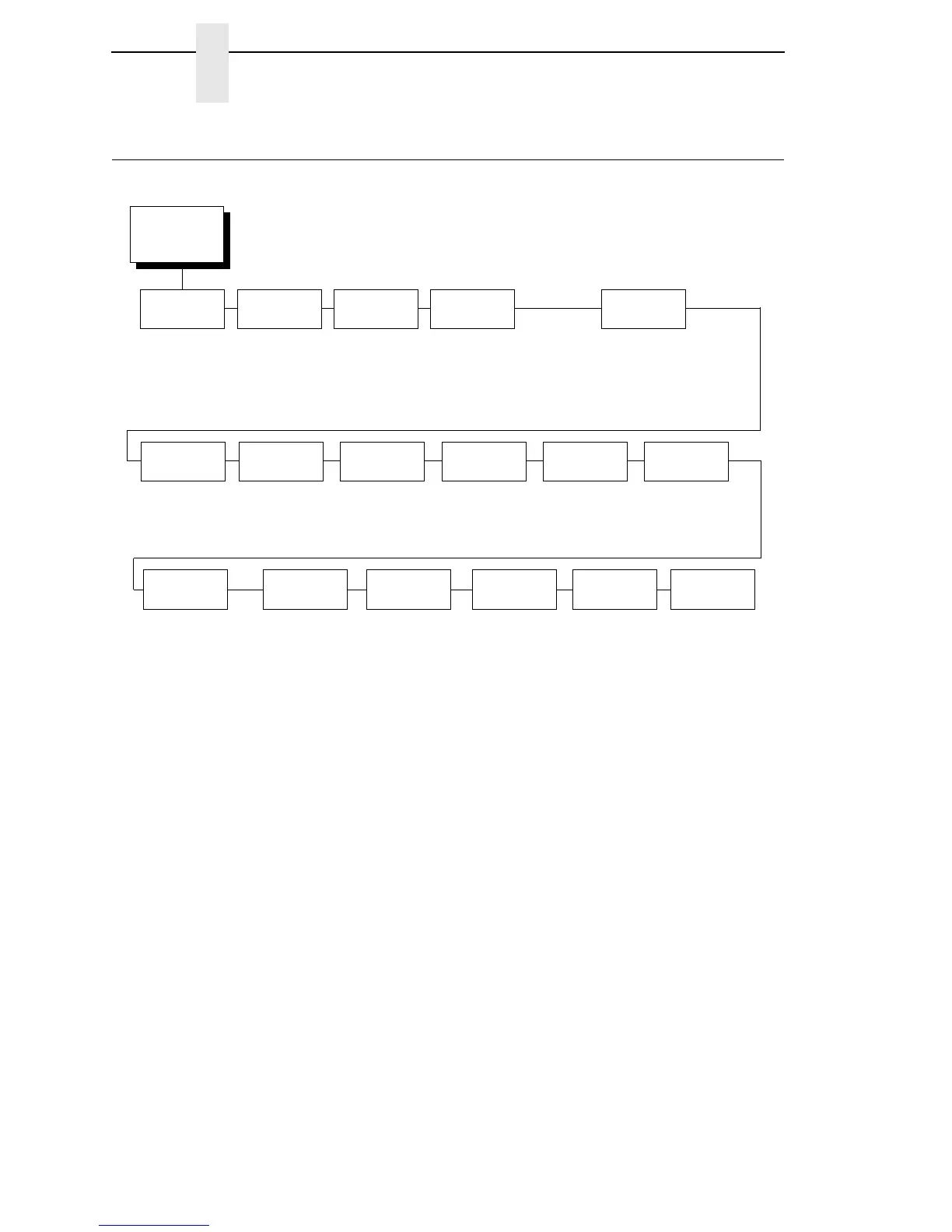
SENSOR
SETUP
(from page 66)
Gap/Mark
Sensor
Run Auto-Cal Run Profile
Gap*
Disable
Mark
Sensed
Distance
0.00 inches*
3
0.01 inches to xx inches
4
Pwr Up
Action
Auto-Cal*
Seek TOF
Disable
Head
Auto-Cal
Enable*
Disable
Gap/Mark
Thresh
4
000 to 255
1
Gap Length
0.12 inches*
0.05 to 1.00 inches
Min Calib
Delta
20*
012 to 050
Use Label
Length
Disable*
Enable
Paper Out
Thresh
4
000 to 255
1
Run Manual
Cal
Online
Auto-Cal
Disable*
Enable
Gap
Windowing
Disable*
Enable
Cal in Peel
Mode
Disable*
Enable
Threshold
Range
50%*
5% to 95%
Notes:
* = Factory Default
Italicized items are available only when you enable Admin User (in the PRINTER SETUP menu).
1
The value depends on the sensor settings and calibration results.
2
If Gap/Mark Sensor (in the SENSOR SETUP menu) is set for Gap or Disable sensing, the factory default is 190.
If Gap/Mark Sensor is set for Mark, the factory default is 150.
3
You can change the unit value to millimeters. Set Units submenu to “In Millimeters” (in the MEDIA SETUP menu).
4
The value range varies depending on calibration results.
5
This option applies only when Gap/Mark Sensor is set to Mark.
Mark TOF
Detect
5
Mark Trail Edge*
Mark Lead Edge



 To Next Page