EasyManua.ls Logo

Printronix T4204 - User Manual

Printronix T4204
232 pages
Print Icon
To Next Page IconTo Next Page
Loading...
R
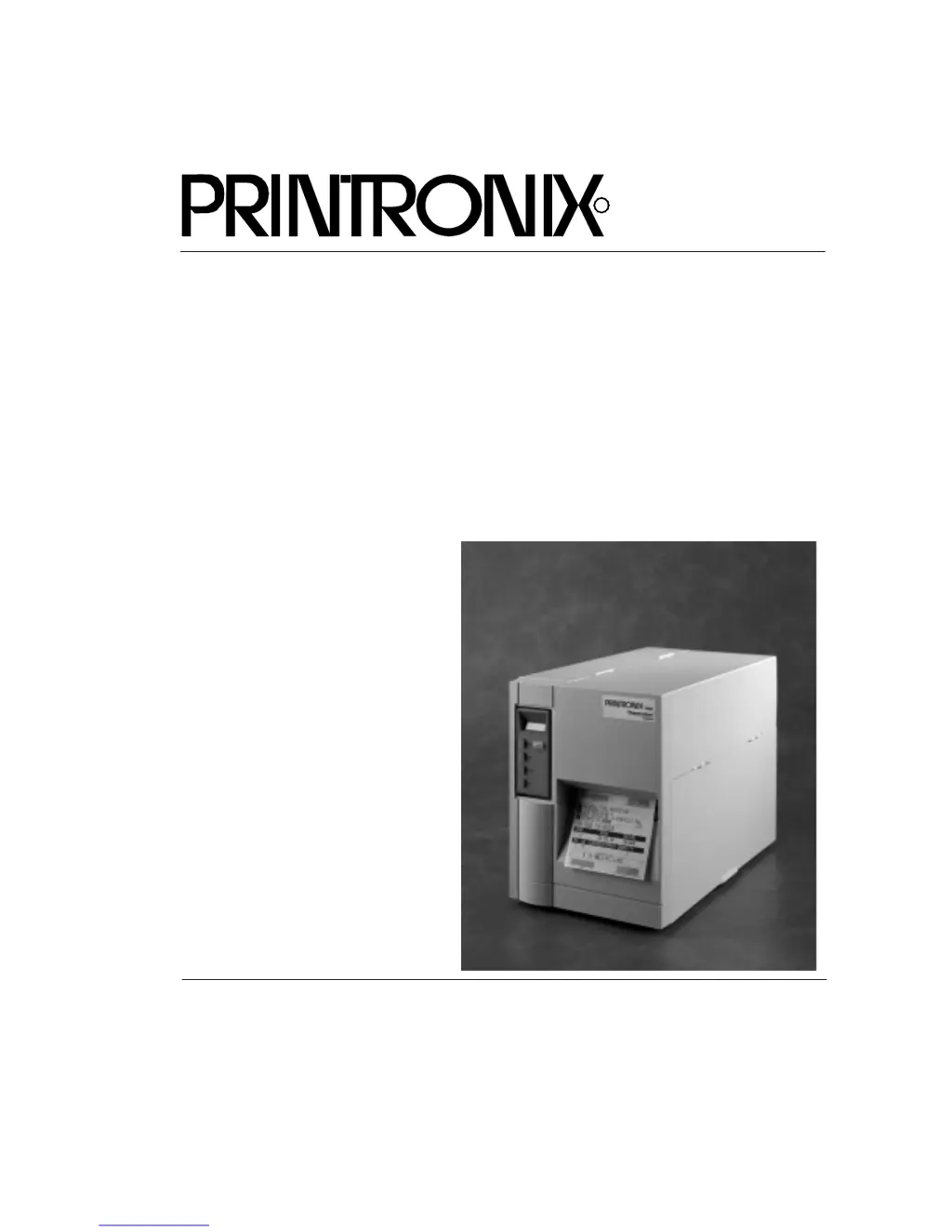
Users Manual
T4204 Label Printer

Table of Contents

Other manuals for Printronix T4204

Questions and Answers

  • J
    Jamie CaseyAug 15, 2025
    Why does my Printronix T4204 Label Maker say 'PRINT HEAD HOT See Manual'?
    • J
      juanrayAug 15, 2025
      This message indicates the printhead is too hot. First, let the printhead cool down for 5 minutes, and then press the CLEAR button to resume printing. A dirty printhead can also cause this issue, so clean the printhead. If the printhead heat setting is too high for the media, reduce the Print Intensity in the PRINTER CONTROL menu or via software command. If the problem persists, cycle the power and reload the emulation software. As a last resort, the printhead may need replacement.
  • K
    Kathy ShieldsAug 18, 2025
    What to do if Printronix Label Maker shows 'CUTTER FAULT Check Cutter'?
    • H
      Holly HoustonAug 18, 2025
      First, ensure that the cutter option is installed and connected correctly, and that the correct Media Handling selection is chosen in the configuration menu. Check the cable connections from the cutter assembly to the cutter PCBA, and from the cutter PCBA to the controller PCBA, ensuring they are securely connected. Inspect the cutter assembly for any obstructions that may be preventing a full cut cycle and clear them. Finally, the cutter PCBA may have detected a current overload; wait a few minutes for the cutter circuit breaker to automatically reset.
  • T
    Timothy RobinsonAug 21, 2025
    How to fix 'PARITY ERROR' on Printronix T4204 Label Maker?
    • M
      Melissa RobertsonAug 21, 2025
      To resolve a parity error, first, make a configuration printout and verify that the printer's serial configuration settings match those of the host for Data Protocol, Baud Rate, Data Bits, Stop Bits, Parity, Data Terminal Ready, and Request to Send. Adjust the printer's serial interface parameters to match the host. If the message persists after sending a print job, replace the serial data cable.
  • I
    Isaiah RyanAug 25, 2025
    What to do if my Printronix T4204 displays 'BUFFER OVERRUN'?
    • T
      Thomas BarrettAug 25, 2025
      If your label maker displays 'BUFFER OVERRUN', start by making a configuration printout. Verify that the printer matches the host serial interface configuration settings for Data Protocol, Baud Rate, Data Bits, Stop Bits, Parity, Data Terminal Ready, and Request to Send. Next, set the printer serial interface parameters to match those of the host.
  • R
    Robert BarnesAug 27, 2025
    Why does my Printronix T4204 say 'RIBBON FAULT Check Ribbon'?
    • L
      Lisa ReedAug 27, 2025
      This message indicates an issue with the ribbon. If the ribbon is out, install a new one. If the ribbon broke, reattach it to the ribbon take-up tube core. Also, ensure the ribbon is installed correctly.
  • M
    Matthew AndersonAug 30, 2025
    What to do if Printronix Label Maker shows 'GAP NOT DETECTED Check Media'?
    • A
      Alexandra ClarkAug 30, 2025
      If the 'GAP NOT DETECTED' message appears, ensure that the installed media matches the Media Sensor selected in the PRINTER CONTROL menu. Check that the media sensor's horizontal position is directly aligned with the gap, notch, or black mark it needs to detect. Clean the sensor assembly and paper path.
  • A
    awellsSep 2, 2025
    How to resolve 'LOAD PAPER' error on Printronix T4204?
    • L
      Leslie SpencerSep 2, 2025
      To resolve the 'LOAD PAPER' error, first, install media or reinstall it if a break occurred. Press the CLEAR key. Make sure the printhead assembly is completely closed. Check that the media width adjustment tab on the sensor assembly is positioned against the outside edge of the media for accurate tracking. If the media is correctly installed, the sensors may not be detecting it properly.
  • R
    Rebecca WilliamsSep 5, 2025
    What causes 'OPTION NOT INSTALLED' error on Printronix T4204 Label Maker and how to fix it?
    • J
      Jose MacdonaldSep 5, 2025
      The 'OPTION NOT INSTALLED' error typically means the cutter option is not properly installed or connected. Check that the cutter option is installed and connected. You may need to install the cutter option or change to the correct Media Handling selection in the configuration menu. Also, verify the cable connections: check the cable from the cutter assembly to the cutter PCBA, and the cable from the cutter PCBA to the controller PCBA, ensuring both are securely connected.
  • P
    paulajohnstonSep 8, 2025
    How to fix 'FILE SYSTEM FULL Add Flash' on Printronix T4204 Label Maker?
    • H
      hulltammieSep 8, 2025
      To resolve the 'FILE SYSTEM FULL Add Flash' error, install a larger flash memory SIMM and download the emulation software again.
  • B
    Brooke BrooksSep 12, 2025
    What does 'EC SOFTWARE FAIL* See Manual' mean on Printronix Label Maker?
    • X
      xbryantSep 12, 2025
      To address this error, first, cycle the power. If the message reappears, download the program again. If the issue persists, replace the flash memory SIMM. If the message still occurs after powering on the printer and downloading the emulation, replace the controller PCBA. Record the message and return it with the defective board.

Printronix T4204 Specifications

General IconGeneral
BrandPrintronix
ModelT4204
CategoryLabel Maker
LanguageEnglish

Related product manuals