Selecting A Menu Option
55
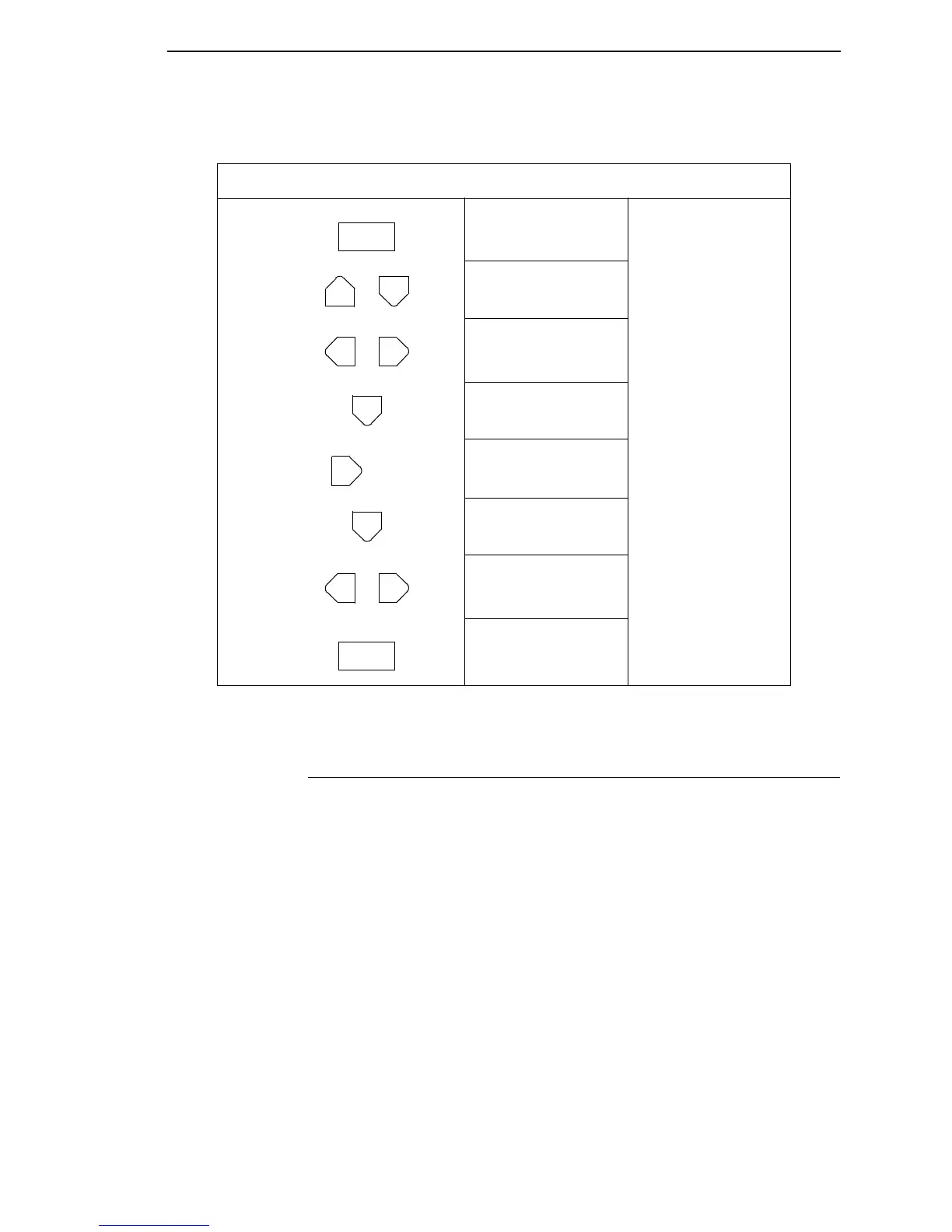
Figure 3. Moving within the Configuration Menu
Selecting A Menu Option
By default, the ENTER key is “locked” when the printer is turned on. This
prevents accidental changes to the configuration menu. If you press the
ENTER key when the key is locked, the message “ENTER SWITCH
LOCKED” is displayed on the LCD for one second, and the value will not be
selected.
To unlock the ENTER key, press the UP and DOWN arrow keys
simultaneously. This toggles the enter lock function.
If this function is performed while the ENTER key is locked, the message
“ENTER SWITCH UNLOCKED” will be displayed for one second, and the
ENTER key will be unlocked.
If this function is performed while the ENTER key is unlocked, the message
“ENTER SWITCH LOCKED” will be displayed for one second, and the
ENTER key will be locked.
When the ENTER key is pressed (with the ENTER key unlocked), the value
displayed is entered and the configuration is changed immediately.
Step Press LCD Notes
1. OFFLINE
CONFIG. CONTROL
2. ENTER SWITCH
UNLOCKED
Allows you to make
configuration changes.
3. OFFLINE
PRINTER CONTROL
4. PRINTER CONTROL
Page Width
5. PRINTER CONTROL
Print Mode
6. Print Mode
Transfer*
7. Print Mode
Direct
Cycle through the
choices.
8. Print Mode
Direct*
PAUSE
+
OR
UNTIL
OR
ENTER



 To Next Page