HOST INTERFACE Menu
87
Printer Status
Disabled - Printer status ignored.
ENQ and ENQ/STX
When enabled, the printer responds to an ENQ signal by sending a status
byte to the host. The type of status byte is determined by a Front Panel menu
selection. The selections allowed are ENQ and ENQ/STX. The ENQ is
removed from the data stream. The menu selection for enabling the ENQ
option may only be seen when using a feature file.
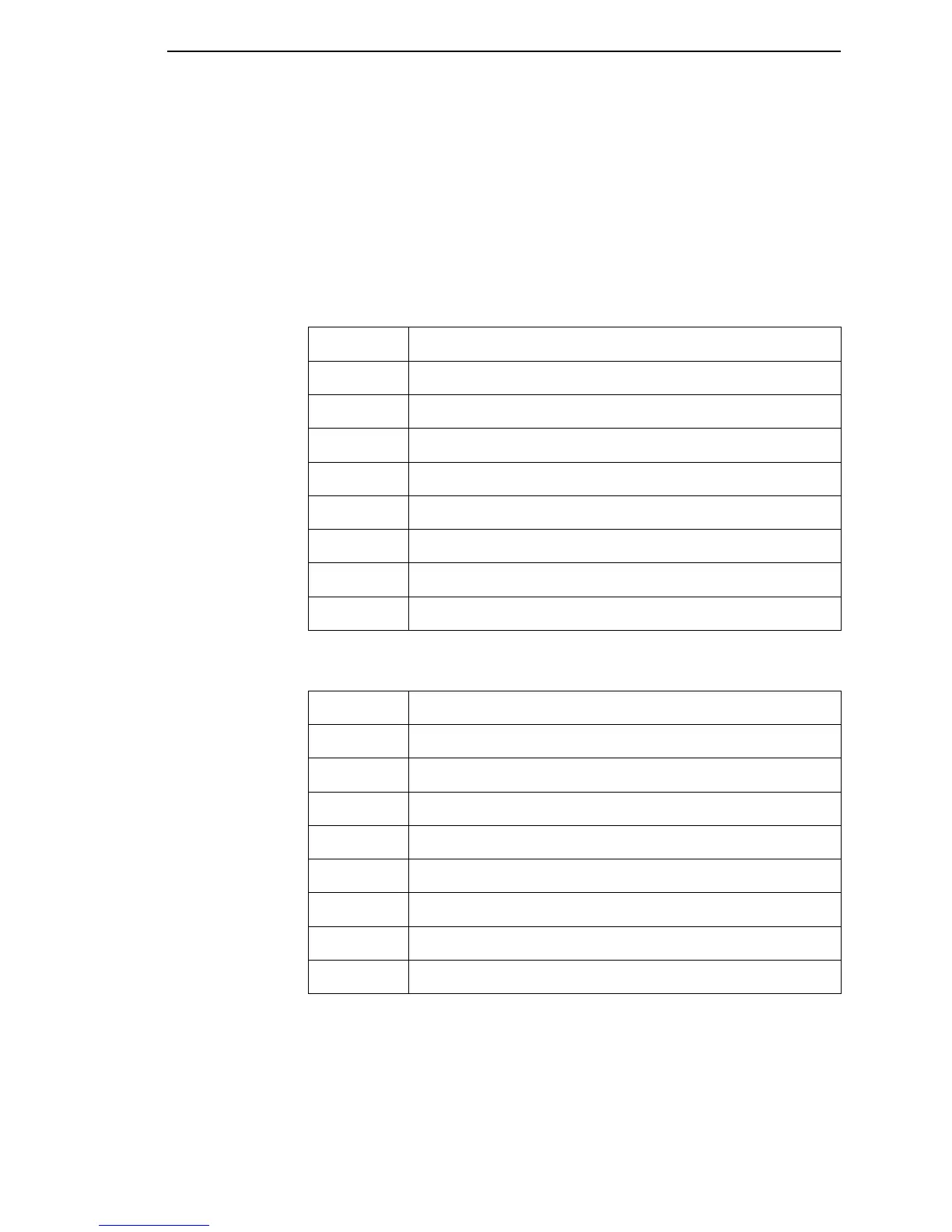
The ENQ/STX status byte is shown below:
Bit
Printer Status
0
Set when the label has printed
1
Set when the label is presented
2
Set while printer is online.
3
Always set.
4
Set printing in the batch mode.
5
Set during a ribbon fault.
6
Set during a paper out fault.
7
Always set.
Bit
Printer Status
0
Set when the printer is not online or the buffer is full.
1
Set when the printer is offline.
2
Clear during a paper out fault.
3
Always set.
4
Always set.
5
Set during a buffer overflow fault.
6
Set during a parity or framing error fault.
7
Always clear.



 To Next Page