34
Chapter 2 Loading Fanfold Media
Loading Fanfold Media
1. Open the top (and right side) cover on the printer and the front door.
2. Remove the roll media from the media support assembly, if installed.
3. Place the fanfold media behind the printer and insert the first few labels
through the rear panel opening.
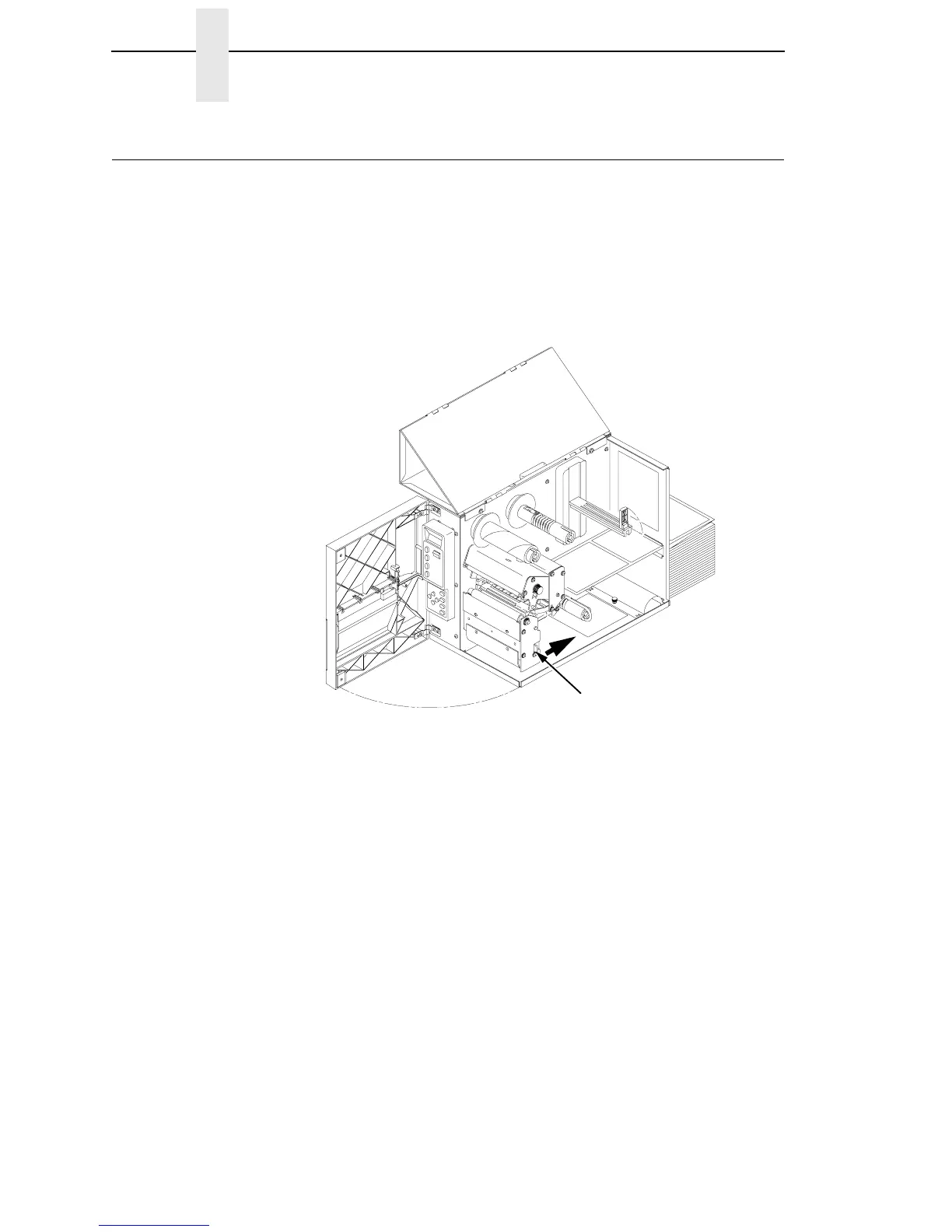
4. Open the printhead assembly by pushing the release lever towards the
back of the printer. The Printhead assembly will swing upward.
Legend:
1) Printhead Assembly Release Lever
1



 To Next Page