26
Chapter 2
Setting Up the Printer
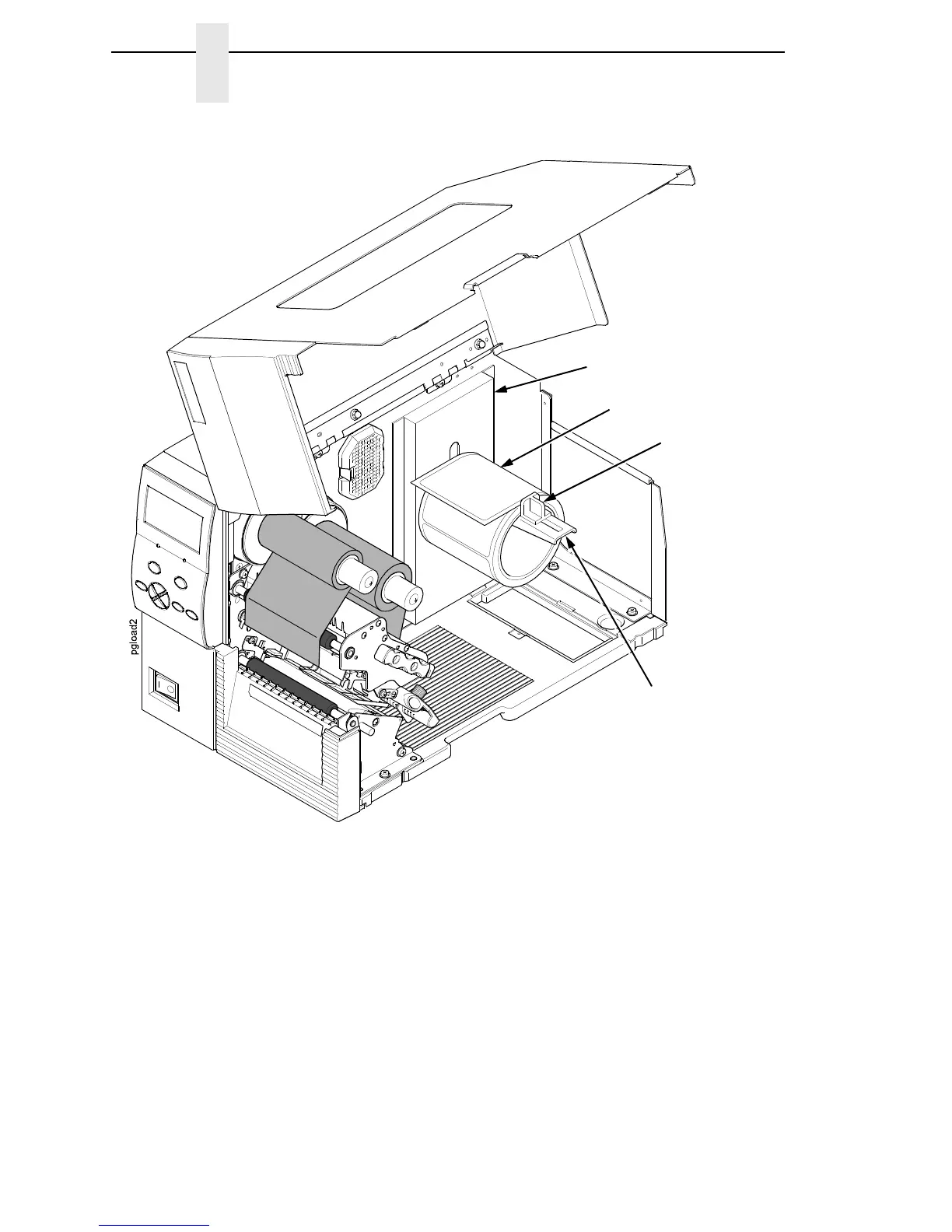
4. Place the media roll onto the media hanger and slide the media roll until it
is flush with the printer’s side wall.
NOTE: For information regarding smart labels, refer to the RFID Labeling
Reference Manual.
5. Slide the media hanger guide against the media roll to prevent horizontal
travel, but make sure the media roll can rotate freely.
Media Roll
Media Hanger
Guide
Media Hanger
Side Wall



 To Next Page