MEDIA SETUP Submenus
79
The factory default is Head First when PGL is enabled.
The factory default is Foot First when ZGL is enabled.
Label Wait Time
When Media Handling is set to Tear-Off Strip or Continuous, and
Adv Continuous is set to Tear Strip Full, Label Wait Time specifies the
number of seconds after printing stops that the printer will wait before it
advances media to the tear bar position.
When Media Handling is set to Peel-Off, Label Wait Time specifies the
number of seconds the printer will wait after a label is removed from the peel
bar before starting to print the next label.
The range is 0.1 to 60.0 seconds, and the factory default is 0.1 second.
NOTE: For the SL4M Short Pitch RFID printer, the default is 1.0 second.
Label Missing
If enabled causes the Label Taken Sensor to first check for the presence of a
printed label at the tear bar for Peel Off and Tear Off Media Handling Modes
only.
•
Fault Disable (factory default). The printer does not generate a fault
condition if a missing label is encountered. The printer will continue
printing the next label.
•
Fault Enable. The printer generates a fault condition if a missing label is
encountered.
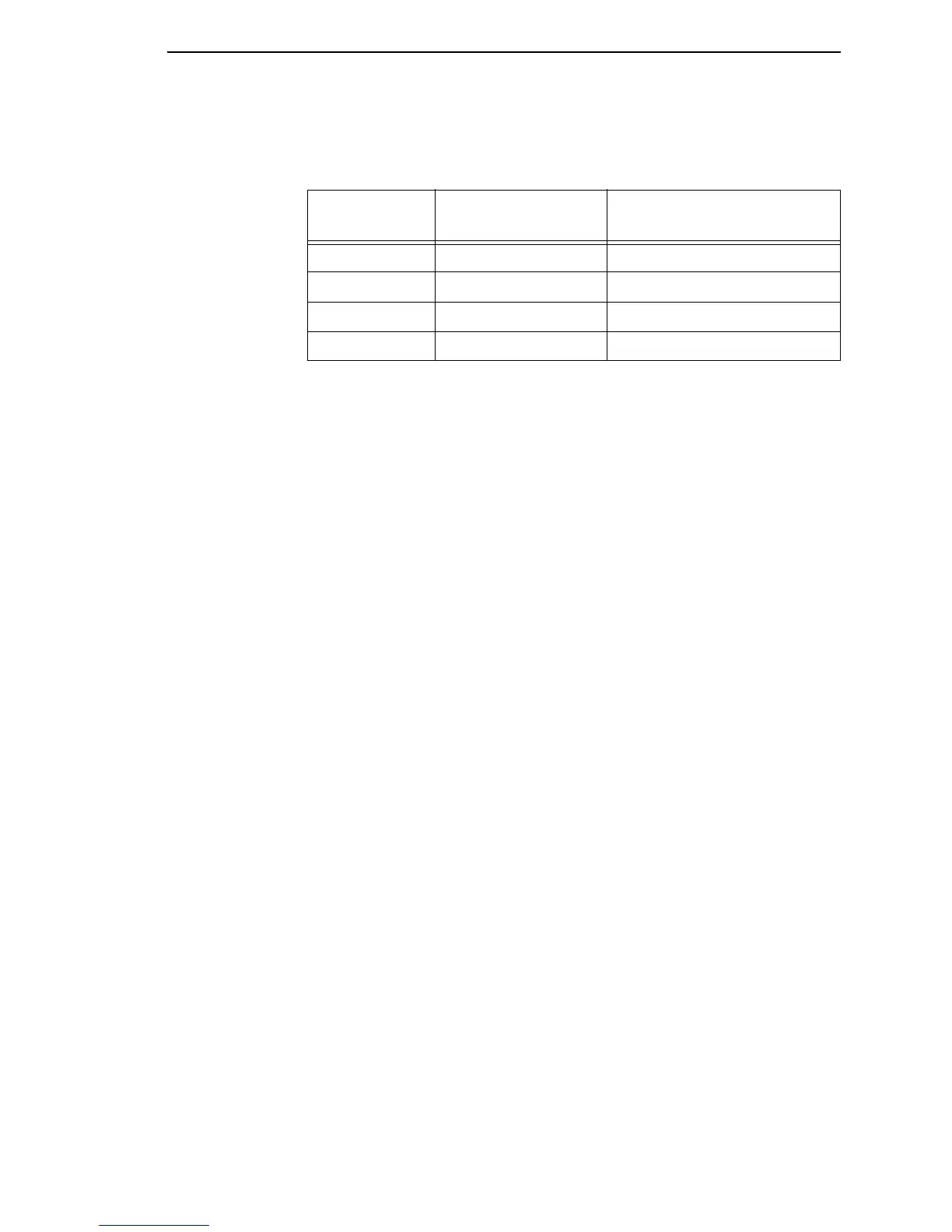
Table 9. Foot First
Print Direction
Option
Orientation Option Result in Active ZGL Emulation
Foot First Portrait Portrait
Foot First Landscape Inv. Landscape
Foot First Inv. Portrait Inv. Portrait
Foot First Inv. Landscape Landscape



 To Next Page