www.probuilttools.com
12
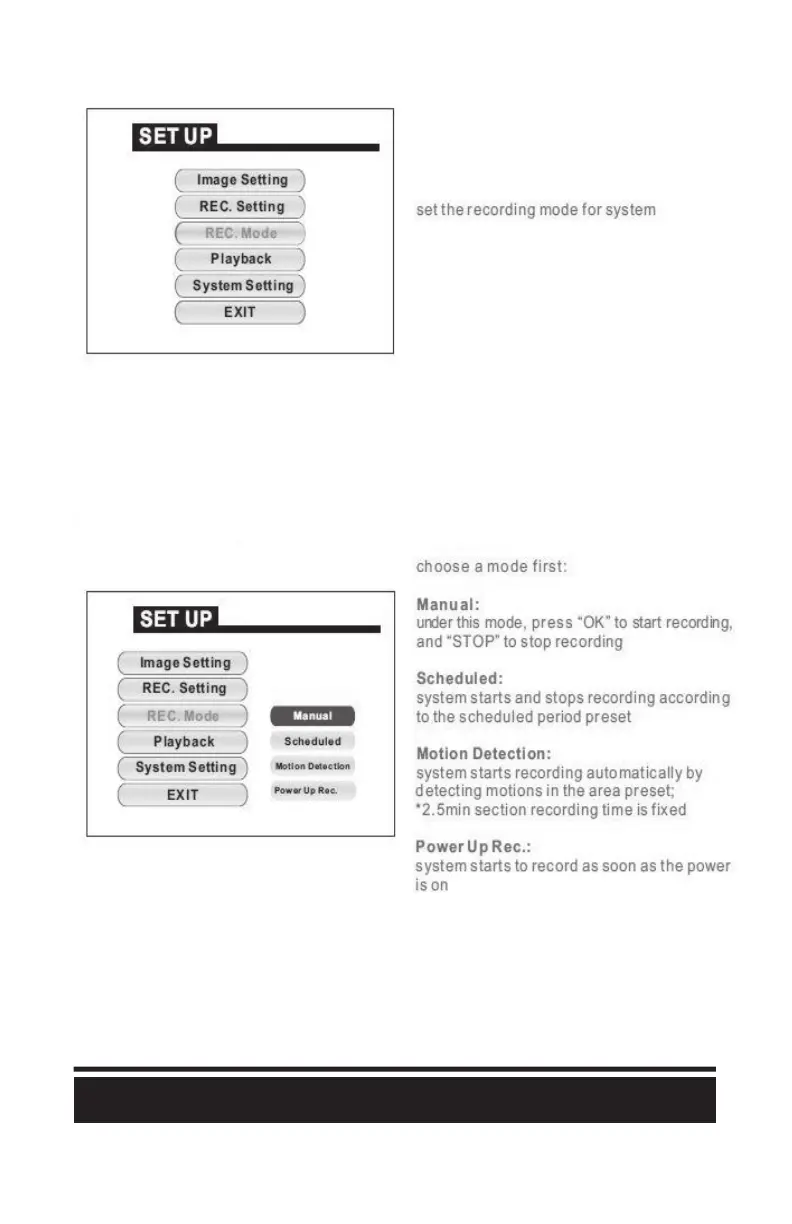
The SD Card Recorder has opons to record on power-up or by manually beginning and ending the
recording. You may adjust those in the menu as shown:
“Manual” is the preferred method for seng up a recording. Aer applying the seng (which will be
saved in the device memory), simply point your remote at the recorder and press “OK” to start
recording and “STOP” to end recording. Once the recording is ended, the video file is automacally
saved to your SD Memory Card.



 To Next Page