228
Installation procedure
Step Procedure Details
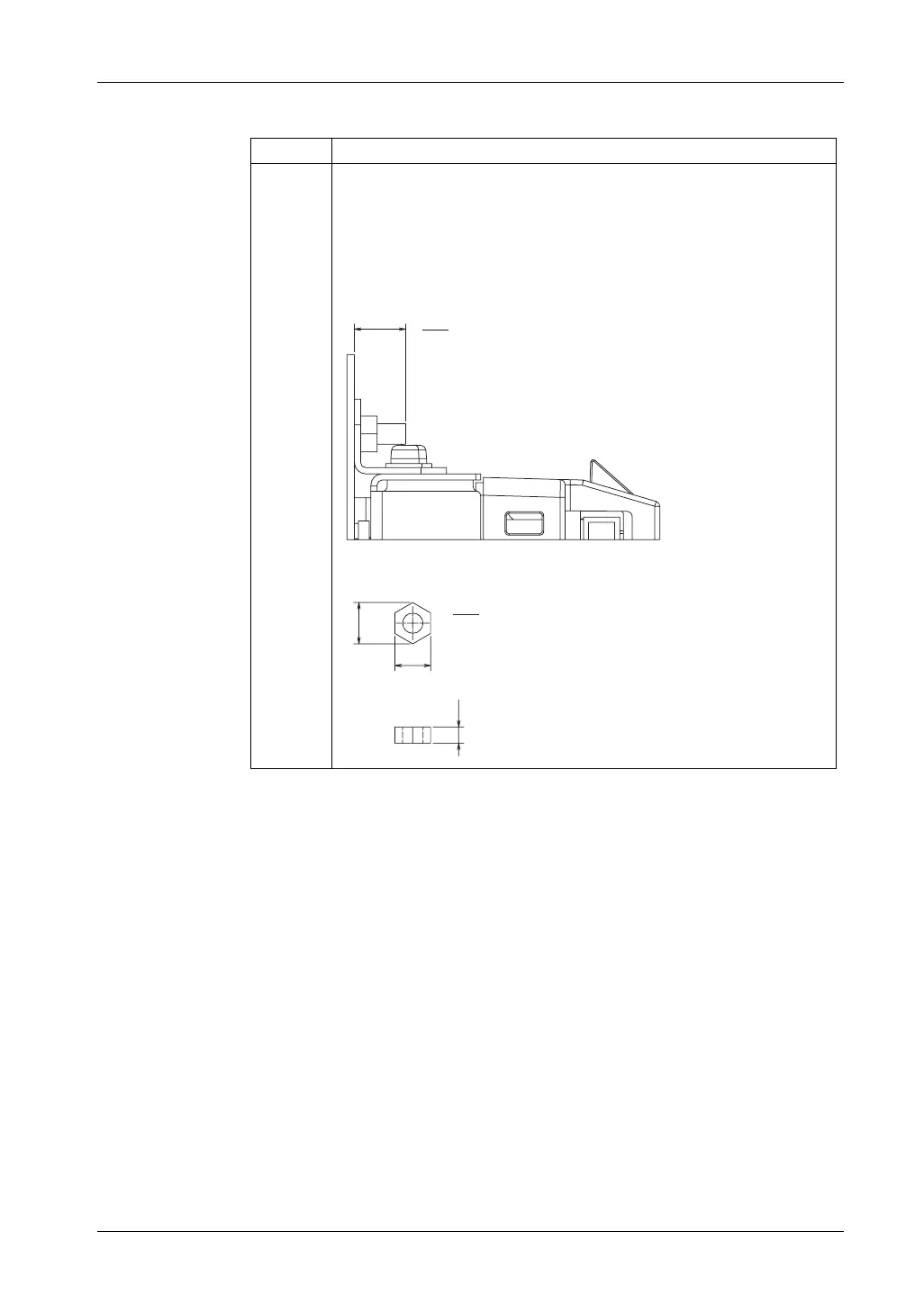
1 Cut an opening in the panel to match the standard mount or flat mount panel
cut dimensions, and then weld four M4 x 10L stud bolts perpendicular to the
rear surface of the panel in order to fix the GP unit in place.
Note:
z Before you start this work, carefully read "3. Panel Cut Dimensions" (see
page 223).
z Prepare four stud bolts and four nuts within your quality assurance range.
z The stud bolt height is 10 mm (0.39 in.).
z We recommend that you use M4 nuts (ISO4032, JIS B 1181).
PP
LQ
Installation diagram (profile)
PP
LQ





 To Next Page