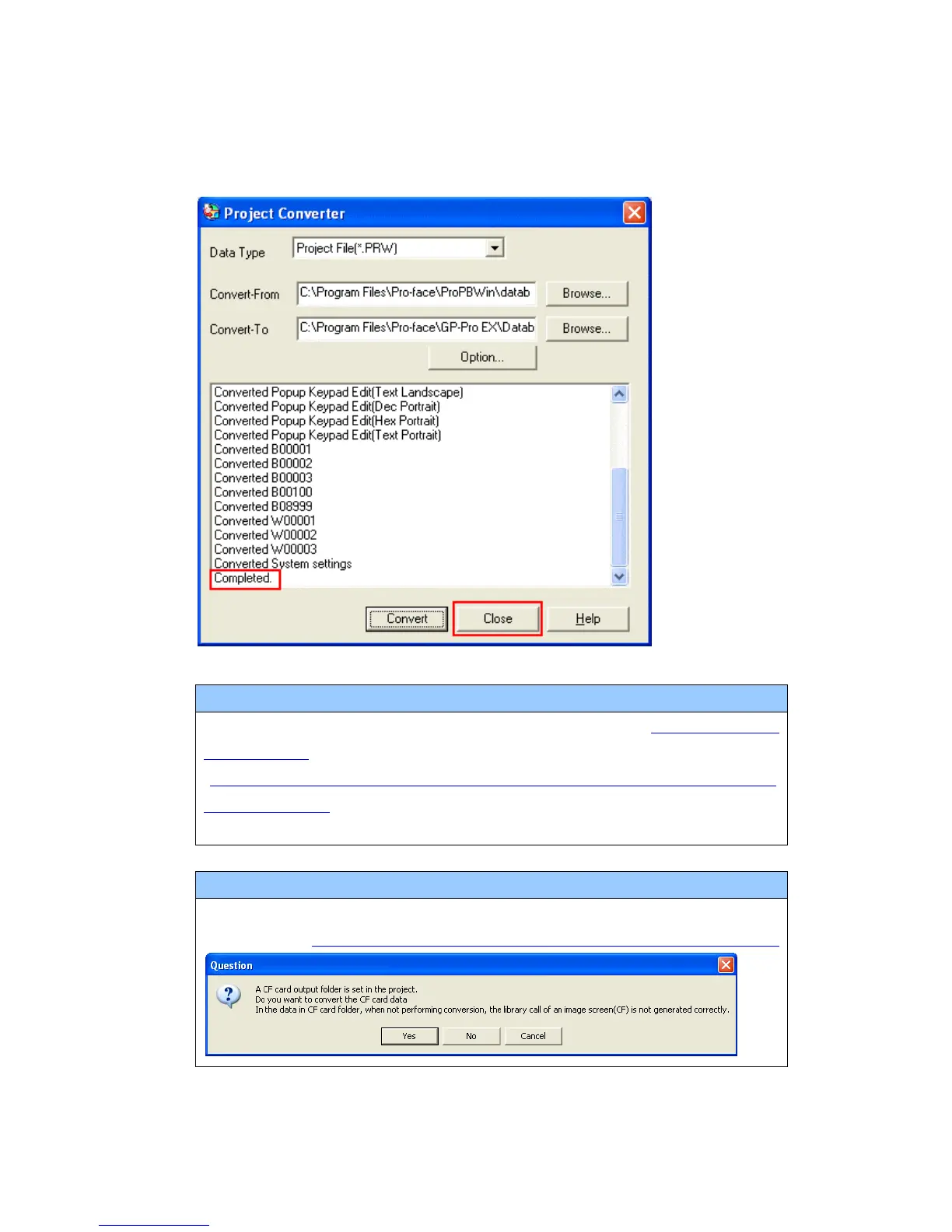
If an error message is displayed during conversion…
If an error message is displayed during conversion, refer to [Project Converter
Error Message]
(http://www.pro-face.com/otasuke/qa/gp3000/replace/soft/conv/project_con
verter_error.html) on our Web site called [OtasukePro!] for the cause and the
solution.
NOTE
If the following dialog box appears, CF Card Ouput Folder setting is required.
Please refer to Convert GP-PRO/PBIII for Windows’”Destination CF Card Folder”




 To Next Page