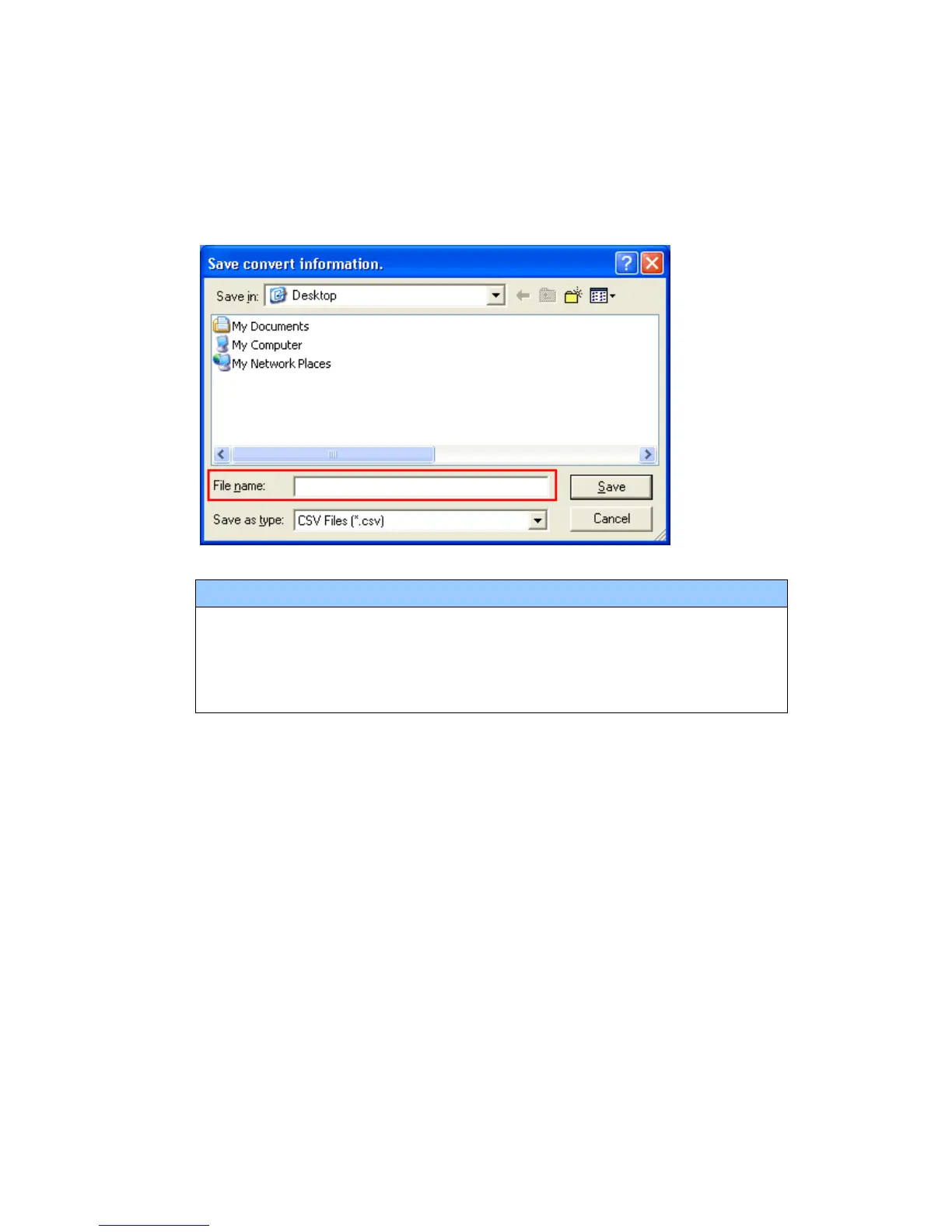
(7) After conversion, the [Save convert information] dialog box appears. If you click
[Save], you can save the conversion information in a CSV file format.
NOTE
Because the differences made at the time of conversion from GP-Pro/PBIII for
Windows are described in the CSV saved file, the project file (*.prx) after
conversion can be checked and modified according to the conversion
information.
(8) Click [Close] to close the [Project Converter] dialog box.
If you double click the project file (*.prx) after conversion, GP-Pro EX will start and
the file will open.
36/59




 To Next Page