10
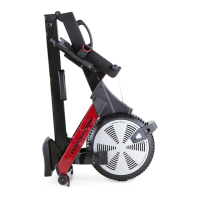
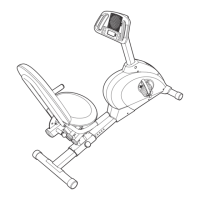
10. Remove the Frame Pin (37) from the Rail
Bracket (41), and lower the Rail (8) to the floor.
Next, insert the Frame Pin (37) into the Frame
(39) and into the Rail Bracket (41).
Then, slide an M13 x 32mm Washer (88) onto
the Frame Knob (87), insert the Frame Knob into
the Frame (39), and tighten the Frame Knob into
the Rail Bracket (41).
10
37
88
8
39
87
41
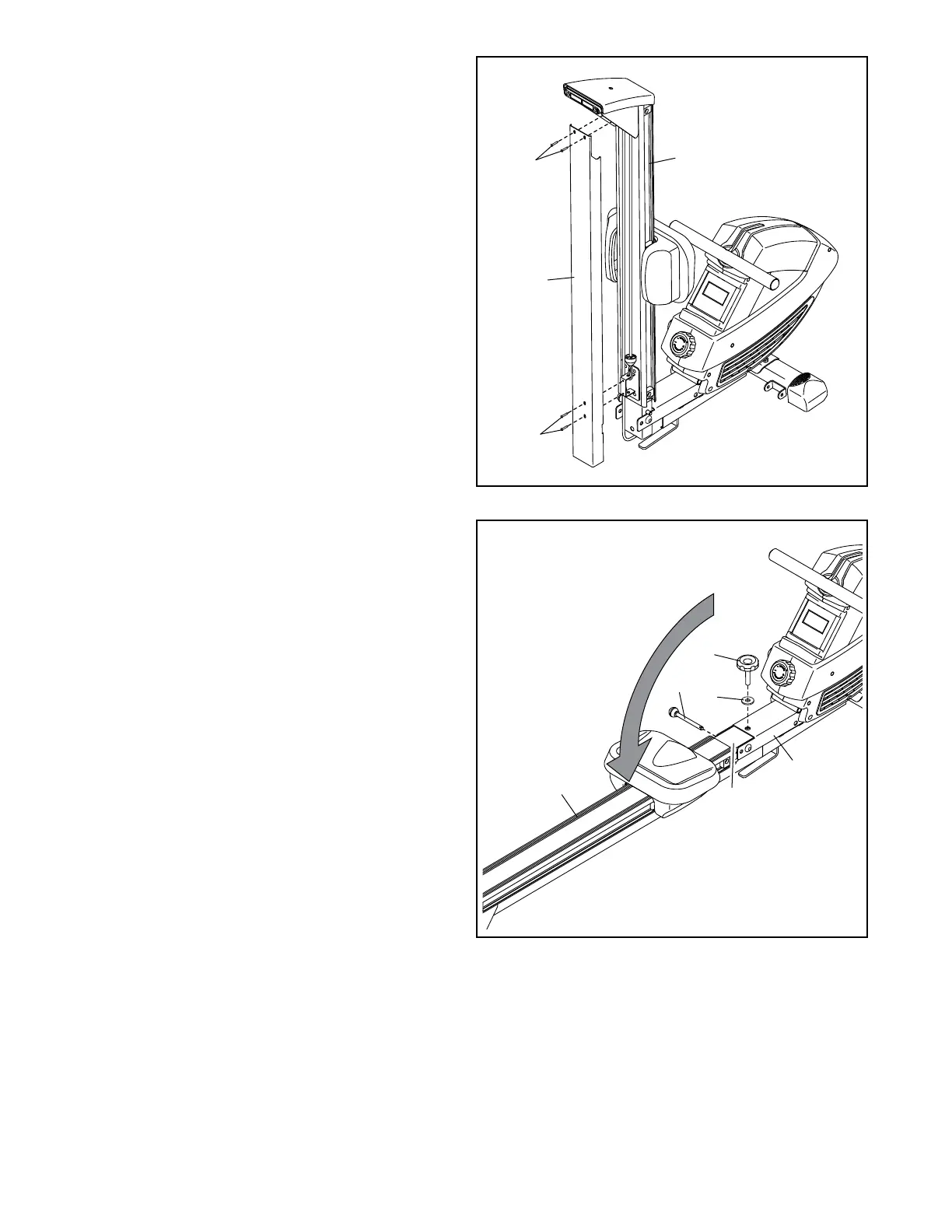
9. Orient the Rail Cover (18) as shown.
Attach the Rail Cover (18) to the Rail (8) with
four M5 x 8mm Screws (12).
9
8
18
12
12



 To Next Page