24
The matrix offers several display tabs. Press the
Display button repeatedly until the desired tab
is shown. You can also press the increase and
decrease buttons next to the Enter button.
Speed—This tab will show a profile of the speed
settings of the workout. A new segment will appear
at the end of each minute.
My Trail—This tab will show a track that rep-
resents 1/4 mile (400 m). As you exercise, the
flashing rectangle will show your progress. The
My Trail tab will also show the number of laps you
complete.
Calorie—This tab will show the approximate
amount of calories you have burned. The height of
each segment represents the amount of calories
burned during that segment.
Incline—This tab will show a profile of the incline
settings of the workout. A new segment will appear
at the end of each minute.
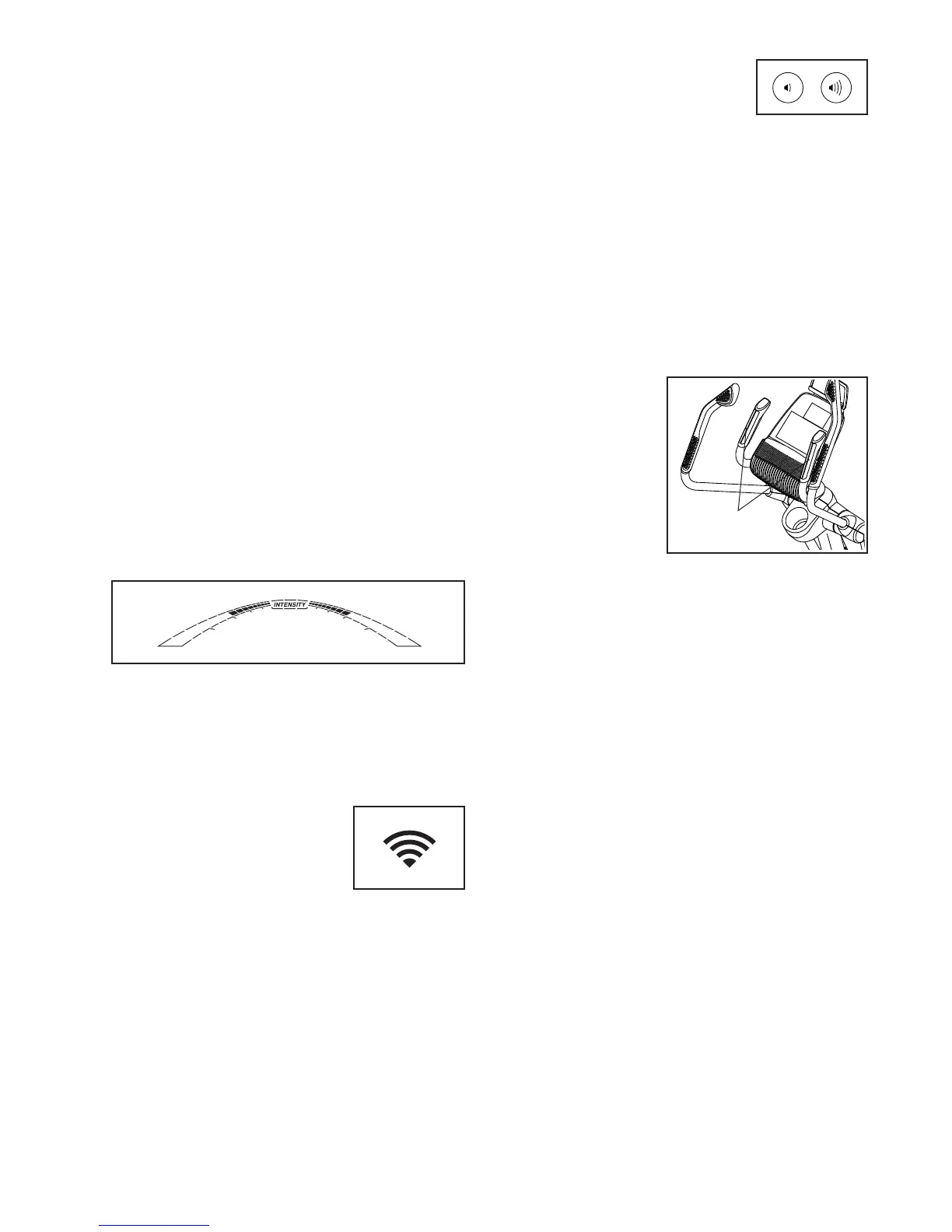
As you exercise, the workout intensity level bar
will indicate the approximate intensity level of your
exercise.
Press the Home button to exit the workout and
return to the default menu (see HOW TO CHANGE
CONSOLE SETTINGS on page 30 to set the
default menu). If necessary, press the Home button
again.
When a wireless iFit module
is connected, the wireless
symbol at the top of the dis-
play will show the strength of
your wireless signal. Four arcs
indicate full signal strength.
Change the volume level of the
console by pressing the volume
increase and decrease buttons.
5. Measure your heart rate if desired.
You can measure your heart rate using either the
handgrip heart rate monitor or an optional chest
heart rate monitor (see page 29 for infor-
mation about the optional chest heart rate
monitor). Note: The console is compatible with
BLUETOOTH
®
Smart heart rate monitors.
Note: If you use both heart rate monitors at the
same time, the console will not display your
heart rate accurately.
If there are
sheets of plas-
tic on the metal
contacts on the
handgrip heart
rate monitor,
remove the plas-
tic. To measure
your heart rate,
hold the handgrip
heart rate monitor
with your palms resting against the contacts. Avoid
moving your hands or gripping the contacts
tightly.
When your pulse is detected, a heart symbol will
flash in the display each time your heart beats,
one or two dashes will appear, and then your heart
rate will be shown. For the most accurate heart
rate reading, hold the contacts for at least 15
seconds.
If the display does not show your heart rate, make
sure that your hands are positioned as described.
Be careful not to move your hands excessively or
to squeeze the contacts tightly. For optimal perfor-
mance, clean the contacts using a soft cloth; never
use alcohol, abrasives, or chemicals to clean
the contacts.
Contacts


 To Next Page