25
6. Turn on the fan if desired.
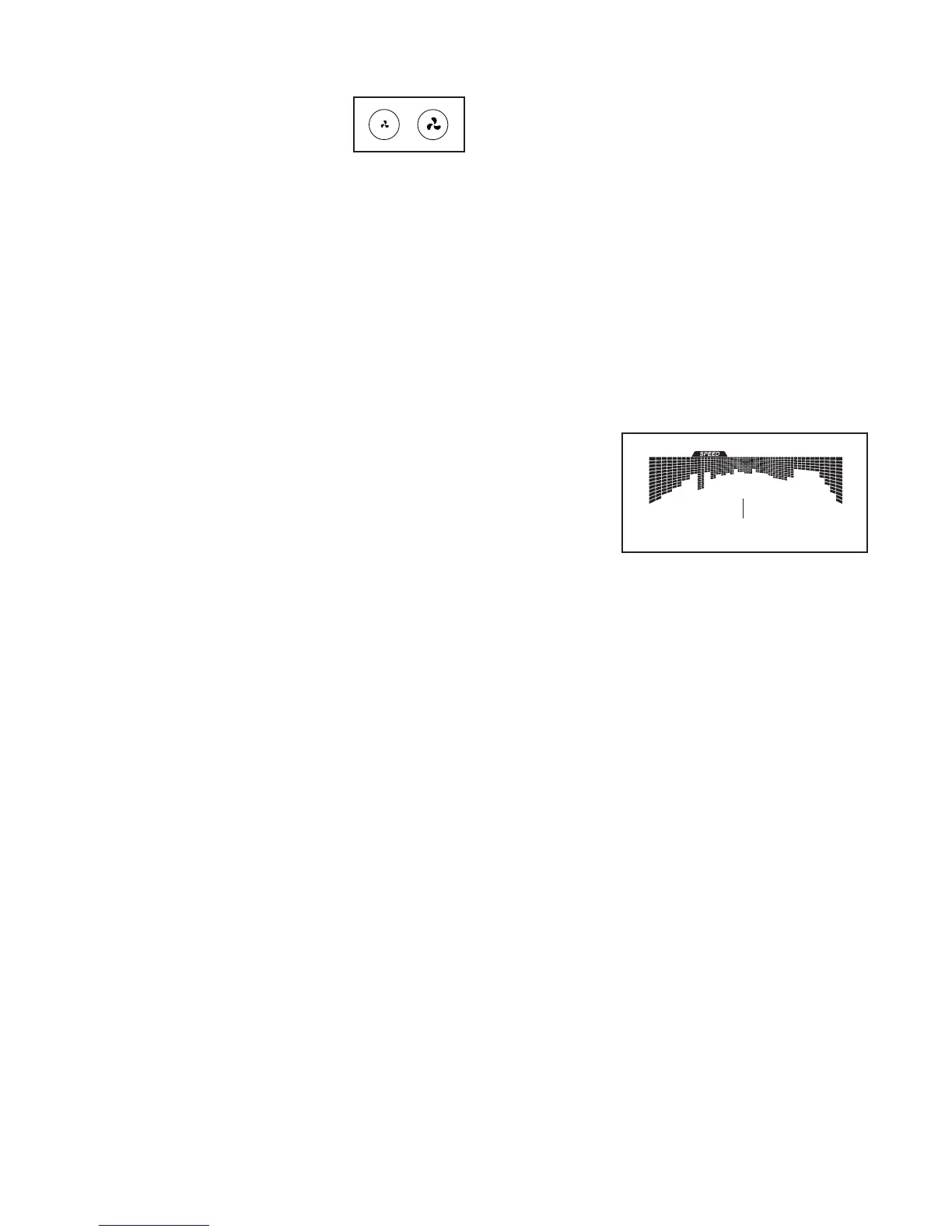
The fan has several speed
settings. Press the fan increase
and decrease buttons repeat-
edly to select a fan speed or to
turn off the fan.
Note: If the pedals do not move for about thirty
seconds, the fan will turn off automatically.
7. When you are finished exercising, unplug the
power cord.
If the pedals do not move for several seconds, a
tone will sound and the console will pause.
If the pedals do not move for several minutes and
the buttons are not pressed, the console will turn
off and the display will be reset.
When you are finished exercising, press the power
switch to the off position and unplug the power
cord. IMPORTANT: If you do not do this, the
electrical components on the elliptical may
wear prematurely.
HOW TO USE AN ONBOARD WORKOUT
1. Begin pedaling or press any button on the
console to turn on the console.
See HOW TO TURN ON THE POWER on
page 22.
2. Select an onboard workout.
To select an onboard workout, press the Calorie,
Intense, Speed, or Incline button repeatedly until
the desired workout appears in the display.
When you select an onboard workout, the display
will show the duration of the workout and the name
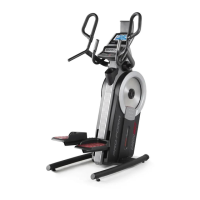
of the workout. A profile of the speed settings of the
workout will appear in the matrix.
The display will also show the maximum pedaling
speed (rpm), the maximum resistance level, and
the maximum incline level.
3. Start the workout.
Press the Quick Start button or begin pedaling to
start the workout.
Each workout is divided into one-minute segments.
One resistance level, one incline level, and one
target rpm (speed) are programmed for each seg-
ment. Note: The same resistance level, incline
level, and/or target rpm may be programmed for
consecutive segments.
The resistance level, the incline level, and the
target rpm for the first segment will appear in the
matrix.
During the
workout,
the profiles
on the
speed and
incline tabs
will show
your prog-
ress. The flashing segment of the profile represents
the current segment of the workout. The height of
the flashing segment indicates the target rpm or the
incline level for the current segment.
At the end of each segment of the workout, a
series of tones will sound and the next segment of
the profile will begin to flash. If a different resis-
tance level, incline level, and/or target rpm is
programmed for the next segment, the resistance
level, incline level, and/or target rpm will appear
in the display for a few seconds to alert you. The
resistance of the pedals and the incline level of the
frame will then change.
Profile


 To Next Page