EasyManua.ls Logo

Pro-Form PFEX15914.0 - User Manual

Pro-Form PFEX15914.0
32 pages
Print Icon
To Next Page IconTo Next Page
Loading...
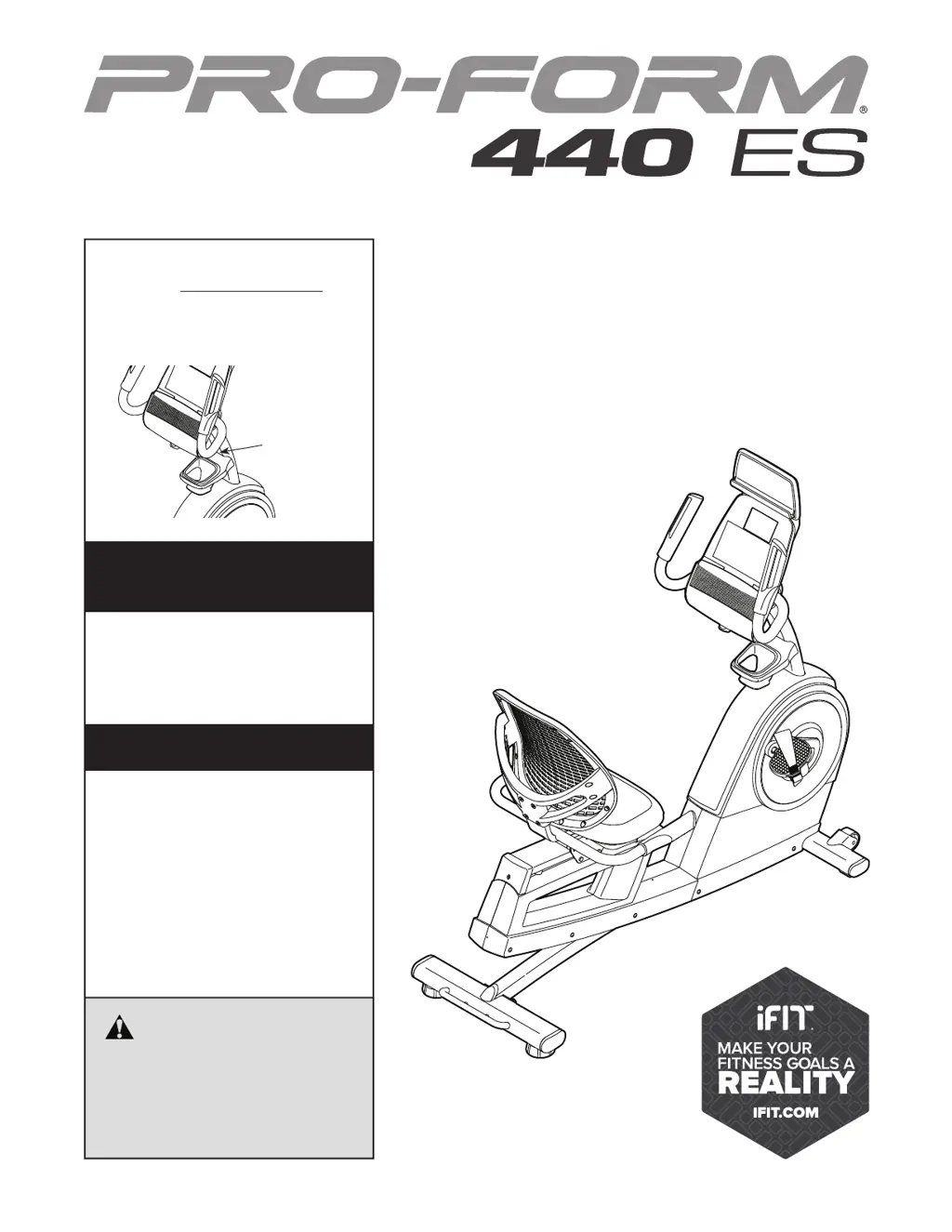
Serial Number
Decal
CAUTION
Read all precautions and instruc-
tions in this manual before using
this equipment. Keep this manual
for future reference.
Model No. PFEX15914.0
Serial No.
Write the serial number in the space
above for reference.
www.proform.com
USER’S MANUAL
To register your product and
activate your warranty today,
go to www.proformservice.com/
registration.
For service at any time, go to
www.proformservice.com.
Or call 1-888-533-1333
Mon.–Fri. 6 a.m.–6 p.m. MT
Sat. 8 a.m.–12 p.m. MT
Please do not contact the store.
ACTIVATE YOUR
WARRANTY
CUSTOMER CARE

Questions and Answers

  • R
    Rodney WhiteAug 9, 2025
    What to do if pedals slip on my Pro-Form PFEX15914.0 Exercise Bike?
    • T
      tinaparkerAug 9, 2025
      If the pedals slip while you are pedaling, even at maximum resistance, the drive belt may need adjustment. To resolve this, unplug the power adapter, carefully lay the bike on its side, and slightly tighten the indicated M8 Hex Nut to tighten the drive belt. Return the bike to the upright position, and then plug in the power adapter.
  • M
    michael93Aug 25, 2025
    Why does my Pro-Form PFEX15914.0 Exercise Bike console display incorrect feedback?
    • L
      Laura HoffmanAug 25, 2025
      If the console on your Pro-Form Exercise Bike isn't displaying the correct feedback, the reed switch likely needs adjustment. Unplug the power adapter, adjust the reed switch position, and re-tighten the clamp screw. Then, rotate the Left Crank Arm and repeat these actions until the console displays the correct feedback.

Pro-Form PFEX15914.0 Specifications

General IconGeneral
CategoryExercise Bike
TypeUpright
Resistance TypeMagnetic
Resistance Levels16
DisplayLCD
Workout Programs16
Max User Weight250 lbs
Adjustable SeatYes
Product NameProForm PFEX15914.0

Related product manuals