12
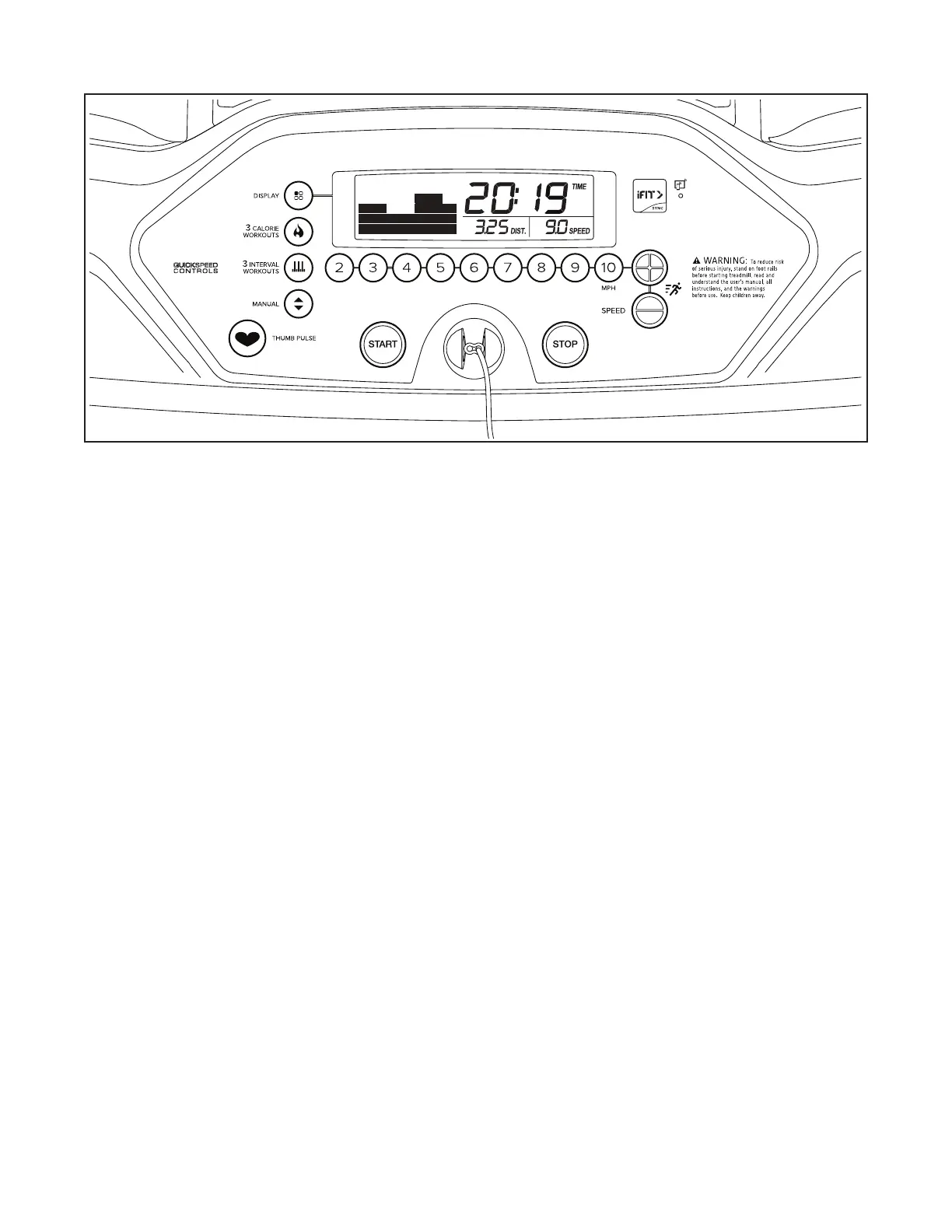
FEATURES OF THE CONSOLE
IMPORTANT: To activate your console and begin
using its exclusive features, see assembly step 7
on page 10.
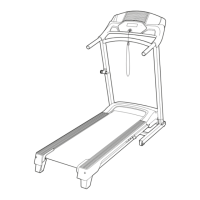
The treadmill console offers a selection of features
designed to make your workouts more effective. When
you select the manual mode of the console, you can
change the speed of the treadmill with the touch of
a button. As you exercise, the displays will provide
continuous exercise feedback. You can even measure
your heart rate using the built-in heart rate monitor.
See page 17 for information about purchasing a
wearable heart rate monitor.
The console also offers a selection of preset workouts.
Each workout automatically controls the speed of the
treadmill as it guides you through an effective exercise
session.
You can also connect your tablet to the console and
use the iFit
®
–Workouts at Home app to record and track
your workout information.
To turn on the power, see page 13. To use the man-
ual mode, see page 13. To use a preset workout,
see page 15. To connect your tablet to the console,
see page 16. To connect your heart rate monitor to
the console, see page 16. To use the settings mode,
see page 17. To change the incline of the treadmill,
see page 17.
IMPORTANT: If there is a sheet of plastic on the
face of the console, remove the plastic. To prevent
damage to the walking platform, wear clean ath-
letic shoes while using the treadmill. The first time
the treadmill is used, observe the alignment of the
walking belt, and center the walking belt if neces-
sary (see page 21).
Note: The console can display speed and distance in
either miles or kilometers. To find which unit of mea-
surement is selected, see THE SETTINGS MODE on
page 17. For simplicity, all instructions in this sec-
tion refer to miles.
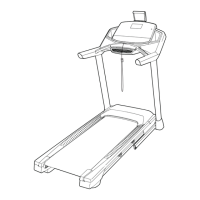
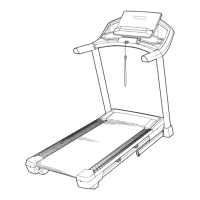
CONSOLE DIAGRAM




 To Next Page