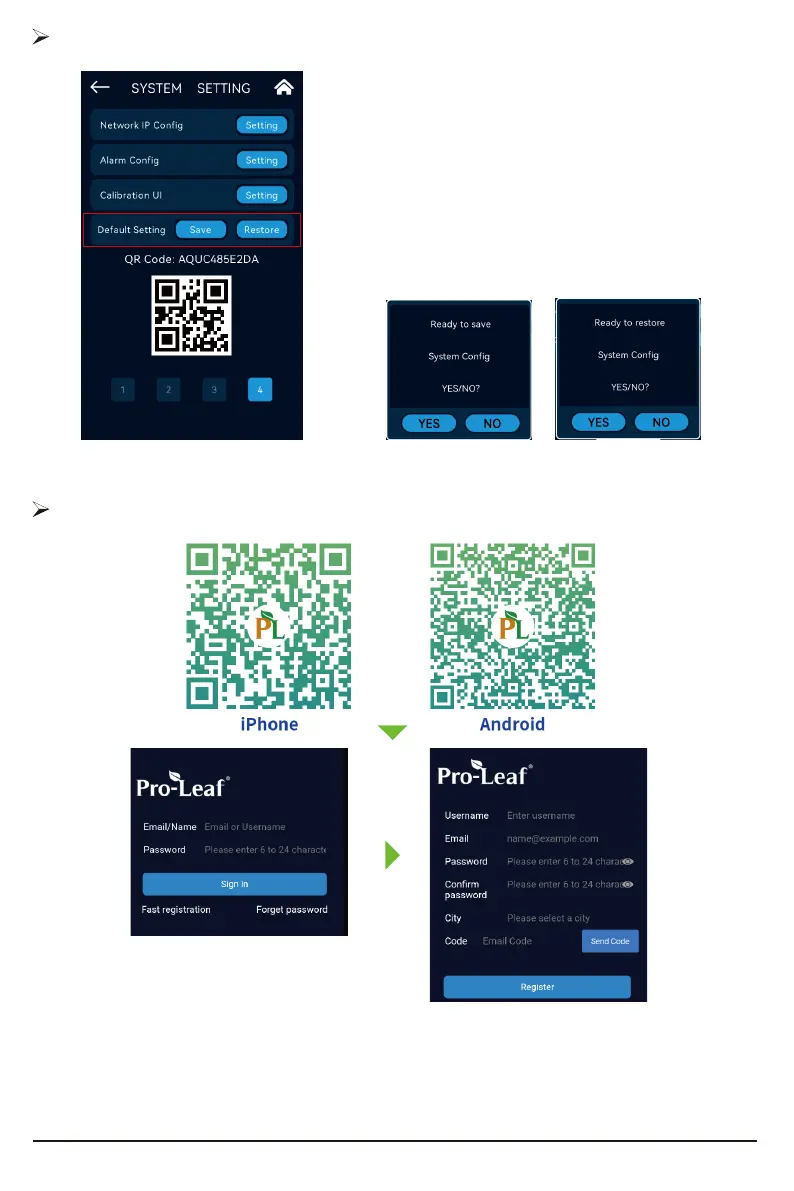
System preset data saving function:
Pre-save the system preset data, and restore the saved
data to the current conguration when needed.
During the operation, a reminder box for saving and
restoring will pop up.
Default Setting
Mobile phone remote control and App download and registration
Scan the QR code on your phone to download the App. After the installation is successful,the
login page is displayed. And then tap [Registration],Enter the Username, Password and Email, the
system will automatically send the verication code to the Email you provide, use the verication
code in the mailbox (may be in the spam box), verify and complete the registration, login to the APP
after successful registration.
30



 To Next Page