EasyManua.ls Logo

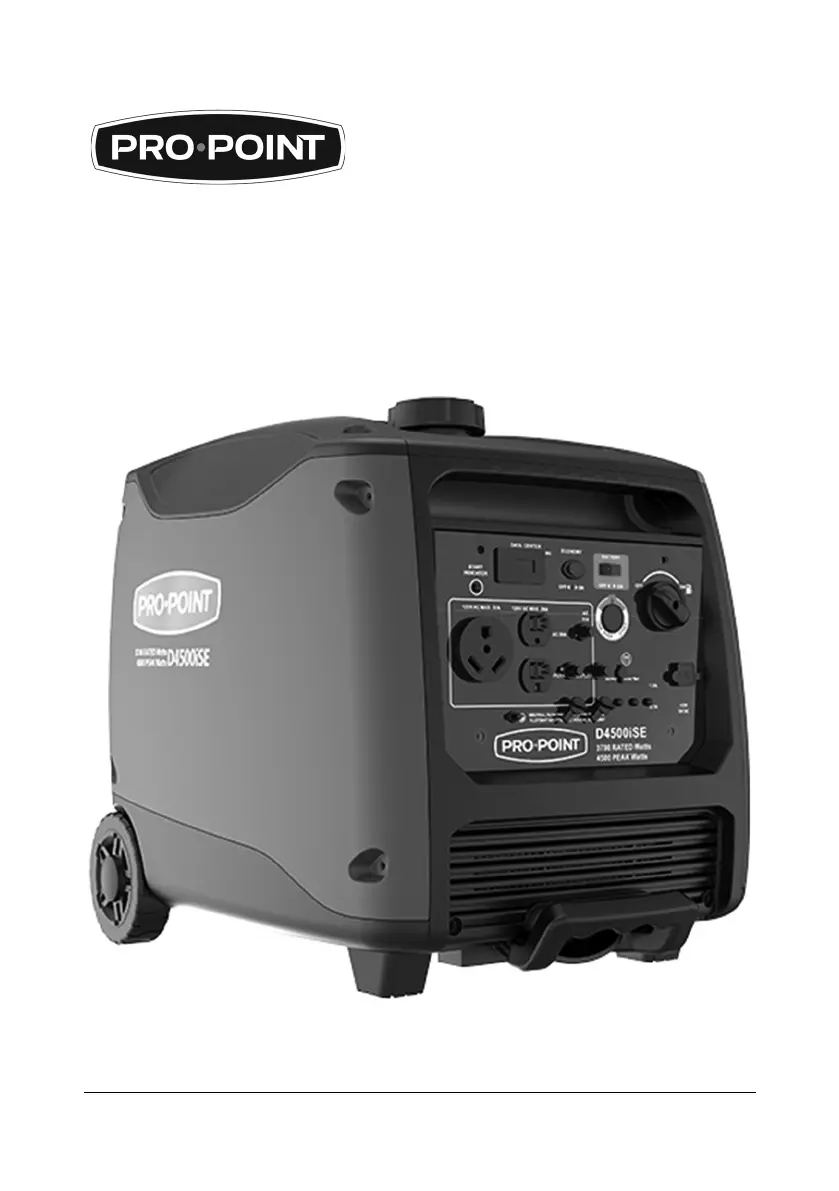
pro.point D4500iSE - User Manual

pro.point D4500iSE
72 pages
Print Icon
To Next Page IconTo Next Page
Loading...
V1.1 8953168
Please read and understand all instructions before use. Retain this manual for future reference.
GASOLINE INVERTER
GENERATOR
ļ‚Ÿ
ELECTRIC START

Questions and Answers

  • T
    Troy SweeneyAug 18, 2025
    How to fix a pro.point D4500iSE Portable Generator that is not generating power?
    • J
      Jessica SmithAug 18, 2025
      If your pro.point Portable Generator isn't generating power, there are a few potential causes. First, ensure the main switch is in the ON position. Second, check for poor contact with the electrical socket and adjust the feet of the socket. Finally, make sure the generator is reaching its rated speed; if not, adjust it according to the manual's requirements.
  • J
    James TravisAug 23, 2025
    What to do if my pro.point D4500iSE Portable Generator engine lacks power?
    • A
      Andrew WilliamsAug 23, 2025
      If your pro.point Portable Generator engine lacks power, check if the filter element(s) are restricted and clean or replace them. Also, stale fuel requires draining the fuel tank and carburetor and refueling with fresh gasoline. For fuel filter restriction, carburetor malfunction, ignition malfunction, valves stuck, etc., replace or repair faulty components as needed.
  • R
    Rhonda FloresAug 29, 2025
    Why does my pro.point Portable Generator emit smoke?
    • T
      Tonya HuangAug 29, 2025
      The smoke emitted from your pro.point Portable Generator could indicate several issues: 1. White smoke suggests the engine is overloaded (reduce the load) or the fuel is contaminated (replace with clean fuel). 2. Black smoke indicates the engine is overloaded (reduce the load) or the air filter is dirty (clean the air filter). 3. Blue smoke means there's excess engine oil (drain until at the correct level) or the engine oil is incorrect (replace with the appropriate grade of oil).
  • J
    Joshua JohnstonSep 4, 2025
    How to stop a pro.point D4500iSE Portable Generator engine from shuddering?
    • J
      johnsonkatelynSep 4, 2025
      If your pro.point Portable Generator engine shudders during operation, the choke lever position may be incorrect. Open the choke lever until the shuddering stops.
  • E
    Erik WarrenNov 10, 2025
    Why won't my pro.point D4500iSE Portable Generator start?
    • E
      elizabethmoralesNov 10, 2025
      Your pro.point Portable Generator might not start due to several reasons. The engine could be cold, requiring you to move the choke to the CLOSED position until warm, then to the OPEN position. The fuel valve or engine switch might be in the OFF position; move them to the ON position. Low engine oil requires filling with the recommended oil to the proper level. It may be out of fuel, so refuel it. Bad fuel requires draining the fuel tank and carburetor and refueling with fresh gasoline. A faulty or improperly gapped spark plug requires gapping or replacement. If the engine is flooded, move the choke to the OPEN/RUN position and attempt to start the engine. A spark plug fouled/fails to produce a spark requires removing and cleaning the spark plug, checking the electrode spacing and setting ...

pro.point D4500iSE Specifications

General IconGeneral
Brandpro.point
ModelD4500iSE
CategoryPortable Generator
LanguageEnglish