Page 23
7 Turning the glass plate
• Make sure that the start stop (1) and the drawing unit (22) are positioned in the
very back of the device and that the clamping device (5) is released.
• Lift the weight (7) and hinge it into the top position of the holding device (9).
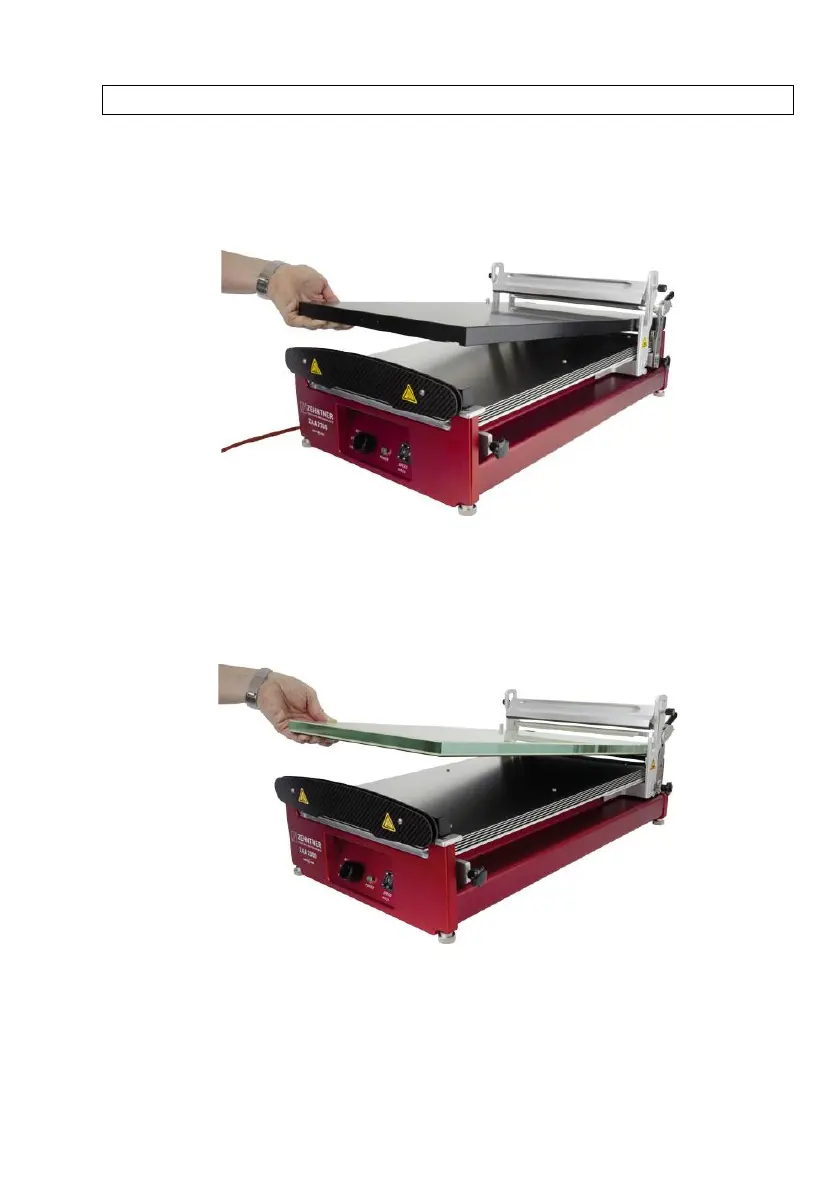
• Carefully lift the heating plate at its front edge and pull it out of the apparatus.
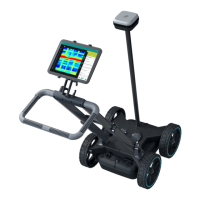
• Insert the glass plate into the device with the required side facing up. If using a
wire-bar or profile rod, use the printing blanket side of the glass plate. For
applications with gap applicators use the glass plate with its glass side facing
up.


 To Next Page