Keypad
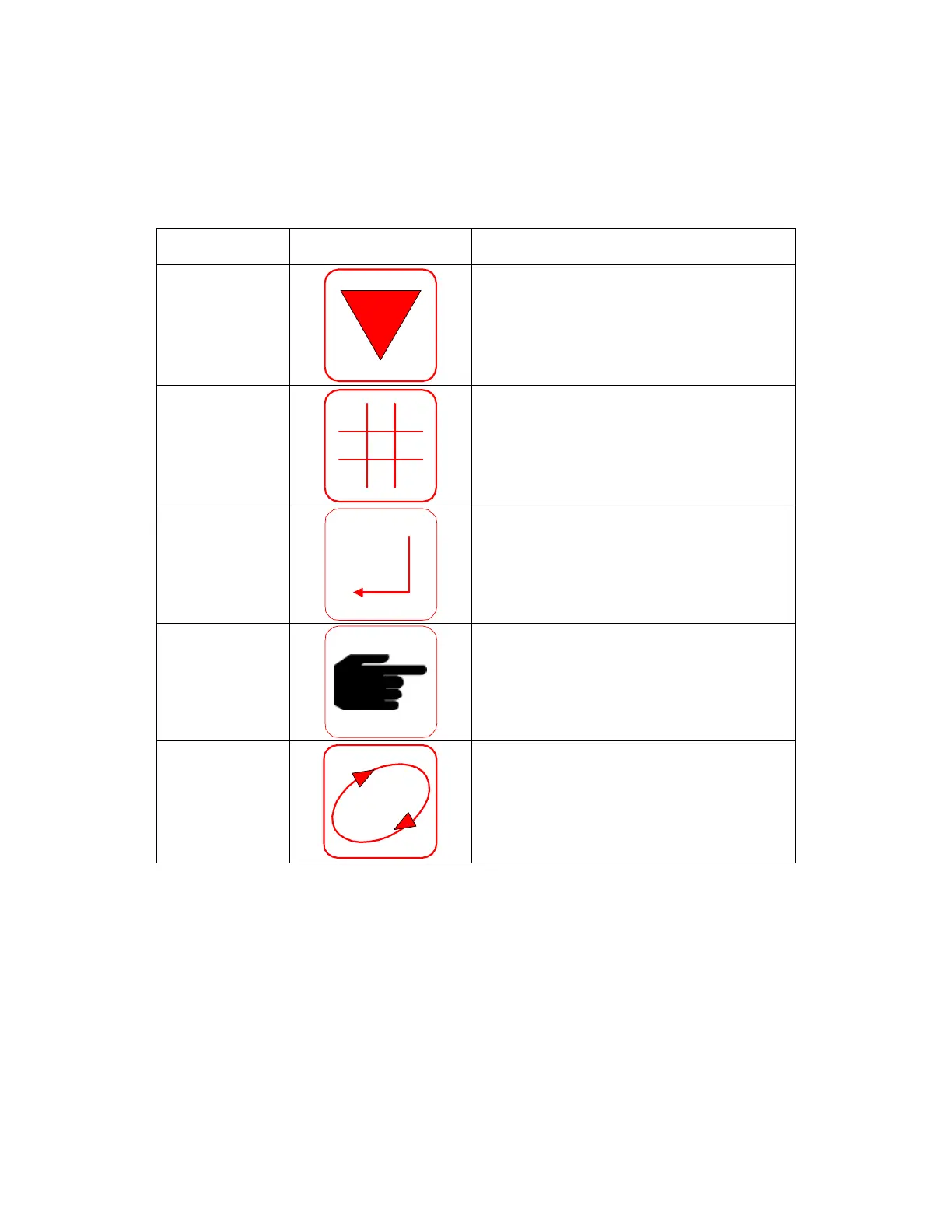
Keys: Symbol:
UP/DOWN
RIGHT/LEFT
Allows the user to move around the
menu structure and to position the cursor
in the desired place for setting numerical
values.
PRODUCT
CODE
Selects the desired Product Calibration
Code.
ENTER
Confirms changes and commits them to
permanent memory.
HAND
Computes an average value when a
grabbed sample is taken.
DISPLAY
ROTATE
Allows user to select each individual
constituent
7



 To Next Page