22
.6 Diagnostics
or
CT’s
nnel may view the values of these
arameters by selecting Diagnostics from the Main Menu.
enu
selection is not protected by a password as none of the parameters displayed may be altered.
7
The MCT’s software continually monitors several internal electronic variables to ensure that the sens
is operating correctly at all times. If any of these parameters go out of pre-set limits then the M
display will provide a warning message. Maintenance perso
p
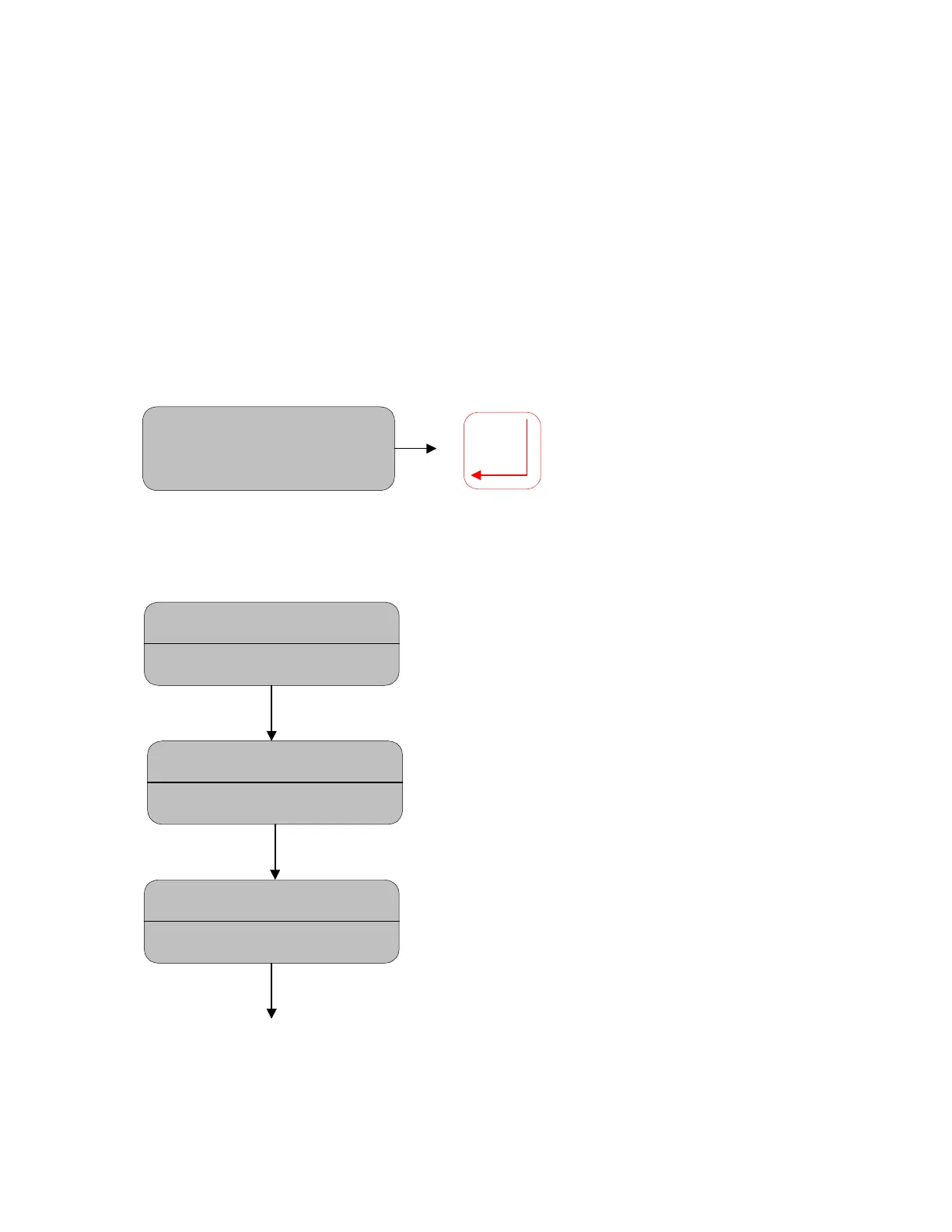
Move DOWN to DIAGNOSTICS and then move right to enter the menu. The Diagnostics m
Moisture= 12.89%
DIAGNOSTICS
The Diagnostics Menu allows the user to view the status of various internal set up parameters, voltages
and signal levels. Pressing the DOWN/UP key will scroll through the various parameters monitored by
the system.
Moisture = 12.89%
Thermistor: 3.20v
This parameter is the internal temperature
signal of the Pbs detector.
Moisture = 12.89%
Cooler Drive: 1.61v
This parameter indicates the voltage of the
thermocooler being used to keep the
detector at the set temperature of 20ºC.
Moisture = 12.89%
Gain: 156 (7.1v)
This is the gain factor of the pre-amp and
the strength of the largest filter signal on
the detector.



 To Next Page